stand-alone
operation
88
SYNRAD FH Series Flyer Operator’s Manual Version 3.4
WinMark Pro/FH Flyer interface
Make New Folder
Creates a new subfolder within the selected folder. After creation, the subfolder is
opened and its contents are displayed.
Delete Folder
Deletes the selected folder from the Filestore. The folder must be empty before it can be
deleted. If other les or folders are present, you are prompted to delete (or move) them
before the selected folder can be deleted.
Important Note: You are not prompted to review this action. The folder is deleted
(if empty) and is not recoverable.
Right click in Filestore
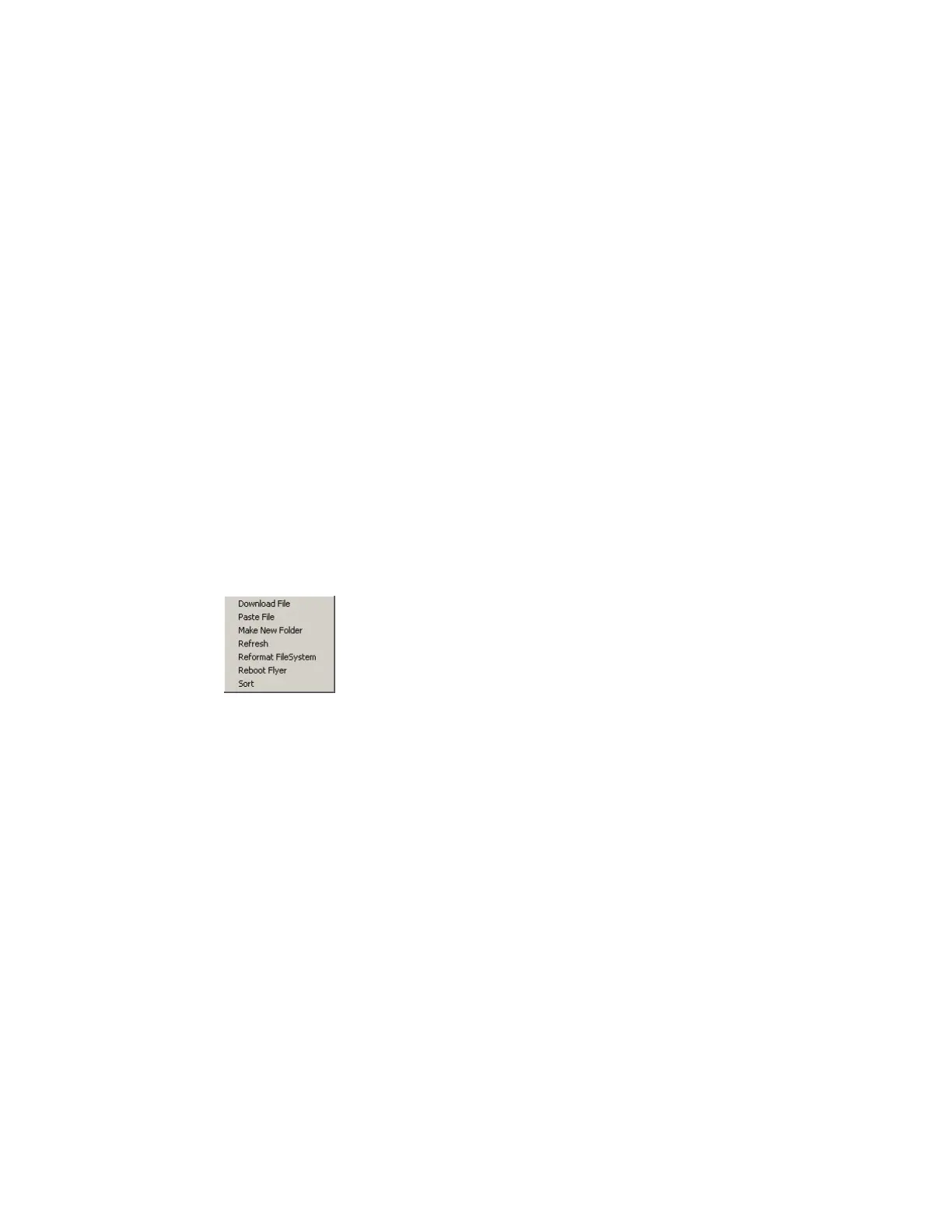
Right-clicking in the Filestore (Flyer Files window) provides the options shown in Figure
4-8 and described below:
Figure 4-8 Contextual menu—Filestore
Download File
Downloads a le from a computer or server to the root directory in the Filestore using
the Open dialog box.
Note: When copying les from a computer or server to the FH Flyer Filestore, the
WinMark Pro Hardlock (USB or parallel port type) must be installed on the
computer running WinMark before this operation is allowed to proceed.
Paste File
Pastes a le from the computer’s Clipboard to the selected folder in the Filestore. This
choice is grayed out (inactive) if the Clipboard does not contain a previously copied le.
Note: When copying les from a computer or server to the Flyer Filestore, the
WinMark Pro Hardlock (USB or parallel port type) must be installed on the
computer running WinMark before this operation is allowed to proceed.
Make New Folder
Creates a new folder, or subfolder, within the Filestore.



 To Next Page