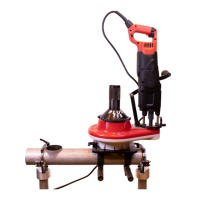
COLLARING MACHINE
19
S-80
¨NOT!¨
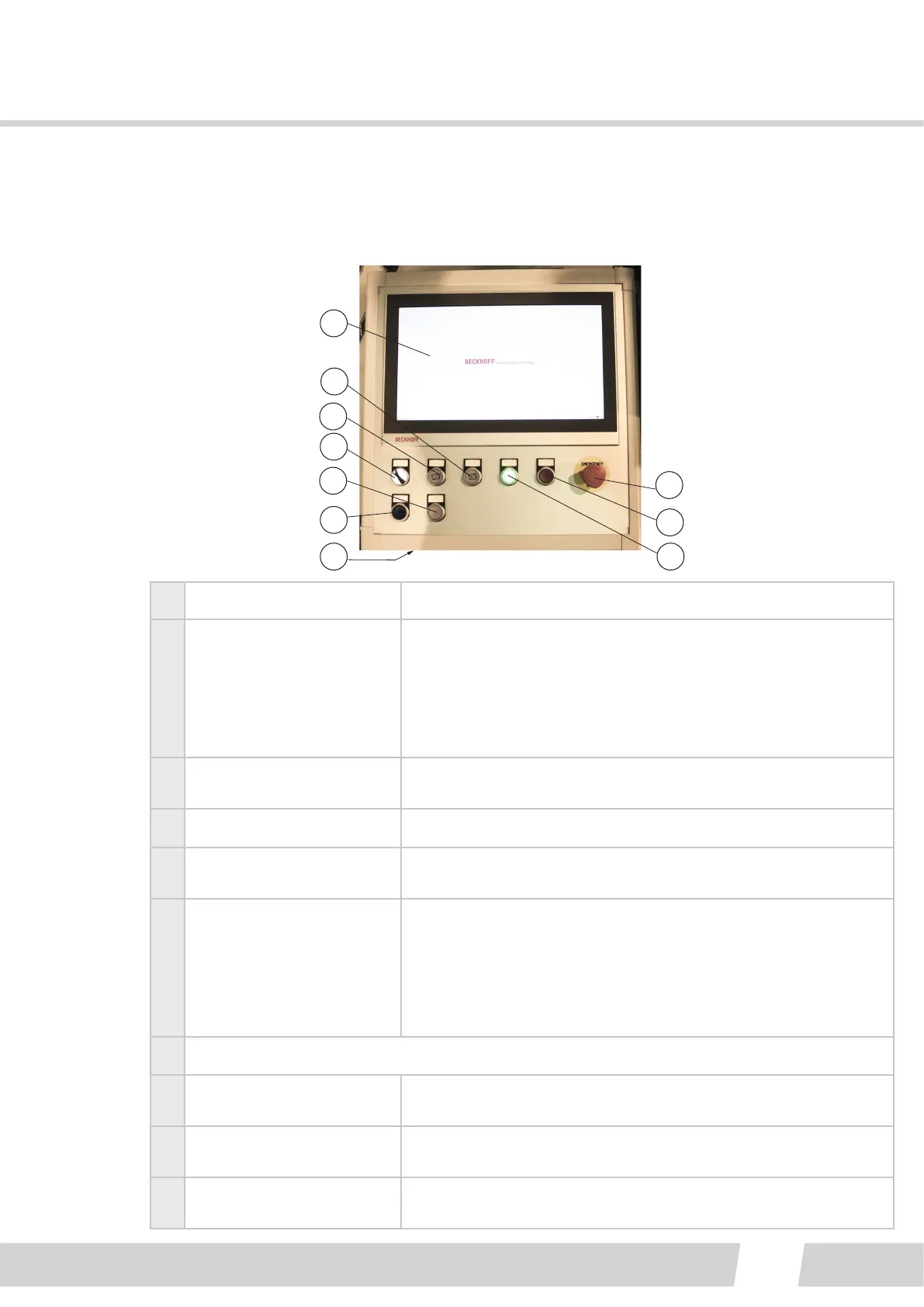
6.1.3. CONTROL PANEL
1
2
3
4
5
6
8
9
107
1 Touch panel display Operaon modes and adjustments
2
Work cycle STOP
PAUSE
Controlled stopping of the automac work cycle.
Push shortly to PAUSE. When on PAUSE of the cycle the pilot
lamp blinks. The cycle can be started again by pressing the
“cycle start” push-buon.
If the buon is pushed for 2 sec. the automac work cycle
stops completely.
3 Work cycle START
Push to start the automac work cycle. A pilot lamp signals that
the automac work cycle is on.
4 MAN - 0 - AUTO
5
Enter the safety area
request buon
Request to enter safety area. A controlled stopping of the
machine to next step of the program.
6
Reset safety curtain buon
/ Reset air pressure supply
The buon blue light is not lit, when the machine is ready,
power is on, and the safety curtain is acvated. Push the buon
for approx. 1 sec.
Reset air supply after Emergency stop, push the button.
To make a controlled machine reset, push 10 sec! See
troubleshoot!
7 USB-connecon. Only for memory sck!
8
Emergency stop (release
by turning)
Stops the machine in case of danger.
9 Machine OFF push-buon
Disconnects the control power from the S-80 machine. The PC
is on and can be used to program.
10 Machine ON push-buon
Puts the cung machine in state of readiness, switches the
control on to the machine. Green light in a pilot lamp is lit.



 To Next Page