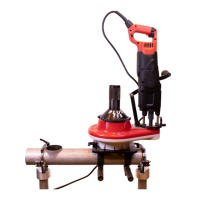
COLLARING MACHINE
41
S-80
6.
Set actual posion
for selected axis
For seng of the actual posion one selected, or all axis, aer a
successful posioning.
“Set” sets only the one acvated axis posion line on eld 2, “Set
all” sets all eld 2 posions at once.
7.
Copy / paste all
posions
Acvate a line from eld 1, tap “Copy” to copy all eld 2
informaon.
Acvate another line from eld one and tap “Paste” to paste all
informaon to eld 2 of the acvated line.
8. Save
9. Export
The buon exports the informaon data to the predened folder
on the computer C-drive (C:\T-Drill\).
10. Import
The buon imports the informaon data from the predened
folder on the computer C-drive (C:\T-Drill\).



 To Next Page