TELOS TWOX12 USER’S MANUAL
DETAILED CONFIGURATION & REFERENCE
CHAPTER 7 99
7 Detailed Configuration & Reference
After power-up and initialization, the following status screen appears…
TWOx12
V1.0
TELOS SYSTEMS yyyy-mm-dd
When you see this screen, and if
• the ISDN or POTS lines are connected and functioning correctly, and
• the System’s configuration settings have been adjusted to the requirements of
your installation,
then the TWOx12 is ready for you to make and receive calls.
You may confirm that the ISDN line is ready with the ISDN Status screens. Press the
Status button to display these. If all is OK, you will see the Ready indication for each
ISDN B channel.
If you do not see “READY” as the ISDN Status first cycle power to the TWOx12 off
and then back on. If you still do not seen READY on the ISDN Status screen review
the information in sections 2.3, 2.4 and 3.1 and check both your ISDN settings and
set-up information. If the information there does not help, there is in-depth
troubleshooting information in sections 7.3.2 and section 8.
A few words about the TWOx12 and its hardware family
You will note a high degree of similarity between the TWOx12 and several other
recently developed Telos Systems products. In order to keep your costs as low as
possible we have chosen to use many assemblies on more than one product.
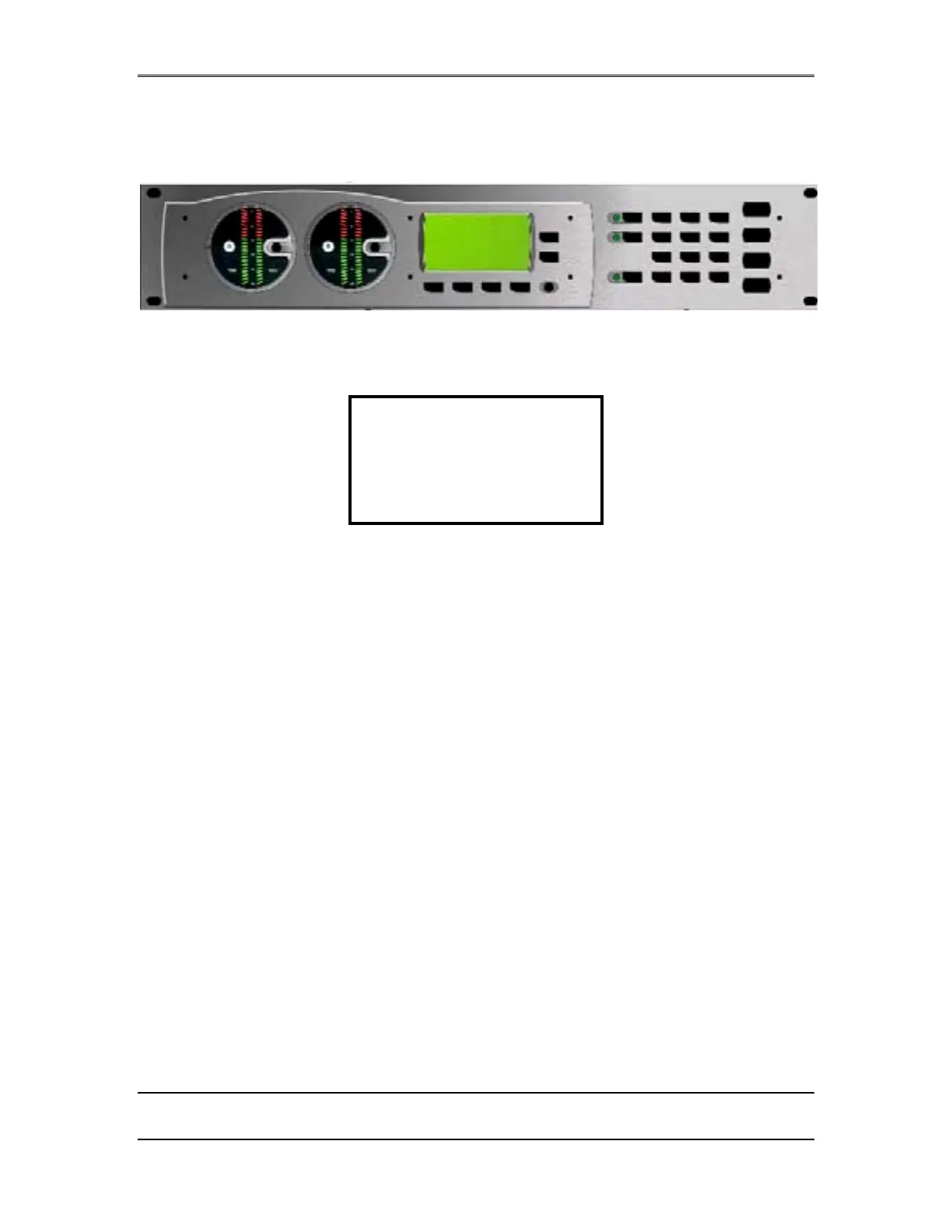
Therefore there are a few buttons on the front panel of the TWOx12 that are not used.
The four buttons to the right side of the numeric keypad and the 3 buttons to its left
fall in this category. The lowest LED to the left of the numeric keypad is used. When
this LED is flashing it indicates that the system is writing to nonvolatile memory.



 To Next Page