TELOS TWOX12 USER’S MANUAL
DESKTOP DIRECTOR – GENERAL OPERATION
CHAPTER 4 76
• Press the soft key button below the word MODE. You should now see a
screen that looks similar to the following.
Configuration Menu
%
Director Mode
Contrast
Backlight
• Now press the 6once. The words Director Mode should be highlighted by a
grey cursor bar and the black text will change to white.
• Now press the SELECT button
• You will now see a screen that looks like:
ENTER <= or => TO CHANGE
Producer
• Press 6 or 5 to change the setting. Note that the little switch on left of the
screen moves up or down as you change the setting.
• Press SELECT to confirm your choice or just press the soft key below the
word BACK to return the main menu without the change taking effect.
4.4.3 Volume Menus
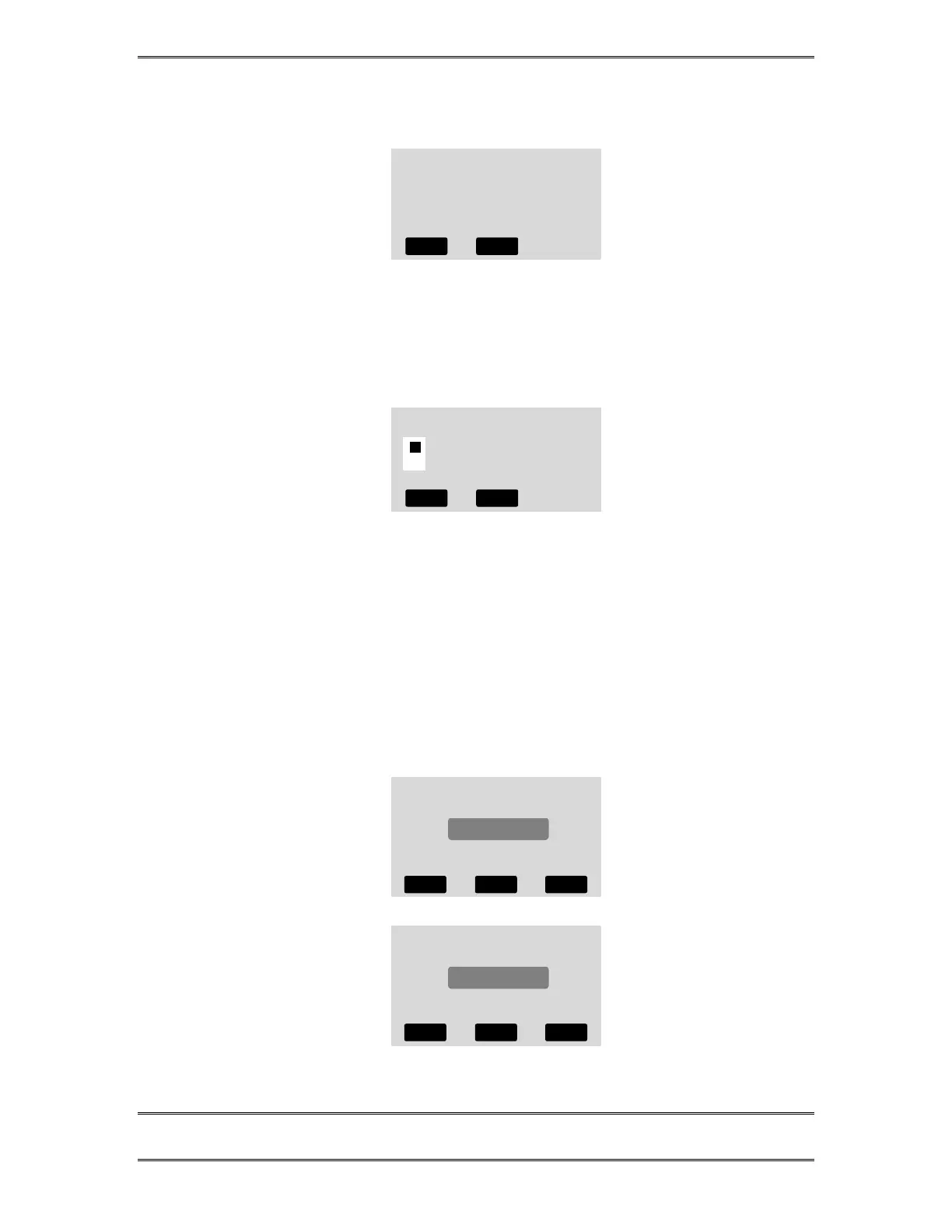
Pressing the soft key button below the word VOLUME will display one of the
following screens. Pressing that soft key repeatedly will cycle through the following
screens.
Speaker Volume
-
IIIIIIIIIIIIIIIIIIIIIII
+
6DOWN 5 UP
Handset Volume
-
IIIIIIIIIIIIIIIIIIIIIII
+
6DOWN 5 UP
BACK HELP
BACK HELP HANDSET
BACK HELP RINGER
BACK HELP



 To Next Page