TELOS TWOX12 USER’S MANUAL
GETTING UP & GOING – SYSTEM CONFIGURATION
CHAPTER 3 62
3.4 Analog phone line setup (If you ordered an ISDN TWOx12 see section 3.3)
You can identify that your TWOx12 is equipped with POTS (analog) telephone lines
by examining the rear panel. If four interface cards with three RJ-11 style connectors
each are present (in slots A, B, C, & D), then the unit supports analog operation.
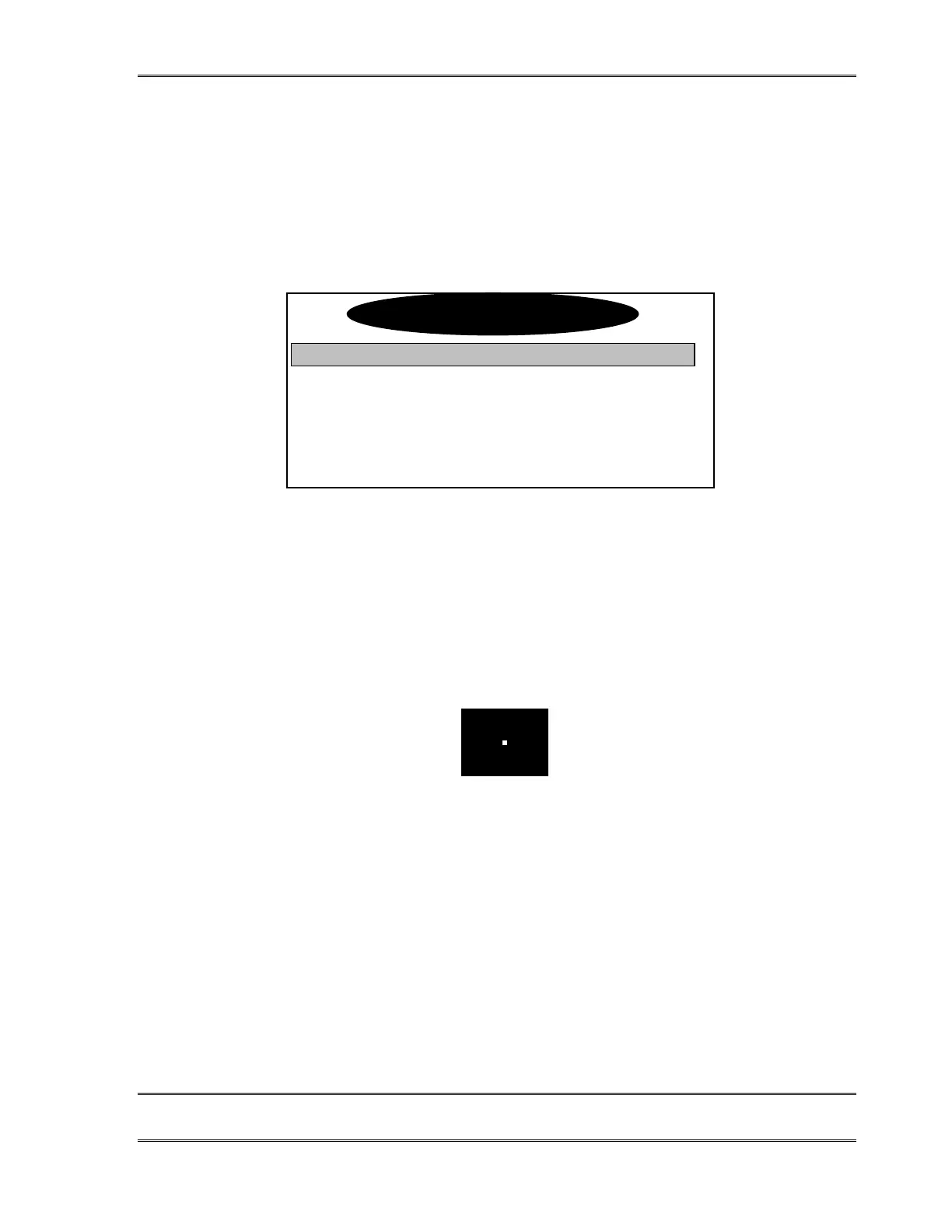
No configuration is necessary when POTS lines are used. In this case the Tel menu will
look as follows:
Audio Settings
Telco Natl.I-1
Slot A POTS
Slot B POTS
Slot C POTS
If you have a mixed system, you will see some slots labeled in this menu as “ISDN” rather
than “POTS”. You’ll need to follow the steps in section 3.3 to configure those slots.
3.5 Is the ISDN working?
Successful initialization of a line will be indicated by the idle line state on the Desktop
Director. The idle line state looks as follows:
Press the Status button then press the 6 button. You should see a screen that says Slot A -
Status at the top. If you do not see this screen don’t panic, just repeatedly press the 5or 6
button until you see this screen.
If you do not see “READY” for each ISDN channel on the Slot Status screens try turning
the unit off and then back on again. If you still do not get READY you may need to go back
to section 3.3 and check both your ISDN settings and set-up information. If the information
there does not help, there is in-depth troubleshooting information in section 8.
Telco Settin
s



 To Next Page