TELOS TWOX12 USER’S MANUAL
DETAILED CONFIGURATION & REFERENCE
CHAPTER 7 105
7.3 Advanced: Setting the TWOx12’s Configuration
You use the various configuration settings to adjust audio levels, set the ISDN
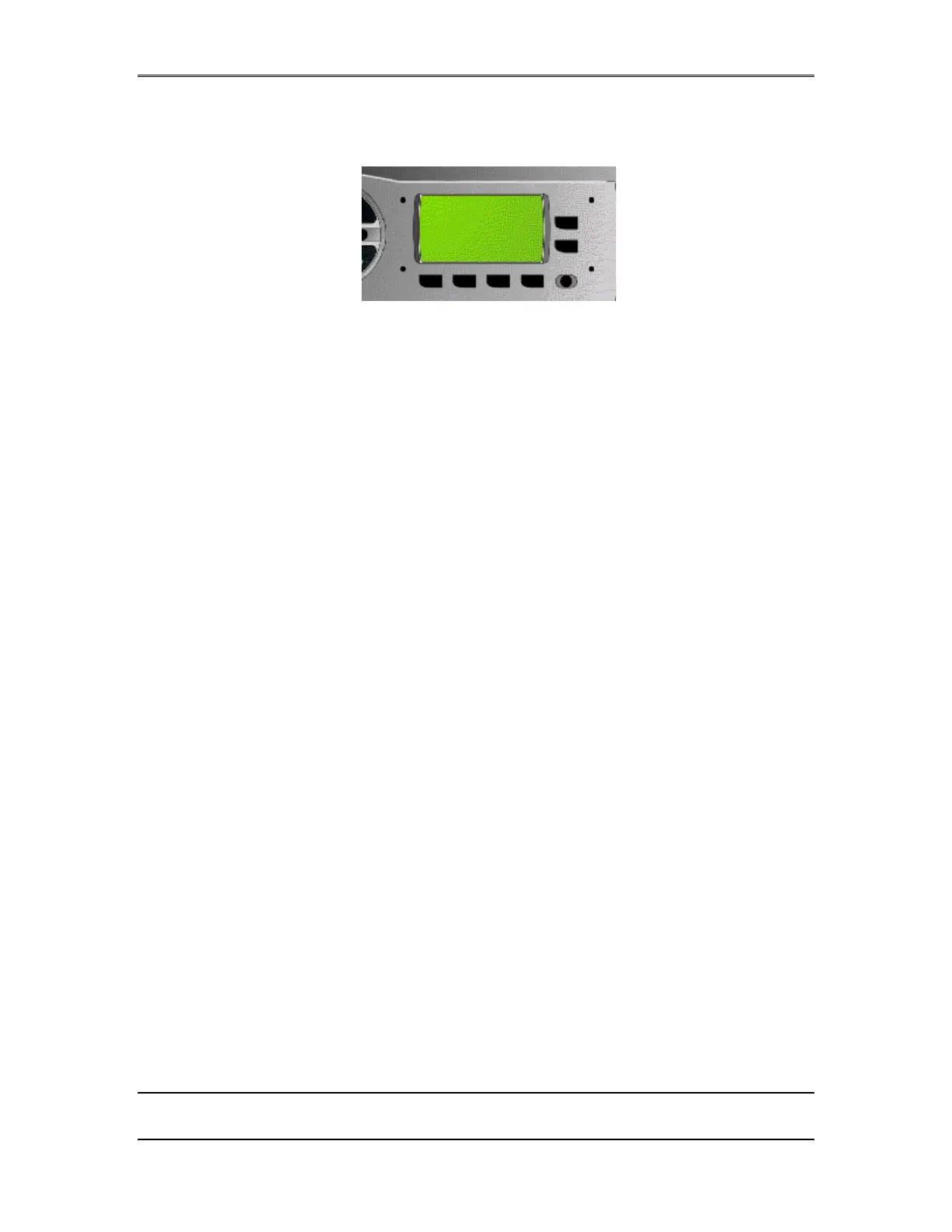
parameters, etc. The buttons located near the LCD display on the rack-mount chassis
are used for this purpose. Note: the Desktop Directors each have menus which allows
adjustment of the ringer and headset volume, LCD contrast, Producer vs Talent
mode and other user settings. See section 4, 5 & 6 for details on the Desktop
Director™ operation
Each of the four buttons below the LCD display calls up the menu item group
associated with the button’s name. The menu groups are:
• AUDIO
• TEL
• SYSTEM
• STATUS
Status, described above, is not really a menu, it presents screens for viewing only;
there are no items that can be changed. See section 7.2 for details on this menu.
Menu Navigation & Item Selection
After you select a menu group, you can use the 6 & 5 arrow buttons to scroll
through the available items. You may select a highlighted item for modification by
pressing the Select button. Once an item is selected, you can use the 6 & 5 arrow
buttons to can change the value of the setting.
When you reach the value you desire, press the Select button again to lock it in and
return you to the item selection/scroll mode.
AUDIO TEL SYS STAT
5
6


 To Next Page