TELOS TWOX12 USER’S MANUAL
DESKTOP DIRECTOR GUIDE FOR CALL SCREENERS
CHAPTER 5
PLEASE COPY THIS SECTION AND GIVE TO YOUR CALL SCREENERS
79
5 Telos Desktop Director™ - Guide for Call Screeners
(Copy and distribute this information to your staff)
5.1 General Description
The Telos Desktop Director™ acts as a studio telephone or it acts as a control surface
for putting lines on either of the Telos TWOx12’s built-in hybrids. The Desktop
Director™ has two modes of operation – Producer (screener) mode and Talent mode.
Section 4 gives general information while sections 5 and 6 give complete details on
using the TWOx12 and Desktop Director™ in Producer and Talent modes,
respectively.
These sections should be duplicated and distributed for your staff to read.
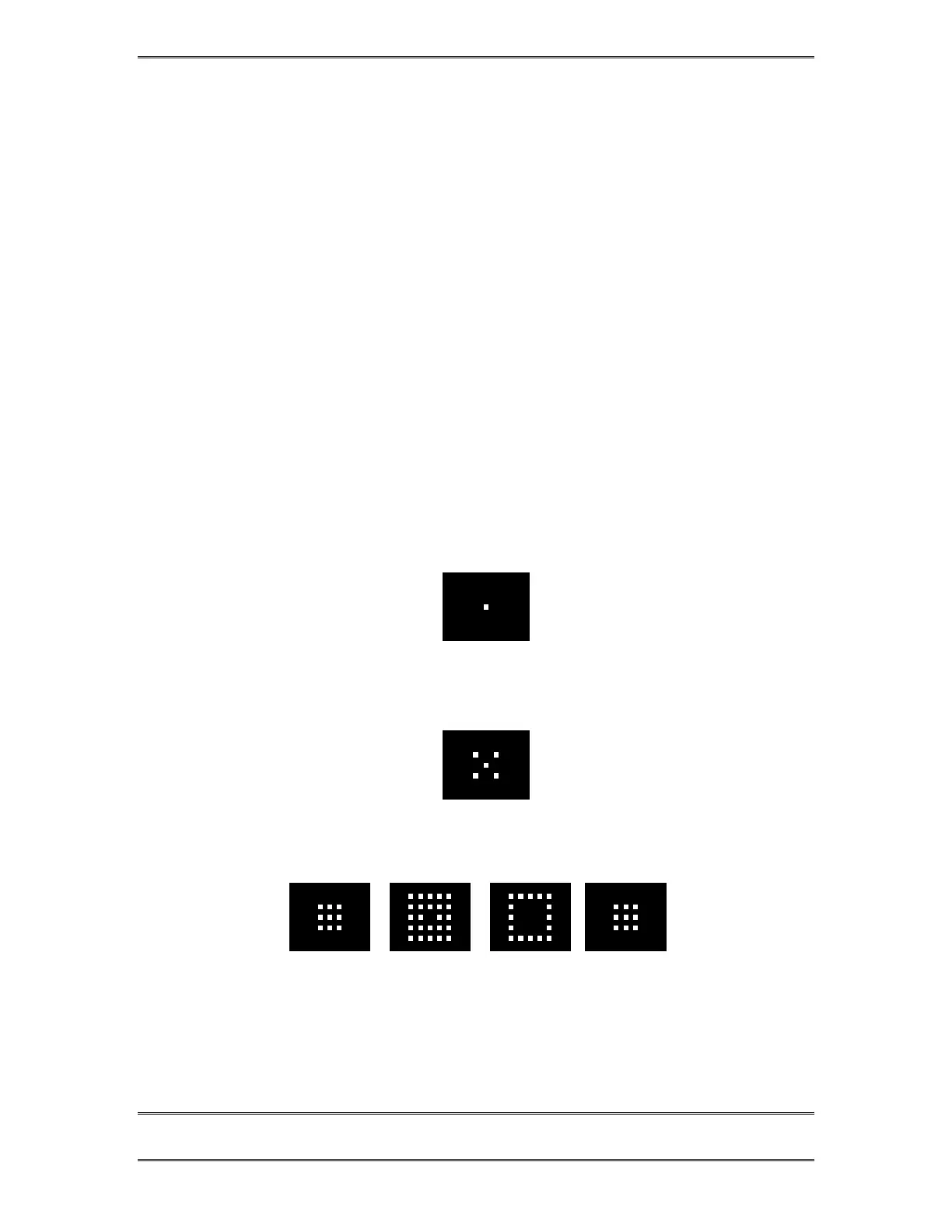
5.2 Status Symbol™ Icons & What They Mean
The Desktop Director breaks new ground in broadcast telephone control surfaces
with the use of easy to understand Status Symbol™ Icons displayed on the LCD
matrixes located between the two rows of line selectors. In most cases the meaning of
each symbol is easily and effortless understood without study. However, to be
complete, here is what each sequence means.
This line is on-hook ready for incoming or outgoing calls (Idle)
This line is in use by another studio
Line is ringing



 To Next Page