TELOS TWOX12 USER’S MANUAL
DESKTOP DIRECTOR – GENERAL OPERATION
CHAPTER 4 75
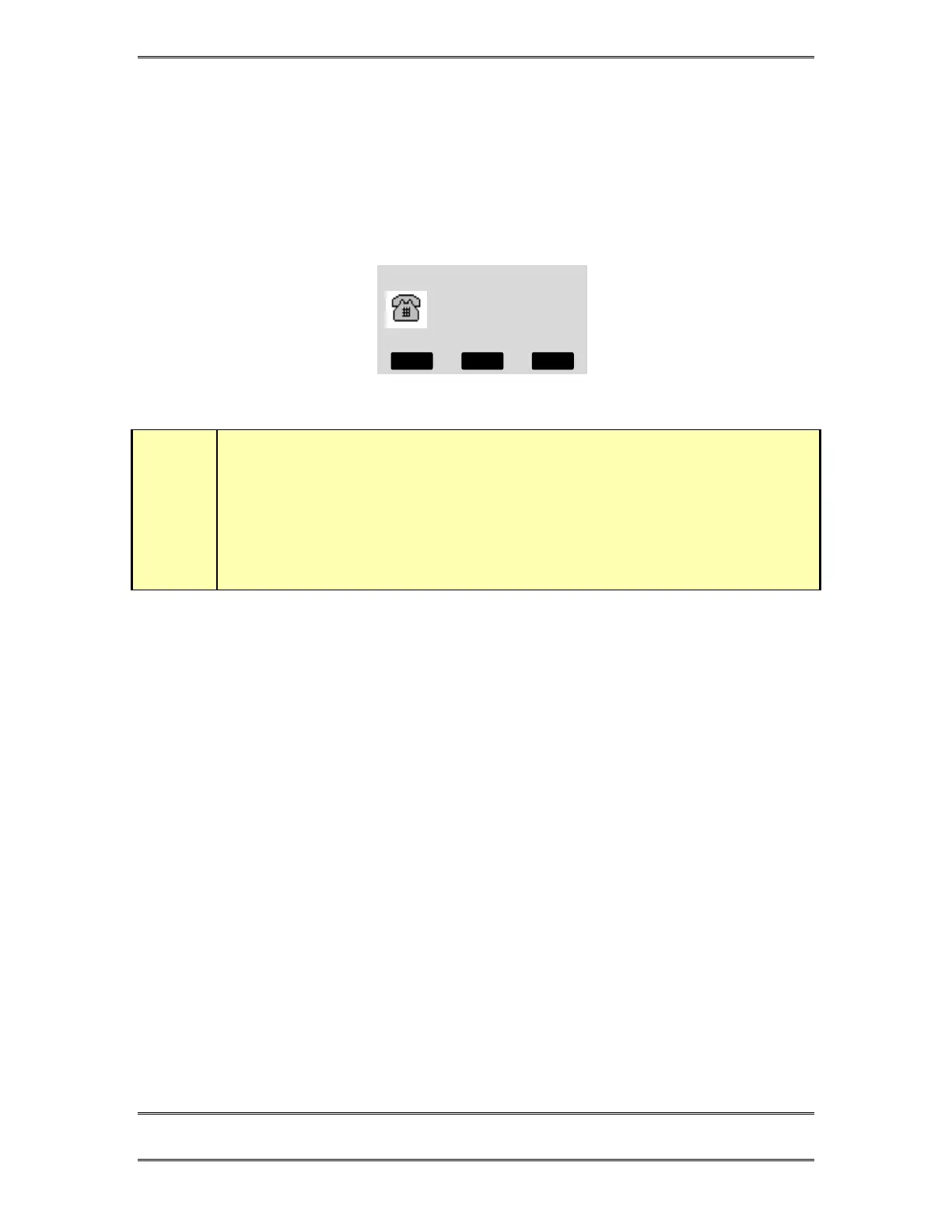
4.4 Desktop Director™ LCD Screen & Menu Navigation Buttons
The LCD status is used for general status information and for configuring the
Desktop Director™. Items can be selected and changed using the 6 buttons
immediately below the LCD screen. The buttons in the row immediately below the
LCD screen are “soft buttons”. The function of these buttons will be indicated on the
bottom row of the screen.
Talent
The default Desktop Director LCD Screen
w
IMPORTANT!
Since certain functions work differently in “
Talent”
versus “
Producer”
mode it is
important that your staff understand that there are two modes, and how to switch
between them. This is covered below and again in sections 5 and 6.
4.4.1 Menu Navigation
The LCD screen and menu navigation buttons are used to set volume settings, LCD
screen backlight and contrast, and to select the “mode” for a particular Desktop
Director™. The function of the three “soft keys” immediately below the LCD screen
will vary depending on context and will always be displayed on the screen. In most
cases the center soft key offers context sensitive HELP and the left softkey offers a
BACK function. The BACK function takes you back to the default screen without
saving unconfirmed changes.
The 6 & 5 buttons scroll through the options in a menu while the Select button
chooses a menu selection or confirms an entry. In the volume menus 6decreases the
volume while 5 increases it. The change in volume takes place immediately.
Pressing the Desktop Director’s Select button will permanently store this setting.
4.4.2 Changing from Producer to Talent mode
At any given time each Desktop Director™ is in either Producer or Talent mode.
This can be changed at any time for each Director in the system. Producer mode can
be thought of as “Screener phone” mode while Talent mode can be thought of as “on-
air control” mode. As discussed earlier, the function of certain buttons is different in
these two modes. To change from Producer mode to Talent mode:
MODE HELP VOLUME



 To Next Page