TELOS TWOX12 USER’S MANUAL
INSTALLATION
CHAPTER 2 20
In the USA & Canada, a direct connection to the "bare copper" 2-wire U interface is
required. Therefore, the USA & Canada interface module includes an integral NT1 and the
RJ-11 style jack is provided. Users in USA & Canada should follow the hookup
information that follows.
In the rest of the world, the Telephone Company provides the NT1 and the 4-wire ISDN ‘S’
interface will be used via the 8 pin RJ-45 style jack. The ISDN interface in Telos TWOs
shipped to these locations is provided only with this connection. Users outside the USA &
Canada should skip ahead to “ISDN Worldwide (outside the USA & Canada): The
S/T Interface” for hookup information.
ISDN in USA & Canada: Using the U Interface
Connect the ISDN line from the telephone central office directly to the RJ-11 style “U
interface" modular jack on the rear panel ISDN interface using the standard modular phone
cable provided.
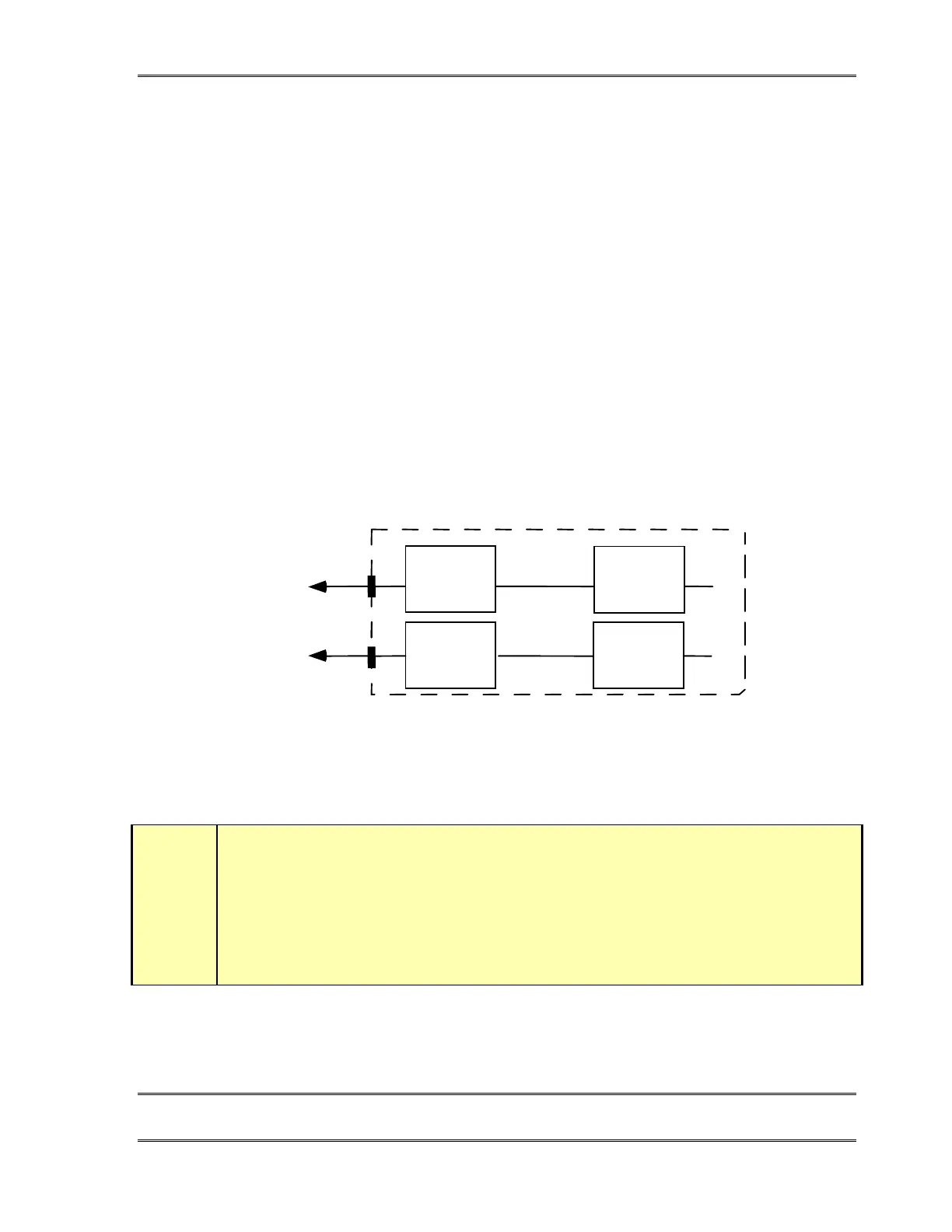
U Bottom (1/2)
NT1
TA
TWOx12 USA ISDN Interface
NT1 TA
U Top (1/2)
To Telco - ISDN
RJ-11 (Standard Modular)
To Telco - ISDN
RJ-11 (Standard Modular)
Normal set-up in the USA & Canada. The U jack connects directly to the Telco line and
the S/T jack is unused.
w
IMPORTANT!
Your ISDN connections are in the first 3 Interface slots from the left side of the unit as
viewed from the rear of the unit (slots A, B, & C). The RJ- 45 style connectors to the right side
(slot F) are for the Desktop Directors.



 To Next Page