TELOS TWOX12 USER’S MANUAL
INSTALLATION
CHAPTER 2 21
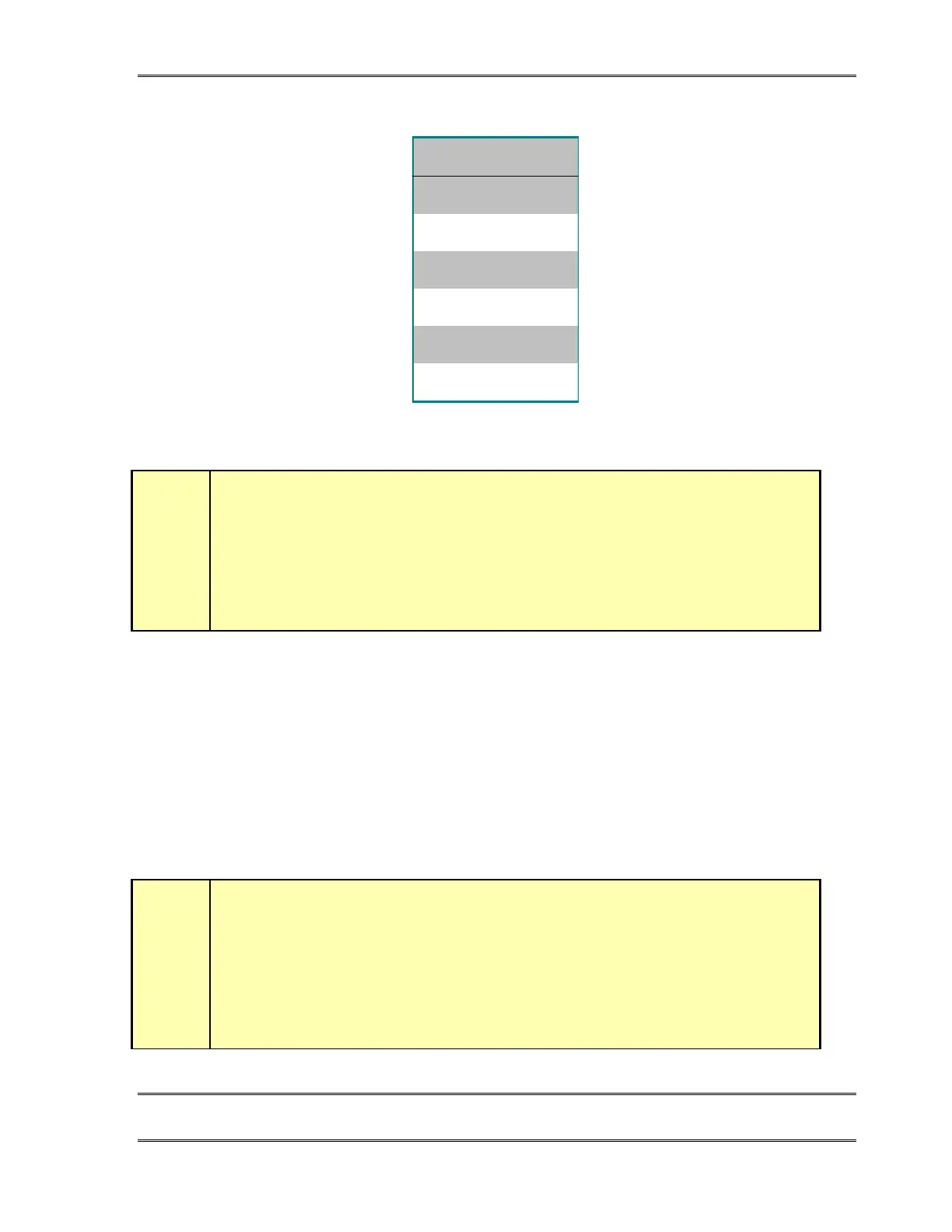
ISDN U interface connector (USA & Canada only)
PIN FUNCTION
1 N/C
2N/C
3 Line (R)
4Line (T)
5 N/C
6N/C
ISDN U interface connector as provided on units shipped to the USA & Canada. Note,
the polarity of the line connections should not matter.
w
IMPORTANT!
As with any piece of modern electronic gear, it is advisable that precautions be taken
to prevent damage caused by power surges. Standard telephone line surge protectors
can be used to offer some degree of protection at the U interface jack. It is the user’s
responsibility to ensure that adequate protection is provided
.
U Interface Status LEDs
The small green LEDs, on the ISDN interface card, near each U jack, indicate the status of
the corresponding ISDN circuit. Normal status is indicated by the LED being lit. Rapid
flashing (about five times per second) indicates a loss of the ISDN at the lowest (physical)
level. If the NT1 can contact the central office (or an active U repeater), the LED will blink
slowly (about once per second). The LED will come on solid when all handshaking is
completed and the basic line connection is good. If each of these LEDs do not light
continuously once you have connected your ISDN circuits, you may wish to skip ahead to
Section 8 for information on troubleshooting the problem.
h
HOT TIP!
Normally, the Telephone Company should supply an RJ- 11 style jack for the U
interface. This is the same 4 or 6- pin plug used for analog lines. However, sometimes
you may find an 8- pin RJ- 45 style jack–and sometimes you may even be charged
extra for it! If you have this situation, an RJ- 11 plug can be inserted into the center of
an RJ- 45 jack to make things work. If you discover that the Telco charged you extra, be
sure to request a refund!



 To Next Page