TELOS TWOX12 USER’S MANUAL
DETAILED CONFIGURATION & REFERENCE
CHAPTER 7 122
7.3.3 The System Menu
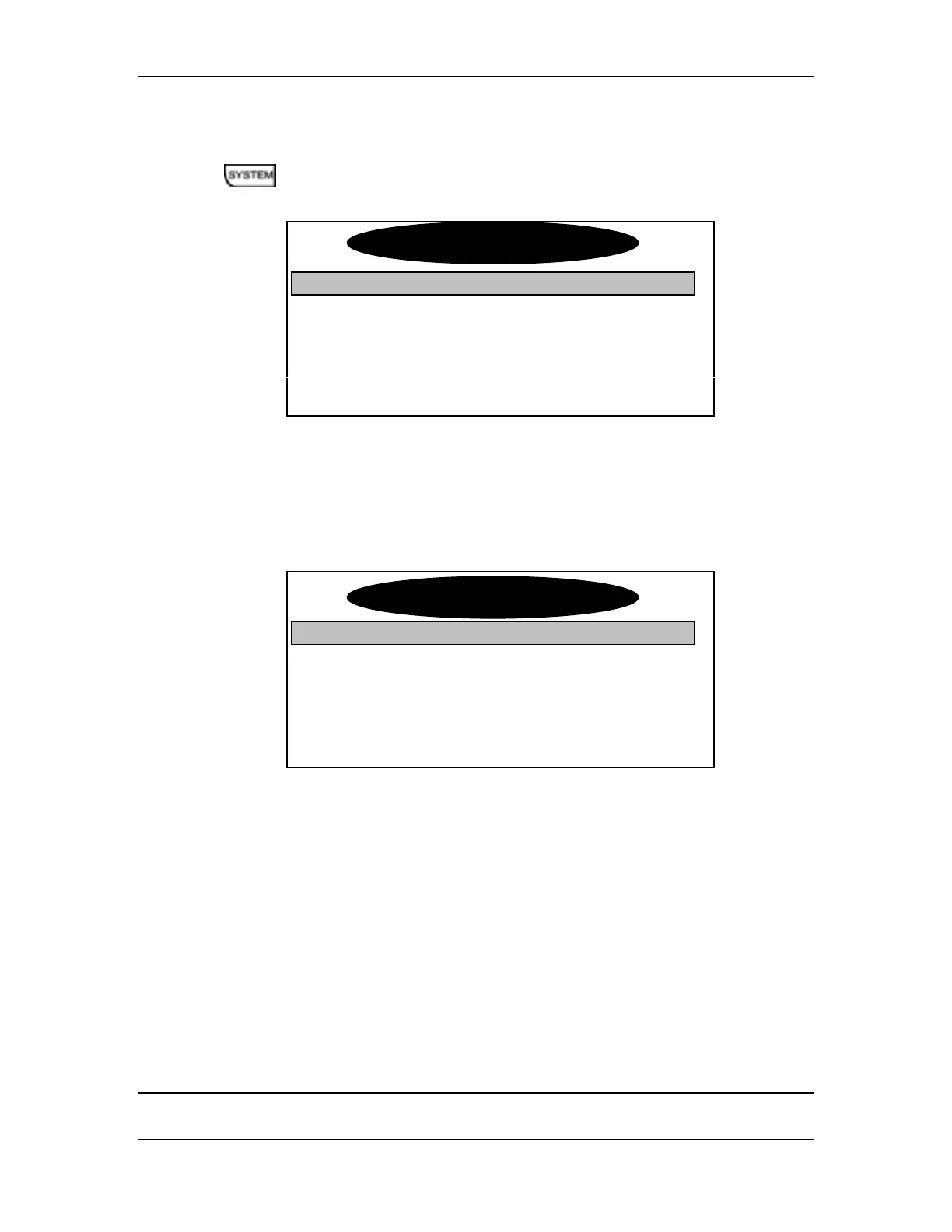
This menu consists of sixteen items that control basic system settings.
Audio Settings
TCP/IP Setup
$
Software Update
$
Contrast [|||||||||||||| 12 ||||||||||| ]
Backlight [||||||||||||||||||| 20 |||||||||||||||]
TCP/IP Setup (sub-menu)
Selecting this option displays the TCP/IP Settings sub-menu with the following
options. Selecting ↵ will return you to the System Settings menu.
Audio Settings
↵
IP Addr 0.0.0.0
Subnet 0.0.0.0
Gateway 0.0.0.0
IP Addr
This is the IP address for this TWOx12. As with any computer on an IP network
the TWOx12 must have an IP address before it can be used over the network.
Since this address must be unique so you’ll have to ask whomever manages your
network to give you this number.
Actually, an IP address is a series of 4 numbers separated by periods. This is a
numeric-only field; enter the numbers using the dial pad. Both # and * will give
you a period. As usual, the 5 key will backspace if you make a mistake or need
to delete an old entry.
S
stem Settin
s
TCP/IP Settin
s



 To Next Page