TELOS TWOX12 USER’S MANUAL
INSTALLATION
CHAPTER 2 43
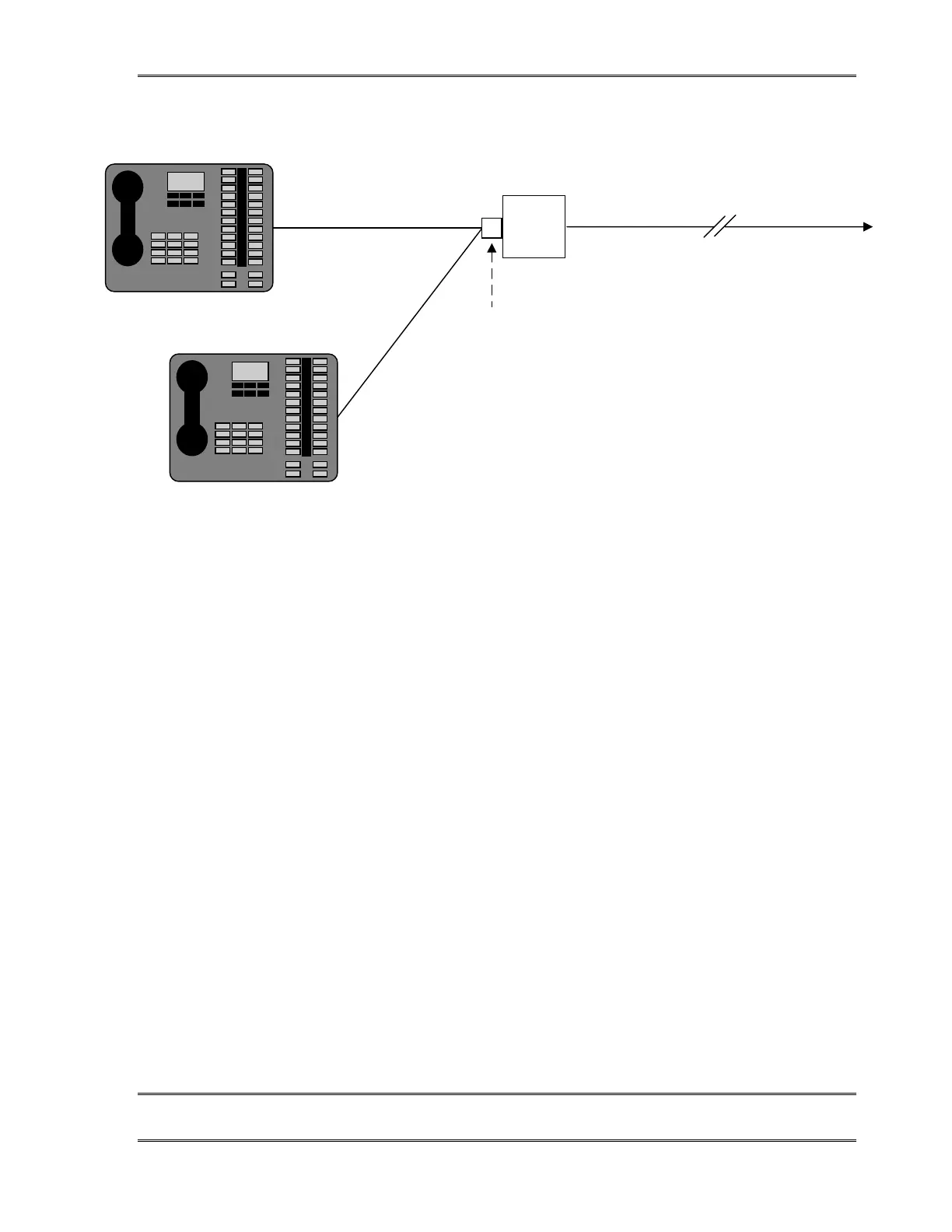
To TWOx12 Deskto
Director Port
1100 feet (338 meters) maximum
Lucent
Power
Supply
Distance "A"
Distance "B"
NOTES:
1) A must be less than 120 feet (37 meters)
2) B must be less than 33 feet (10 meters)
3) Desktop Director B must have terminatio
resistors removed.
8-Pin (RJ-45)
Modular splitter
In the Multiple configuration one Desktop Director™ must be reconfigured to
have its termination resistors removed (see below). This unterminated
Desktop Director™ must be within 33 feet (10 meters) of the power supply
Desktop Director™ Termination Resistor Settings
Desktop Directors™ are shipped with the internal termination resistors enabled. When two
Desktop Directors are used in a single port, the termination resistors on the Director closer
to the power supply will need to be disabled. To do so follow the steps below:
1. Disconnect the Desktop Director cable from the Desktop Director.
2. Remove the handset from its resting place and turn over the Director so you can
see the bottom of the unit.
3. Remove the round black cover. This can be pried off with a knife blade. Or a
miniature screwdriver may be pushed firmly under the lip and then lifted out to
pop the cap loose.
4. You will see a black rectangular transformer labeled T1. To the right of T1 locate
and remove the jumpers labeled JP1 & JP2.
These are small jumper blocks which can be lifted off with needle- nose pliers.
5. You’ll want to save the jumper blocks. You can store each of them on one of the
jumper pins.
6. Replace the access cover removed in step 3 by pushing firmly in place.



 To Next Page