TELOS TWOX12 USER’S MANUAL
GETTING UP & GOING – SYSTEM CONFIGURATION
CHAPTER 3 60
• Scroll down using the 6 button until SLOT A is highlighted with the dark bar.
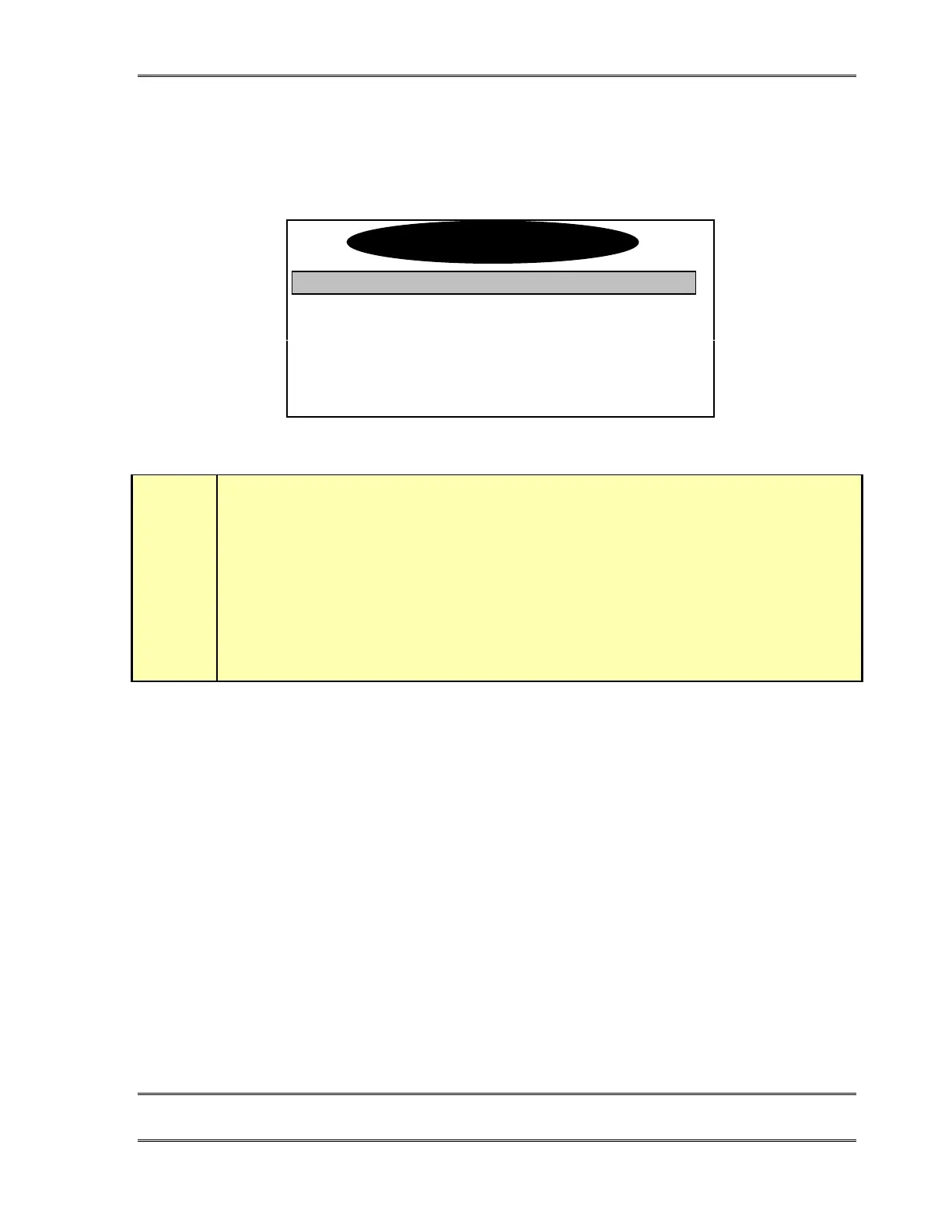
• Press the Select button. You will now see a screen which looks like:
Audio Settings
↵
Top SPID1
Top SPID2
TopDN/MSN1
w
IMPORTANT TIP!
You will be entering 2 SPIDs and 2 Directory Numbers (DNs) for EACH of your ISDN BRI
circuits. In the menus that follow we use the following nomenclature for each slot in the
TWOx12. Please take care to get the right SPID and DN in the correct entry field as ISDN
requires this information to operate.
TOP BRI, 1
st
SPID & DN = TopSPID1 & TopDN/MSN1
TOP BRI, 2
nd
SPID & DN = TopSPID2 & TopDN/MSN2
BOTTOM BRI, 1
st
SPID & DN = BotSPID1 & BotDN1
BOTTOM BRI, 2
nd
SPID & DN = BotSPID2 & BotDN2
• Scroll down using the 6 button until you have highlighted TopSPID1 and enter your
the first SPID for the ISDN circuit in the top jack of slot A using the numeric keypad.
If a number had been previously entered you can delete it one character at a time using
the 5 button. Push Select again to confirm.
• Scroll down using the 6 button until you have highlighted TopSPID2 and enter the
second SPID for the ISDN circuit in the top jack of slot A using the numeric keypad.
If a number had been previously entered you can delete it one character at a time using
the 5 button. Push Select again to confirm.
• Scroll down using the 6 button until you have highlighted TopDN/MSN1 and enter
you’re first DN (Directory Number) for the ISDN circuit in the top jack of slot A
using the numeric keypad. Push Select again to confirm.
• Scroll down to TopDN/MSN2 and repeat the previous step, entering the second DN for
the ISDN circuit in the top jack of slot A. Push Select to confirm.
• Scroll down to BotSPID1 and repeat the previous step, entering the first SPID for the
ISDN circuit in the bottom jack of slot A. Push Select to confirm.
Slot-A ISDN



 To Next Page