TELOS TWOX12 USER’S MANUAL
DESKTOP DIRECTOR – GENERAL OPERATION
CHAPTER 4 70
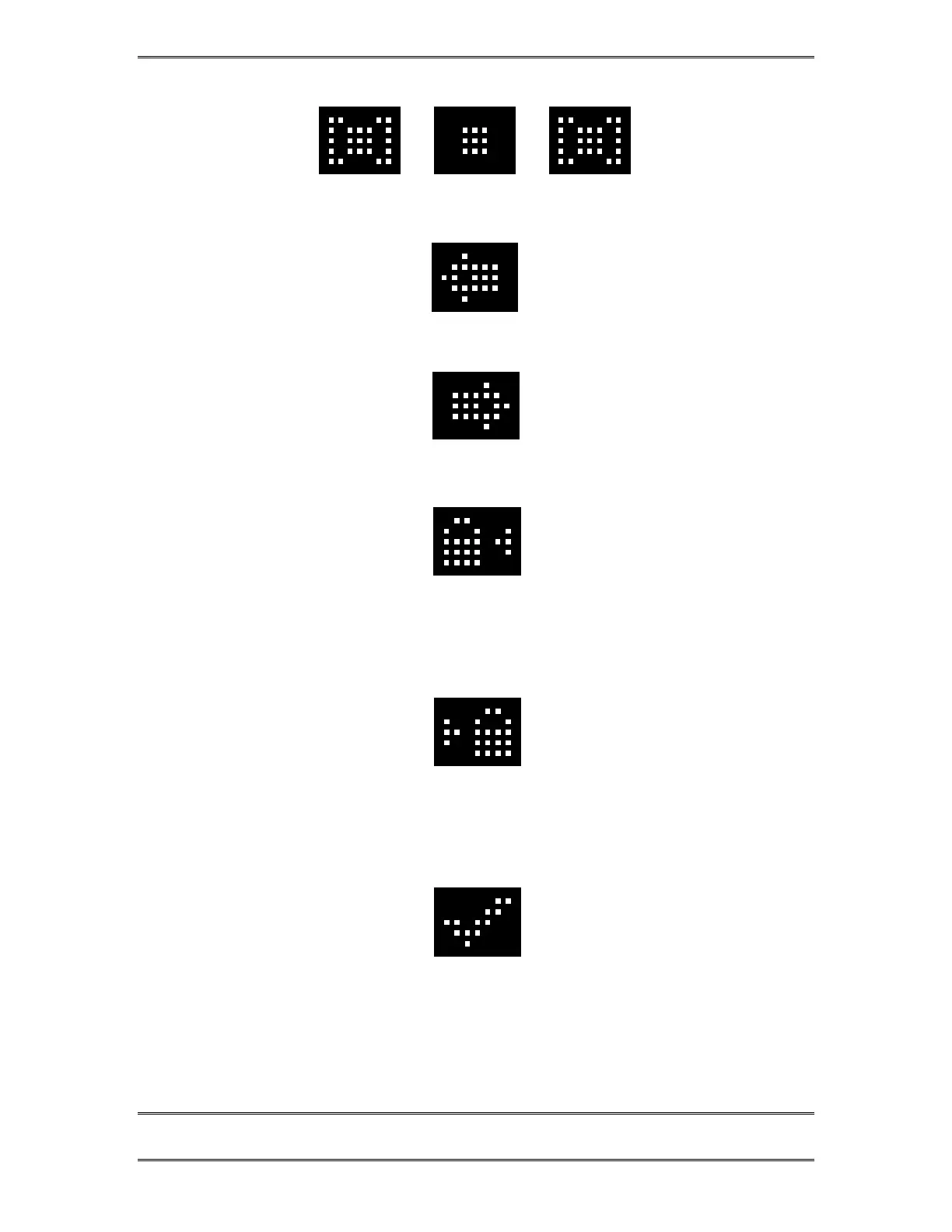
Call is on hold
Call is On-Air – Caller 1 Fader
Call is On-Air – Caller 2 Fader
Call is On-Air & Locked – Caller 1 Fader.
Call is in locked mode and cannot be dropped or placed on hold. To unlock, push button to
the left of this ICON.
Call is On-Air & Locked – Caller 2 Fader.
Call is in locked mode and cannot be dropped or placed on hold. To unlock, push the
button to the Right of this ICON.
Call is on hold and has been screened.



 To Next Page