Control Box Usage
Topcon AG System Five Operator’s Manual
2-38
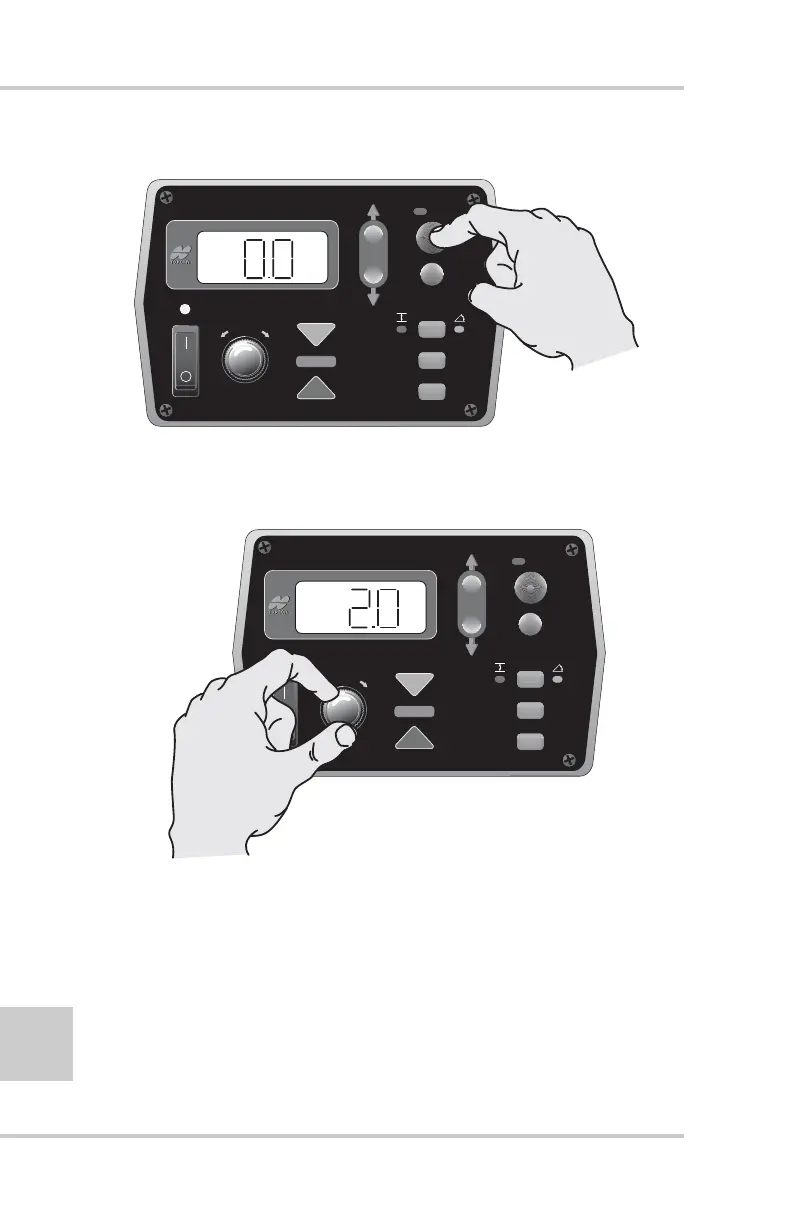
Figure 2-43. Lower Timed Outputs – Current Setting
5. Rotate the Grade Adjustment Knob to set the desired
time in seconds. The down arrow illuminates (Figure 2-44).
Figure 2-44. Selecting New Lower Timed Outputs Setting
6. Press the Auto button to set the Timed-Outputs and return
to the Performance Menu.
7. Rotate the Grade Adjustment Knob to access another
item on the Performance Menu. Or, press the Set/Menu
button to exit.
FiveSystem
AUTO
SURVEY
SET
(MENU)
FiveSystem
AUTO
SURVEY
SET
(MENU)



 To Next Page