32
PREPARATIONS
Setting of auto shoot function
Set the auto shoot function ON/OFF. (Factory default is "ON".)
The auto shoot function works as follows: when the fitted alignment bright spot is put into ( ) in
the focalized status, the instrument takes a picture automatically without pressing the
.
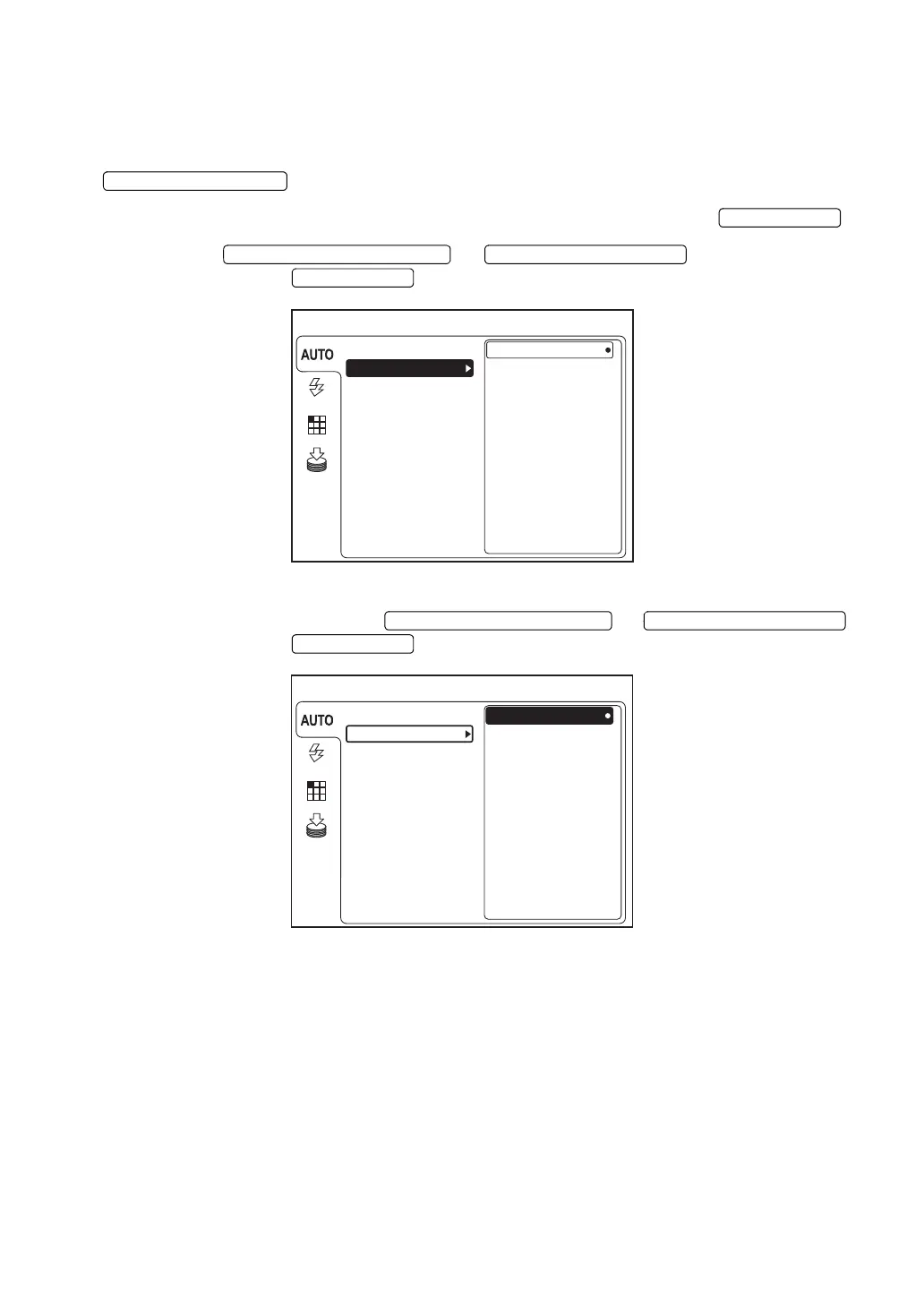
1 On the "MENU" screen, make sure that "AUTO" is selected and press the .
2 Press the or to select "SHOOT"
and then press the .
3 Select "ON" or "OFF" with the or
and then press the . The selected data is set.
MENU
ON
FIXATION
FLASH
SMALL PUPIL
OFF
FOCUS
SHOOT
MEMORY
*The above figure shows the screen of TRC-NW8F.
MENU
ON
FIXATION
FLASH
SMALL PUPIL
OFF
FOCUS
SHOOT
MEMORY
*The above figure shows the screen of TRC-NW8F.















 To Next Page