35
PREPARATIONS
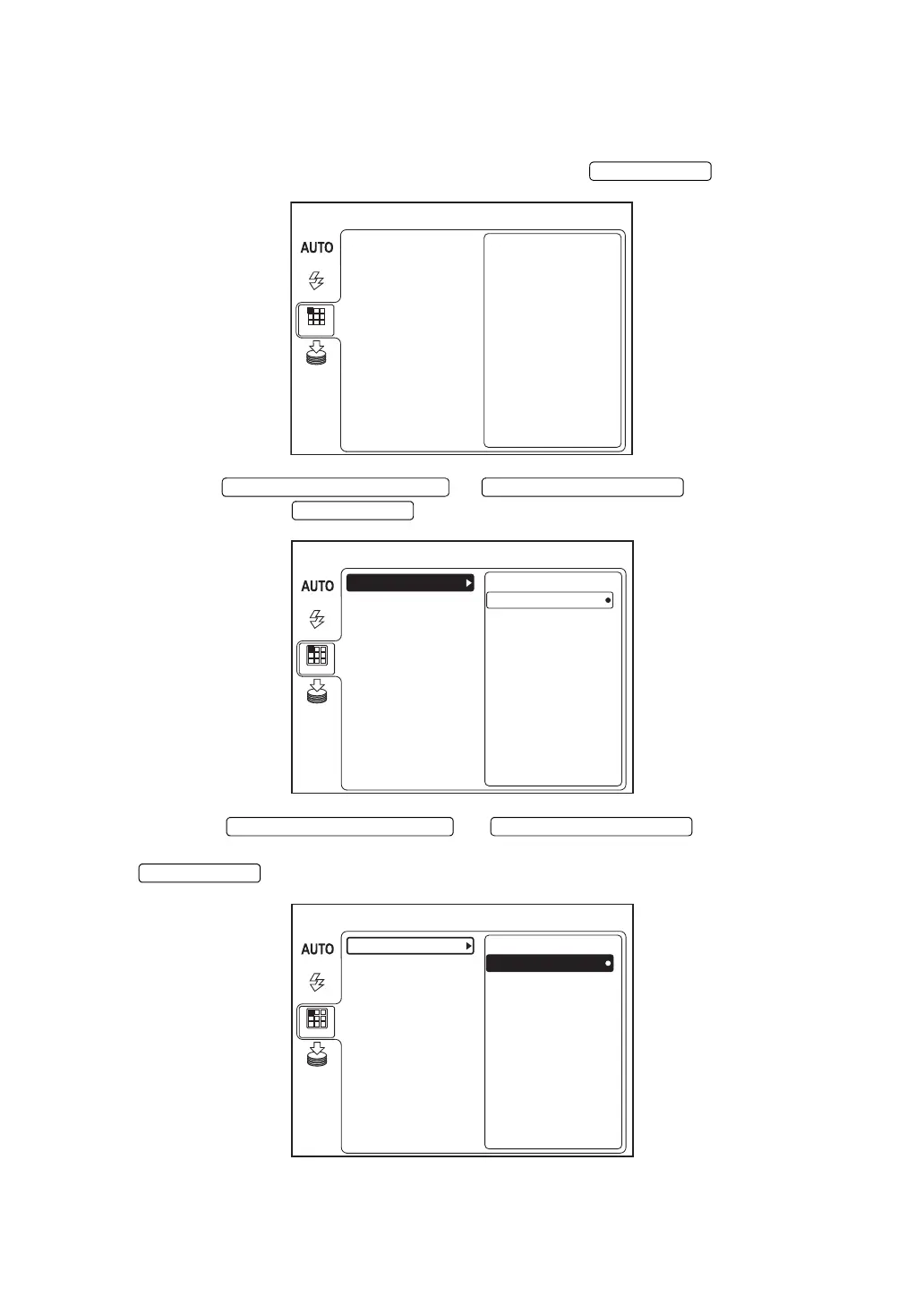
Switching of internal/external fixation targets
You can change the internal/external fixation targets.
When shipped, "INTERNAL" (internal fixation target) is set.
1 Select "FIXATION" on the "MENU" screen and press the .
2 Press the or to select "INT/EXT"
and then press the .
3 Press the or to select "INTER-
NAL" (internal fixation target) or "EXTERNAL" (external fixation target). Then, press the
.
MENU
FIXATION
FLASH
DCF
MODE
TYPE
INT / EXT
PERIPHERAL
MEMORY
MENU
FIXATION
FLASH
DCF
MODE
TYPE
INT / EXT
PERIPHERAL
EXTERNAL
INTERNAL
MEMORY
MENU
FIXATION
FLASH
DCF
MODE
TYPE
INT / EXT
PERIPHERAL
EXTERNAL
INTERNAL
MEMORY















 To Next Page