39
PREPARATIONS
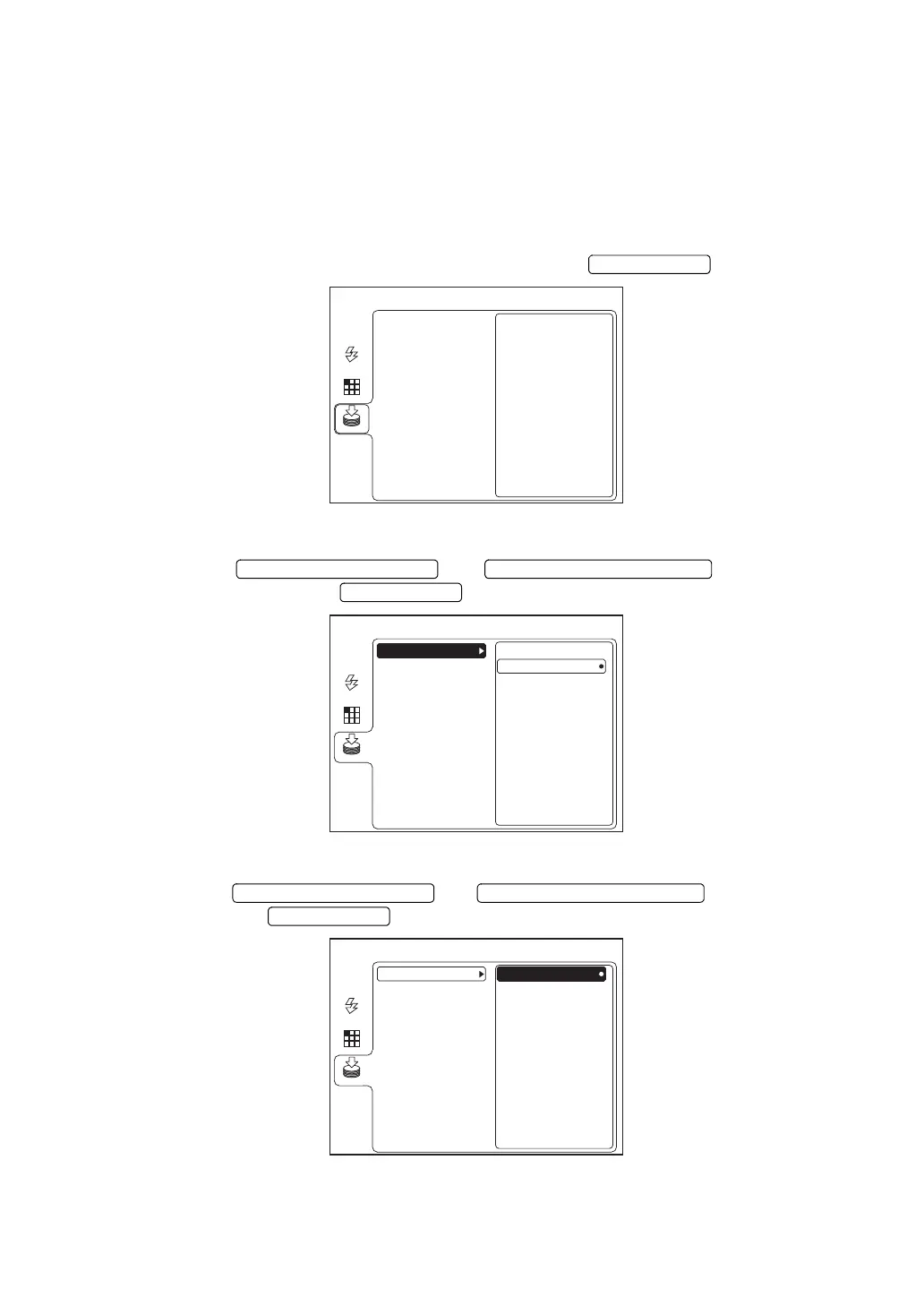
When saving in the SD memory card (commercial product)
When you insert the SD memory card (hereinafter, SD card) into the installed digital camera
and want to save the photographed image in the SD card, set the items according to the follow-
ing procedure.
In TRC-NW8F plus, it is not necessary to set the items. Only the images of color photography
and FA photography can be saved. The FAF photography image cannot be saved in the SD
card.
1 Select "MEMORY" on the "MENU" screen and press the .
2 Press the or to select "SD
CARD". Then, press the .
3 Press the or to select "ON".
Then, press the .
MENU
USB MEMORY
AUTO
FIXATION
FLASH
MEMORY
SD CARD
*The above figure shows the screen of TRC-NW8F.
MENU
ON
OFF
USB MEMORY
AUTO
FIXATION
FLASH
MEMORY
SD CARD
*The above figure shows the screen of TRC-NW8F.
MENU
ON
OFF
USB MEMORY
AUTO
FIXATION
FLASH
MEMORY
SD CARD
*The above figure shows the screen of TRC-NW8F.















 To Next Page