Calibration
MachineCalibration
23
X‐63/X‐63i/X‐62/X‐33/X‐32InstallationandCalibrationManual P/N:7010‐0697
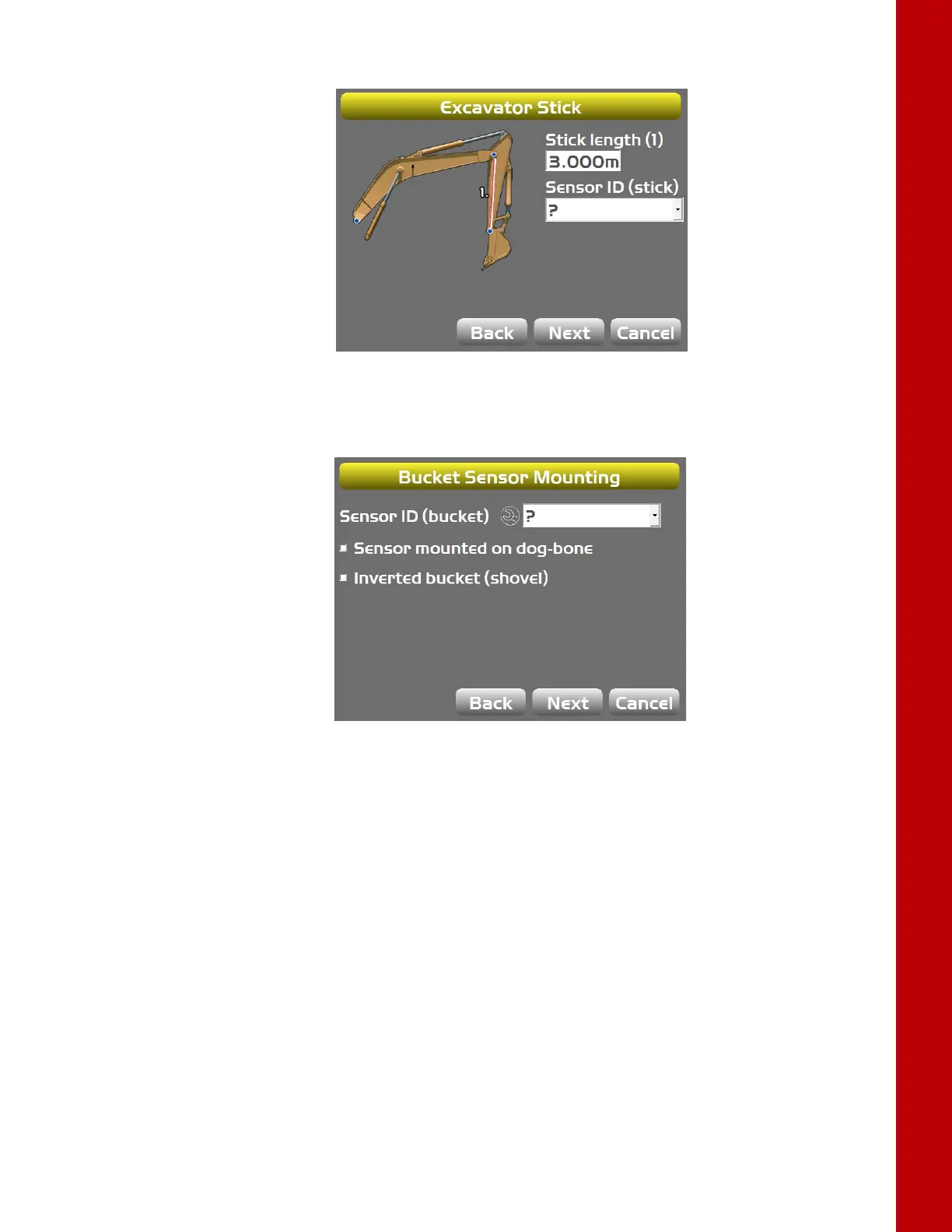
11. TapNexttoaccesstheExcavatorStickscreen.
Figure23:SelectStickSensorID
12. Repeatstep8forthesticksensor.
13. TapNexttoaccesstheBucketSensorMountingscreen.
Figure24:SelectBucketSensorID
14. Repeatstep8forthebucketsensor.
Step2:Setsensororientationsforthemachineelements
1. NavigatetotheExcavatorFrame/Sensorscreen.
2. TaptheWrenchiconforthebodysensor.



 To Next Page