100
Chapter 12
NAT Forwarding (Router Mode)
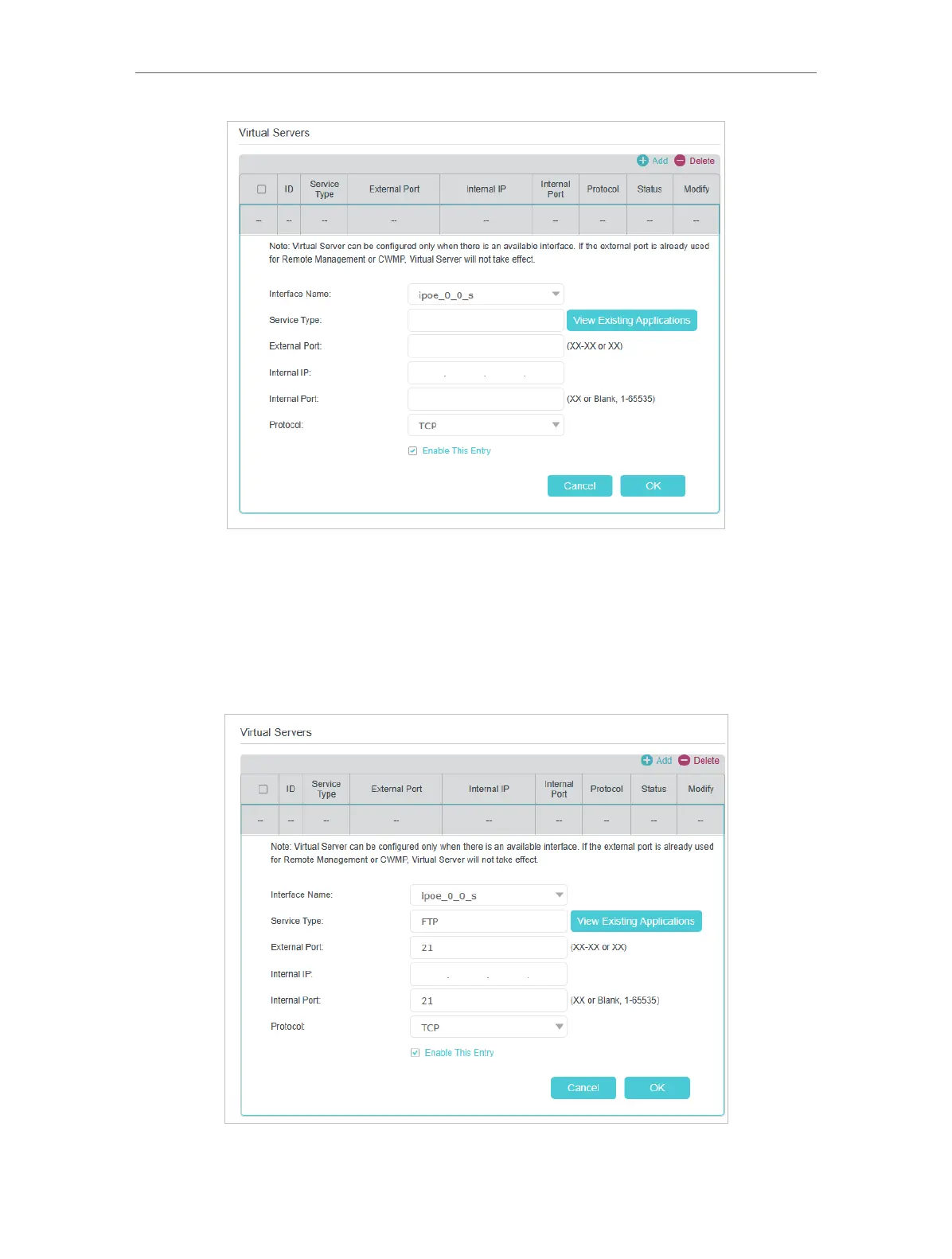
4. Click View Existing Applications to select a service from the list to automatically
populate the appropriate port number in the External Port and Internal Port fields. If
the service is not listed, enter the External Port number (e.g. 21) or a range of ports
(e.g. 21-25). Leave the Internal Port blank if it is the same as the External Port or enter
a specific port number (e.g. 21) if the External Port is a single port. The following
picture takes application FTP as an example.














 To Next Page