39
Chapter 5
Setup Your Network via TP-Link Aginet App
5. 8. Parental Controls (Router Mode)
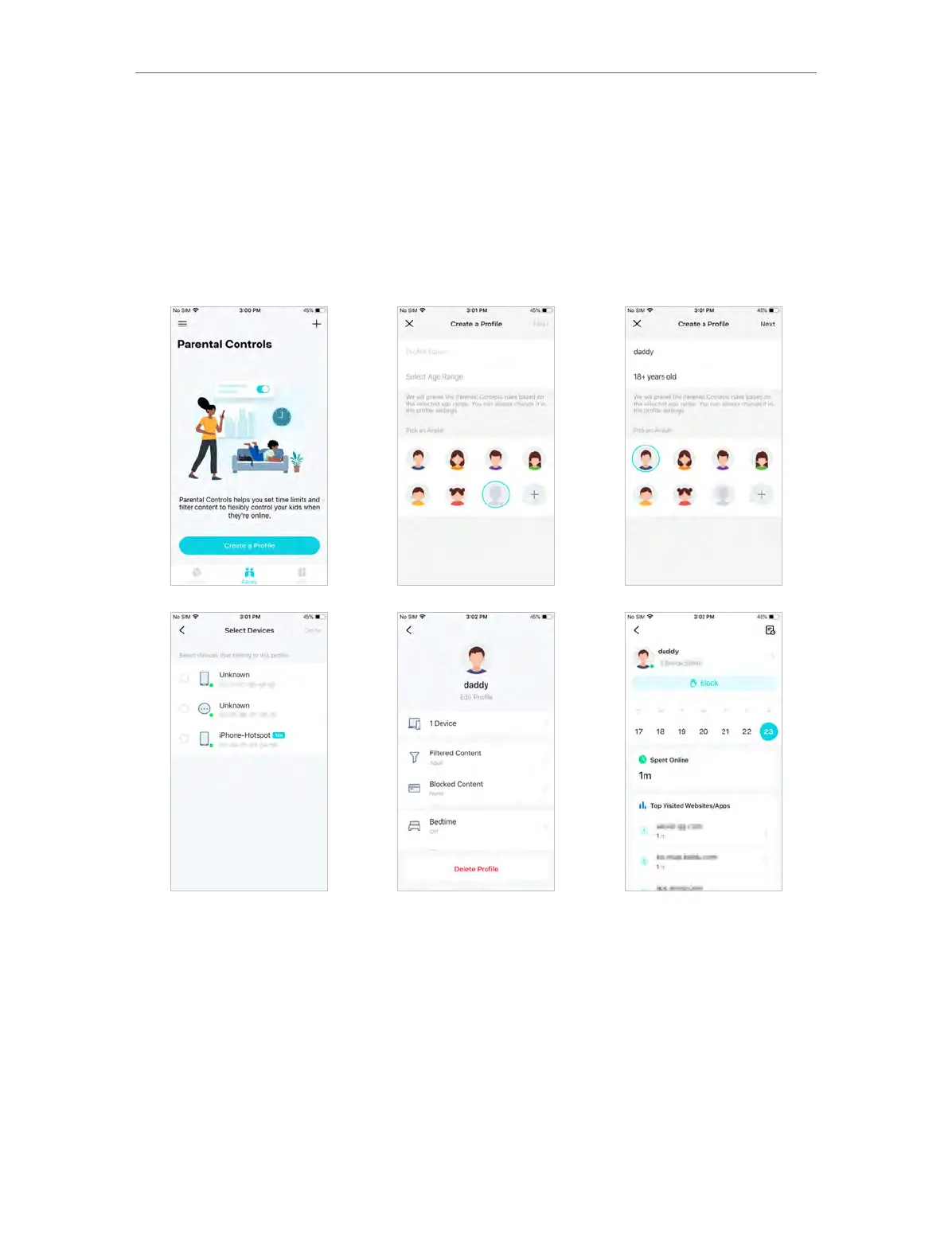
Parental Controls helps you set time limits and filter content to flexibly control your kids
when they’re online.
1. In Family, tap Create a Profile.
2. Then follow app instructions to complete the setup.
5. 9. Wi-Fi Settings
You can change the network name and password of your main network at any time and
share the network easily with family and friends.
1. In More, Tap Wi-Fi Settings.














 To Next Page