12
Chapter 4
4. 1. Use Quick Setup Wizard
The Quick Setup Wizard will guide you to set up your mesh device.
Tips:
If you need the IPv6 internet connection, please refer to the section of Set Up an IPv6 Internet Connection (Router
Mode).
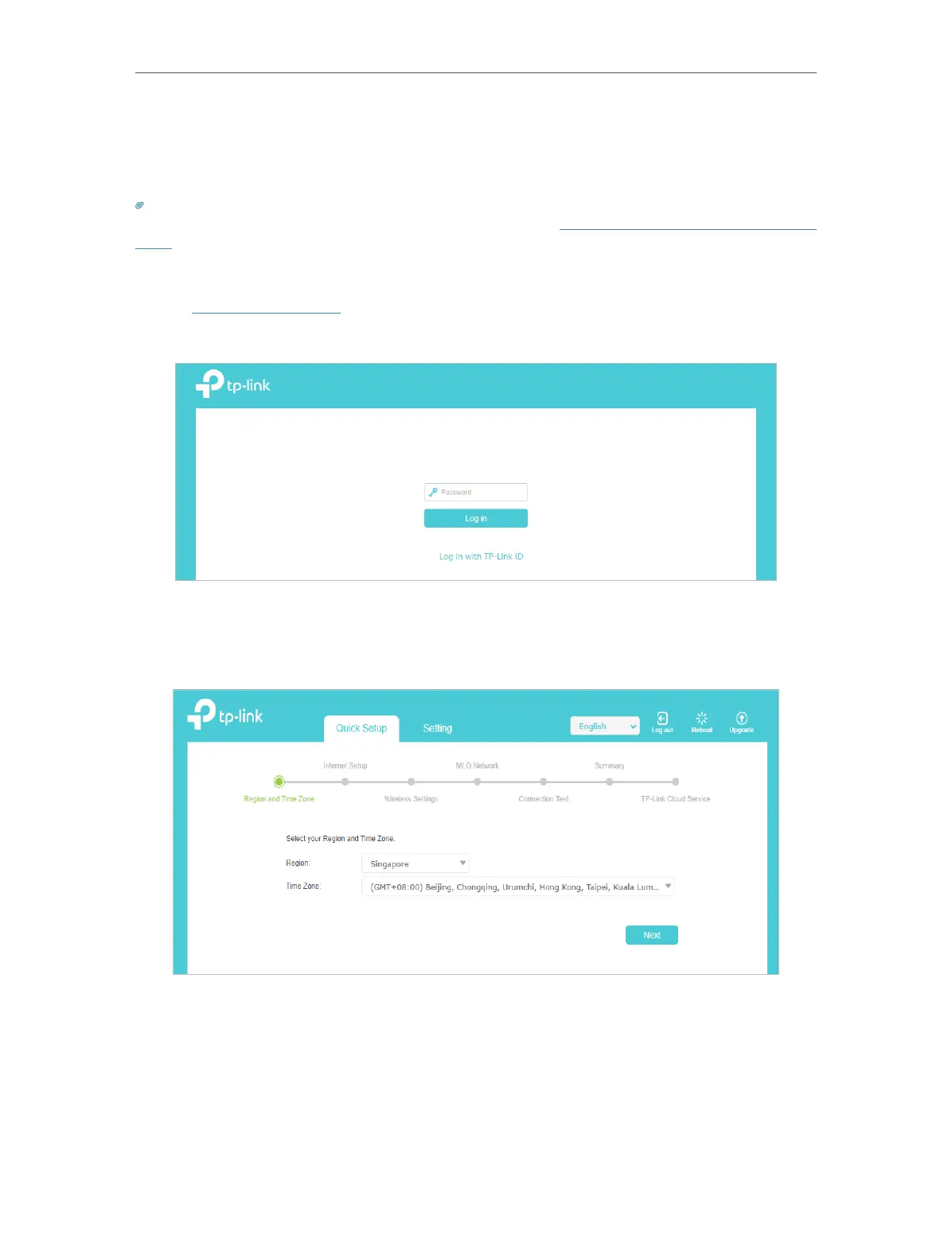
Follow the steps below to set up your mesh device.
1. Visit http://tplinkwifi.net and log in with the GUI password on the product label at the
bottom of the product.
2. Follow the step-by-step instructions to complete Quick Setup configuration or go
to Quick Setup for configuration to connect your mesh device to the internet. Then
follow the step-by-step instructions to connect your mesh device to the internet.
3. To enjoy a more complete service from TP-Link (remote management, TP-Link DDNS,
and more.), log in with your TP-Link ID or click Sign Up Now to get one. Then follow the
instructions to bind the mesh device to your TP-Link ID.














 To Next Page