148
Chapter 17
Manage Your Mesh Device
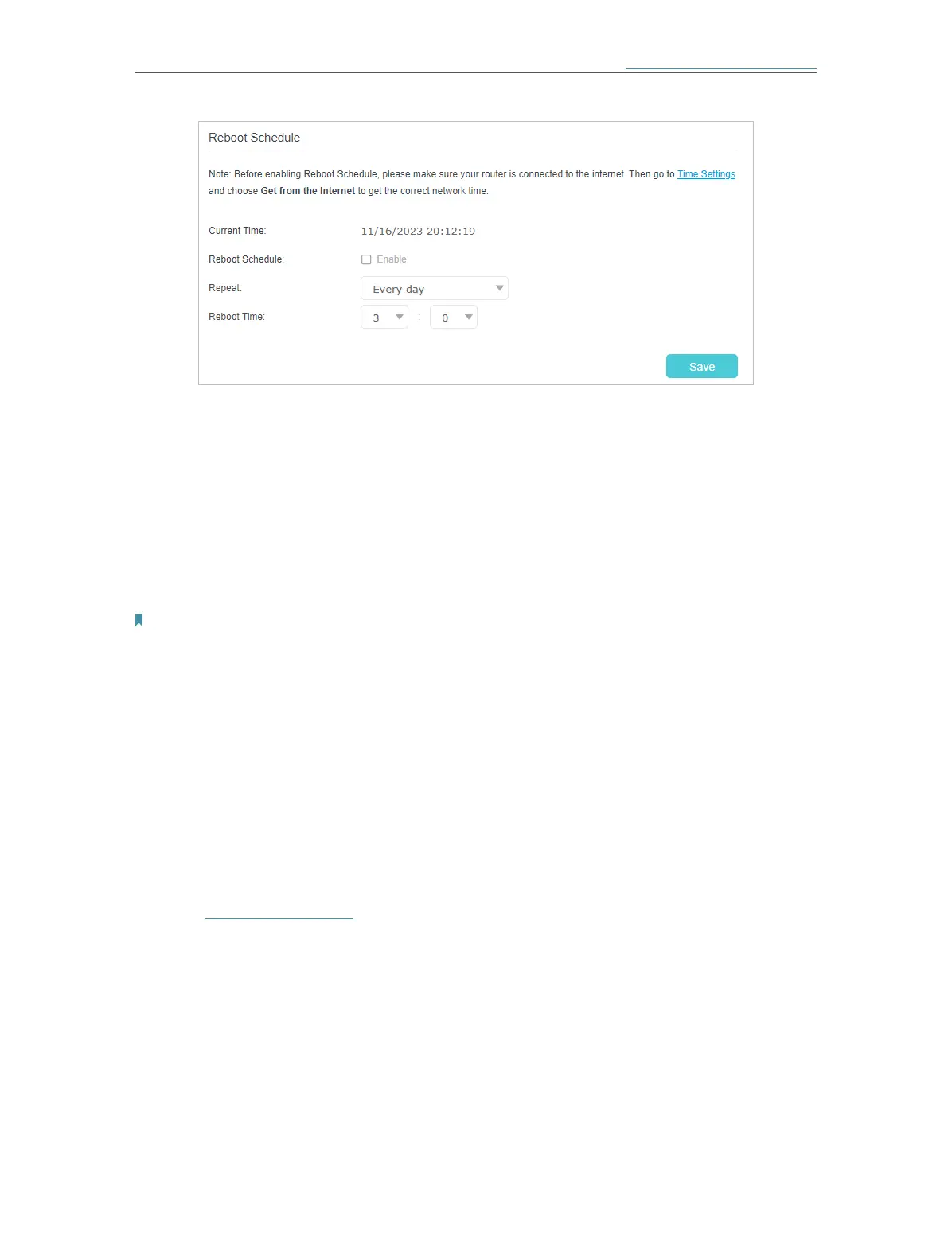
3 ) Click Save to make the settings effective.
Some settings of the mesh device may take effect only after rebooting, including:
• Change the LAN IP Address (system will reboot automatically).
• Change the Operation Mode (system will reboot automatically).
• Upgrade the firmware of the mesh device (system will reboot automatically).
• Restore the mesh device to its factory defaults (system will reboot automatically).
• Update the configuration with the file (system will reboot automatically).
Note:
The Auto Reboot feature takes effect based on the mesh device’s system time. Please make sure you have already set
up the time of the mesh device.
17. 7. Administration Management
17. 7. 1. Change the Login Password
A login password is required to log in to the mesh device’s web management page.
You are asked to set a login password at first login. You can change it with the account
management feature.
1. Visit http://tplinkwifi.net and log in with the password you set for the mesh device.
2. Go to Setting > System Tools > Administration (AP Mode) or Advanced > System
Tools > Administration (Router Mode), and locate the Account Management section.














 To Next Page