113
Chapter 14
Network Security (Router Mode)
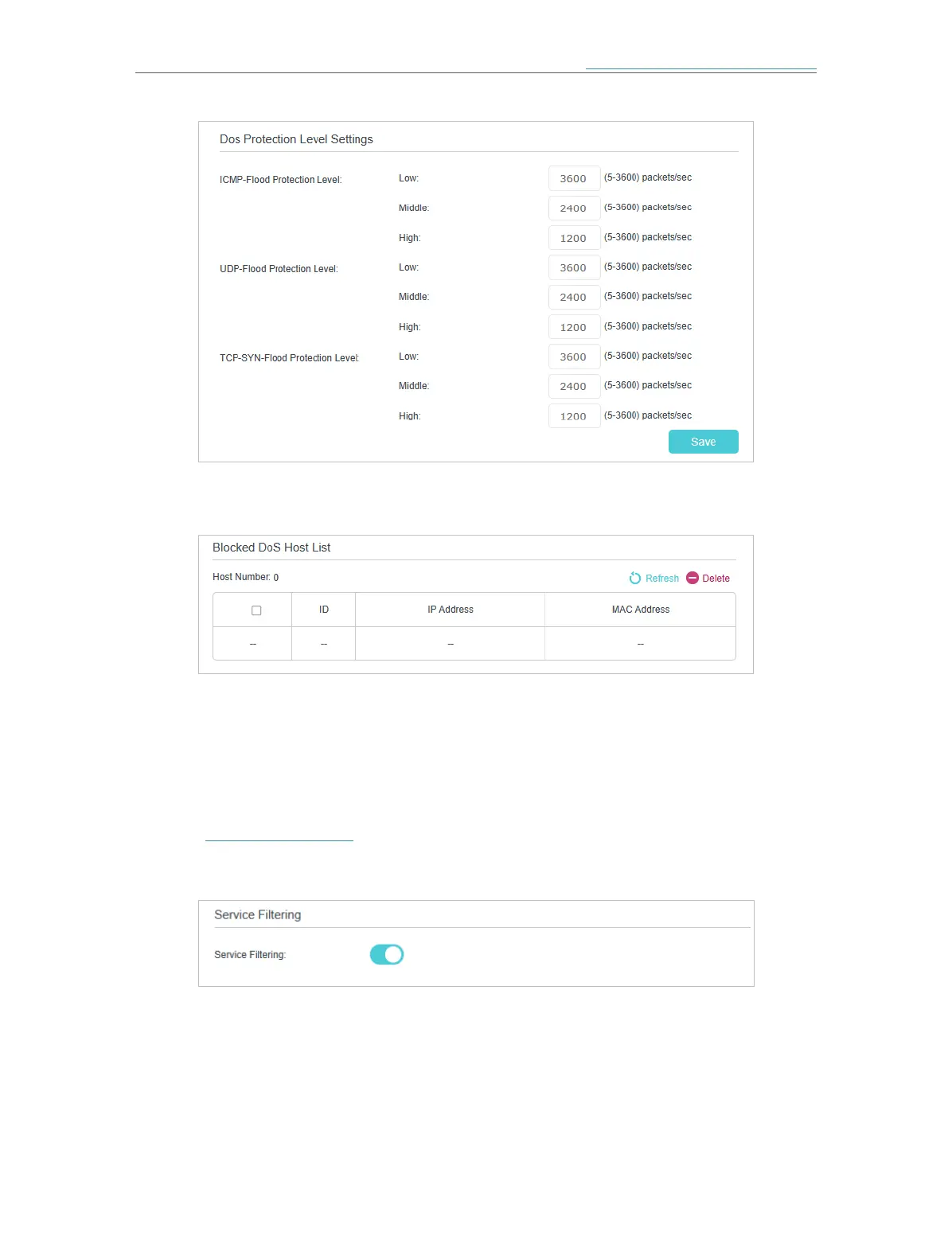
2. The protection will be triggered immediately when the number of packets exceeds the preset threshold value,
and the vicious host will be displayed in the Blocked DoS Host List.
14. 2. Service Filtering
With Service Filtering, you can prevent certain users from accessing the specified
service, and even block internet access completely.
1. Visit http://tplinkwifi.net and log in with the password you set for the mesh device.
2. Go to Advanced > Security > Service Filtering, and enable Service Filtering.
3. Click Add.














 To Next Page