85
Chapter 9
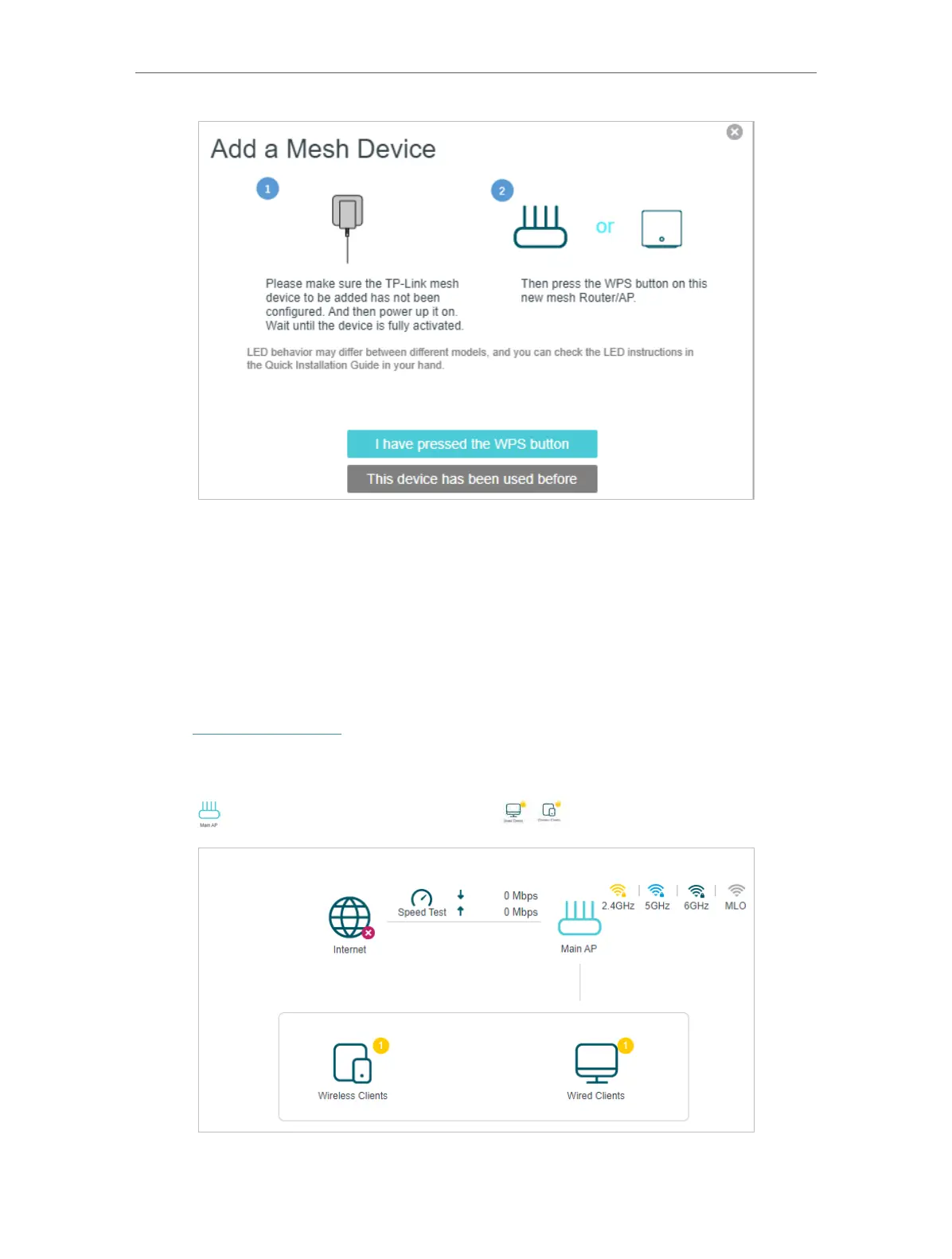
Done! Now your controller and agents successfully form a EasyMesh network!
9. 2. Manage Devices in the EasyMesh Network
In a EasyMesh network, you can manage all mesh devices and connected clients on
your mesh device’s web page.
¾ To view mesh devices and connected clients in the network:
1. Visit http://tplinkwifi.net and log in with your TP-Link ID or the password you set for
the mesh device.
2. Go to Setting > Network Map (AP Mode) or Basic > Network Map (Router Mode).
3. Click
to view all mesh devices, and click to view all connected clients.














 To Next Page