34
Chapter 5
Setup Your Network via TP-Link Aginet App
5. 4. Check Mesh Device Status
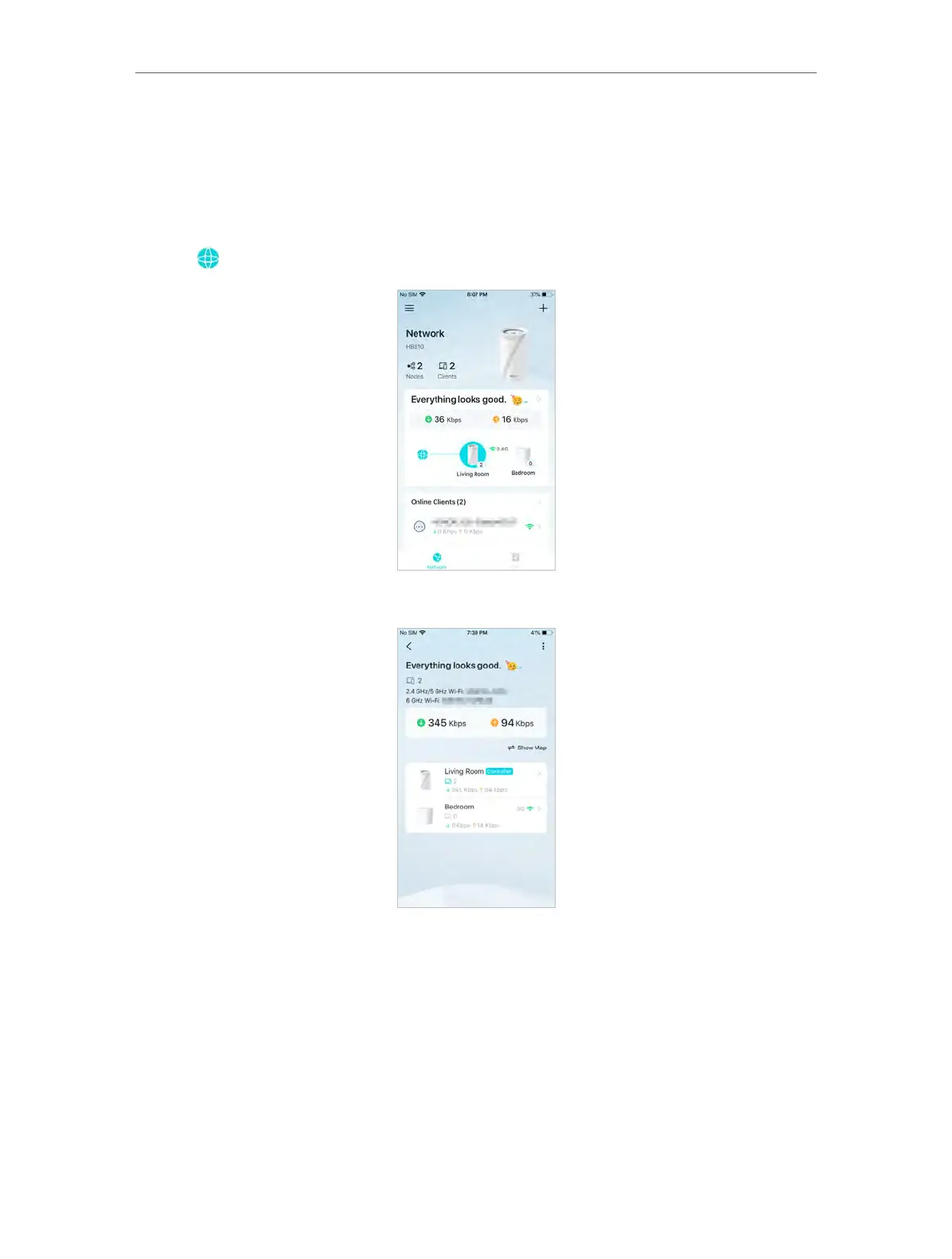
In Network, you can check the working status (online/offline) of all the mesh devices,
check the details (speed/mesh device’s IP address & MAC address/connected clients)
of each mesh device, change the mesh device’s location/name, and more.
1. Tap
to check all mesh devices’ status.
2. Tap a mesh device to check more details.
3. Check download/upload speed of the mesh device.














 To Next Page