27
Chapter 5
Setup Your Network via TP-Link Aginet App
5. 1. Set Up Your Mesh Device
The intuitive Aginet app guides you through an easy setup process that gets each unit
up and all your devices connected.
Follow the steps below to set up your Whole Home Mesh Wi-Fi System.
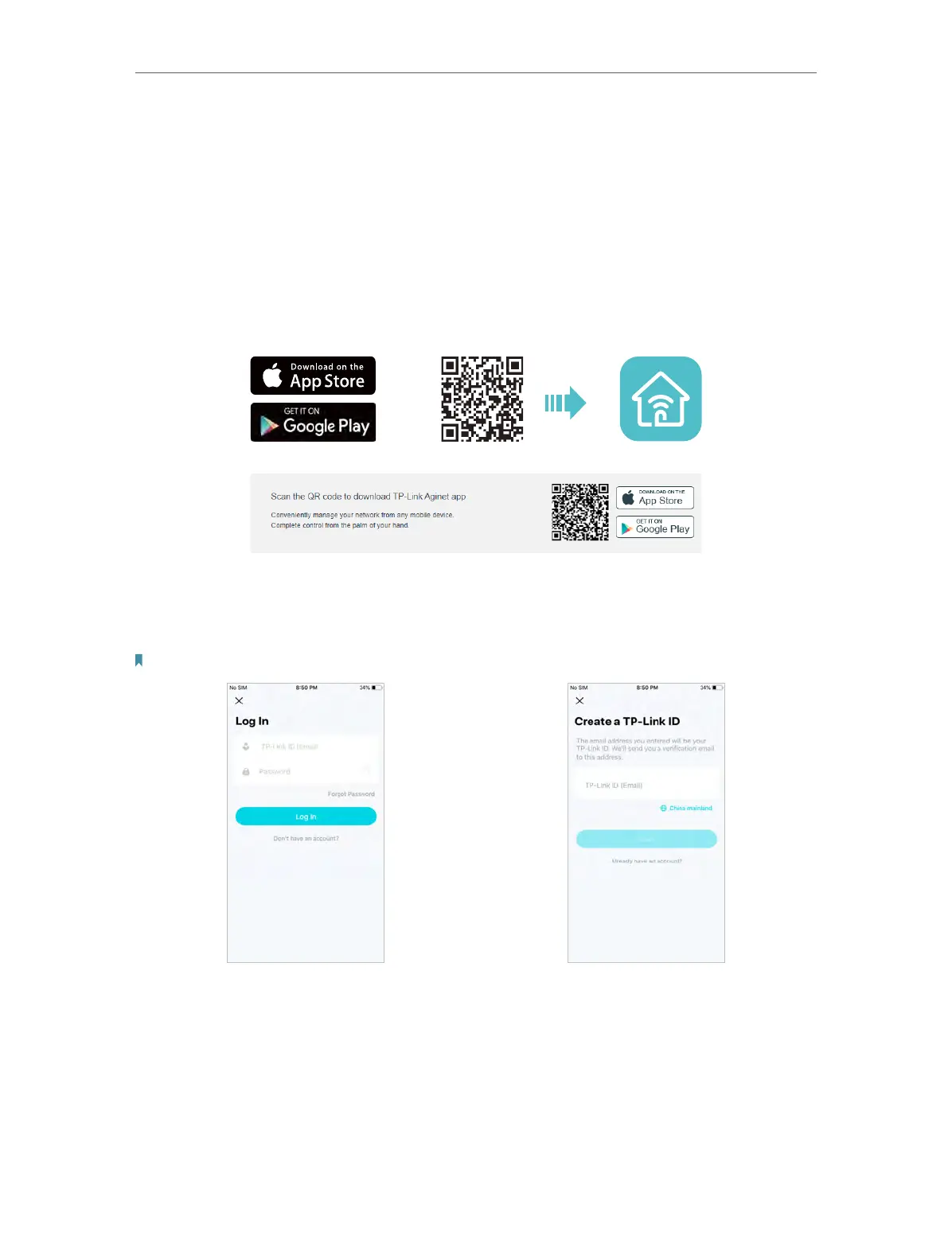
1. Download and install the Aginet app
Scan the QR code below or go to Google Play or the App Store to download the Aginet
app. Install the app on your Android or iOS smartphone or tablet.
2. Log in or sign up with TP-Link ID.
Open the Aginet app. Use your TP-Link ID to log in. If you don’t have a TP-Link ID, tap
Don’t have an account? and sign up first.
Note: If you forgot your login password, tap Forgot Password. The Aginet app will guide you through the rest.
3. Plug in and power on mesh device.
Power off your modem. Connect your mesh device to the modem and power them both
on. If you don’t have a modem, connect the Ethernet outlet directly to your mesh device.
4. Find your device and set up your network.
1 ) Tap Create a Network and find the product label on the bottom of your Aginet
device.














 To Next Page