72
Chapter 6
Customize Your Network Settings
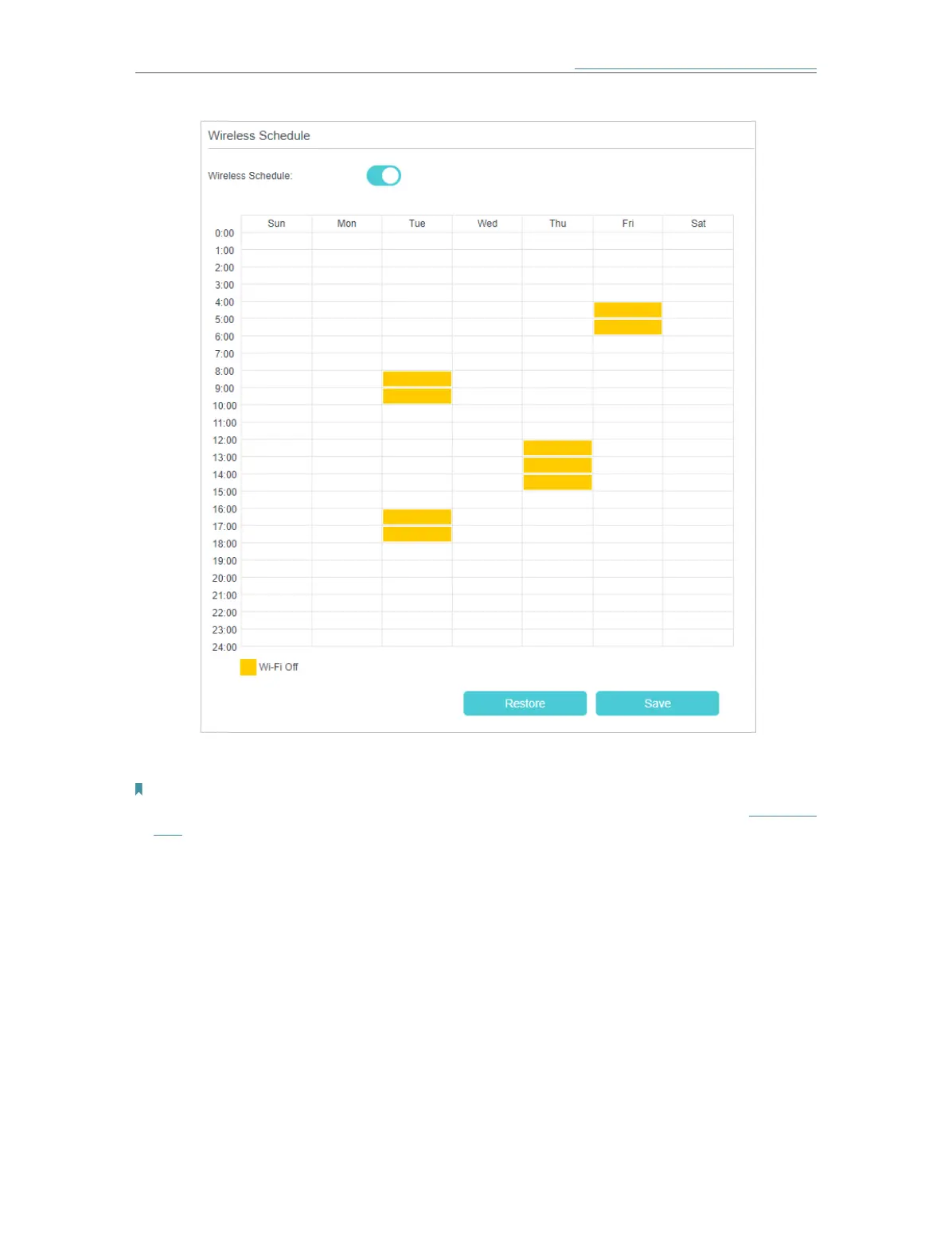
4. Click Add to set the Wireless Off Time, and click Save to make the settings effective.
Note:
1. Make sure that the time of the mesh device is correct before using this function. For details, refer to Set System
TimeThe wireless network will be automatically turned on after the time period you set.
6. 8. Use WPS for Wireless Connection
You can use WPS (Wi-Fi Protected Setup) to add a new wireless device to your existing
network quickly and easily.
Method 1: Use the WPS button
Use this method if your client device has a WPS button.
1. Press the WPS button of the mesh device.
2. Press the WPS button of the client device directly.
3. The LED fast flashing blue for about 2 minutes during the WPS process.














 To Next Page