150
Chapter 17
Manage Your Mesh Device
17. 7. 3. HTTP Referer Head Check
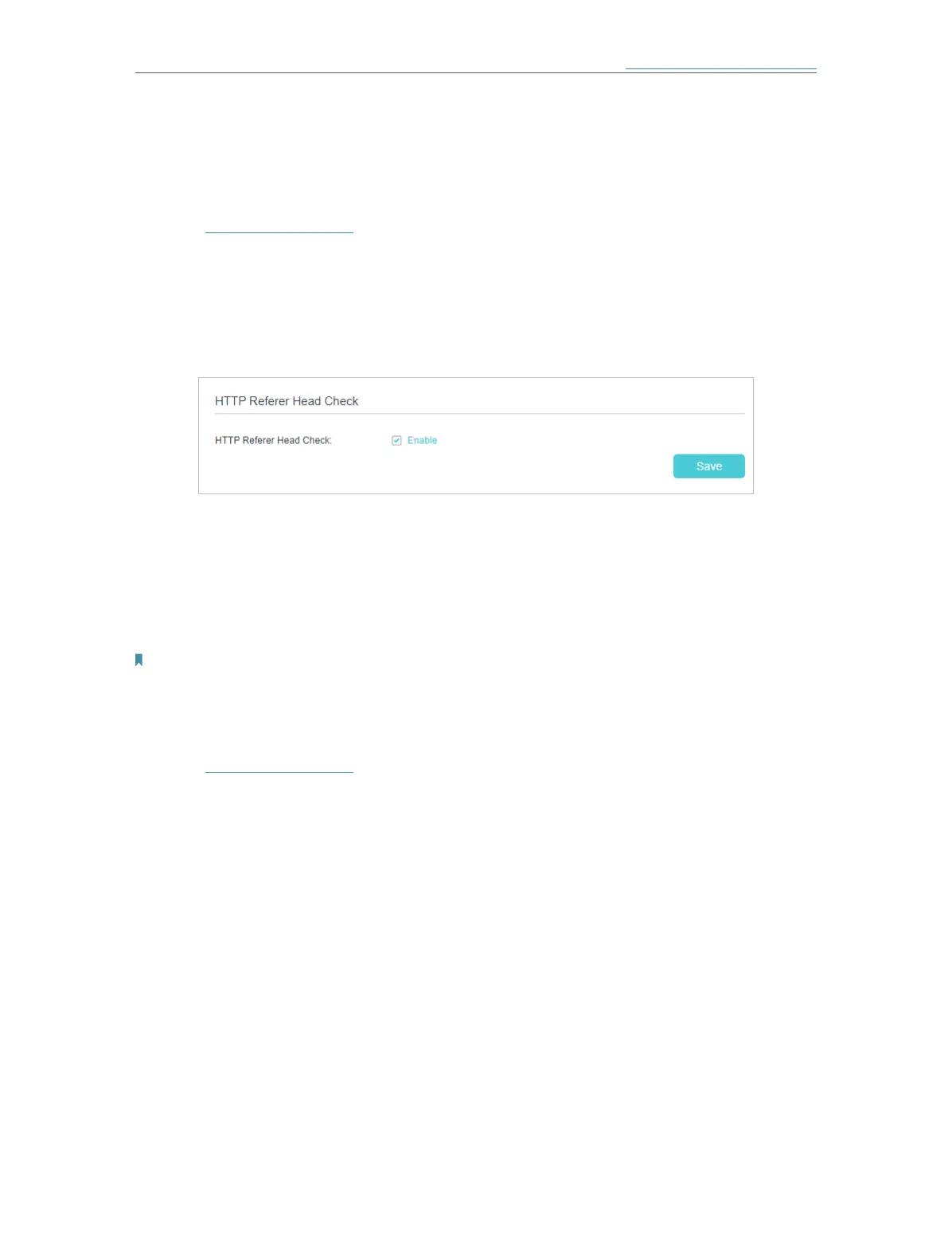
HTTP referer header check function can protect your networks against CSRF attacks.
This function is enabled by default. You can disable this function if needed.
1. Visit http://tplinkwifi.net and log in with the password you set for the mesh device.
2. Go to Setting > System Tools > Administration (AP Mode) or Advanced > System
Tools > Administration (Router Mode), and locate the HTTP Referer Head Check
section.
3. Clear the Enable check box and click Save if you want to disable this function.
17. 7. 4. Remote Management (Router Mode)
By default, the remote devices are not allowed to manage the mesh device from the
internet. You can enable remote management over HTTP and/or HTTPS if needed.
HTTPS is a more secure way to access the mesh device.
Note:
If your ISP assigns a private WAN IP address (such as 192.168.x.x or 10.x.x.x), you cannot use the remote management
feature because private addresses are not routed on the internet.
Follow the steps below to allow remote devices to manage the mesh device over HTTPS.
1. Visit http://tplinkwifi.net and log in with the password you set for the mesh device.
2. Go to Advanced > System Tools > Administration, and locate the Remote
Management section.














 To Next Page