71
Chapter 6
Customize Your Network Settings
¾ To view the detailed information of the connected wireless clients:
1. Visit http://tplinkwifi.net and log in with the password you set for the mesh device.
2. Go to Setting > Wireless > Statistics (AP Mode) or Advanced > Wireless > Statistics
(Router Mode) page.
3. You can view the detailed information of the wireless clients, including its connection
type and security option as well as the packets transmitted.
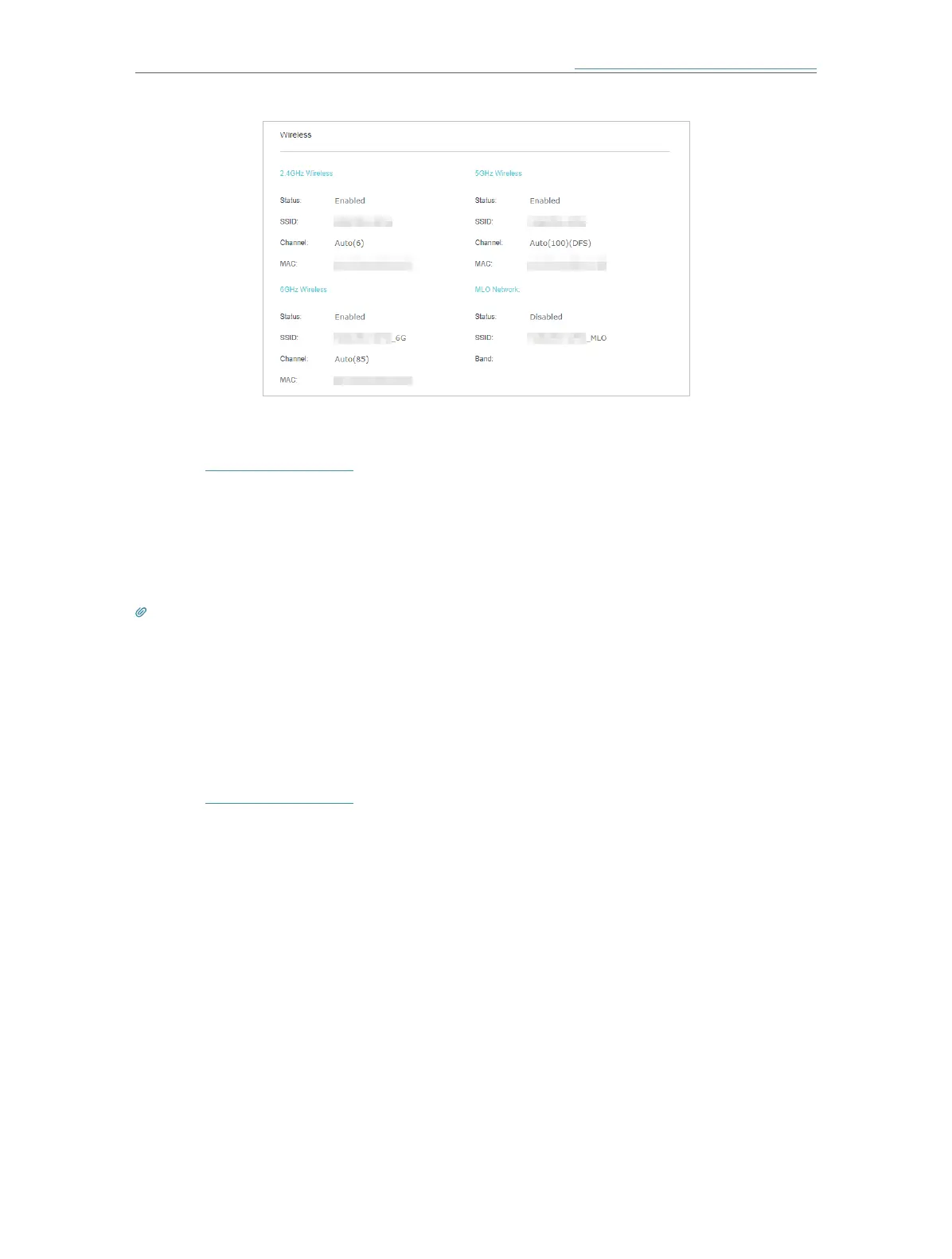
Tips: You can also see the wireless details by clicking the wireless clients icon on Setting > Network Map (AP Mode)
or Basic > Network Map (Router Mode).
6. 7. Schedule Your Wireless Function
You can automatically turn off your wireless networks when you do not need the wireless
connection.
1. Visit http://tplinkwifi.net and log in with the password you set for the mesh device.
2. Go to Setting > Wireless > Wireless Schedule (AP Mode) or Advanced > Wireless >
Wireless Schedule (Router Mode).
3. Enable the Wireless Schedule function.














 To Next Page