83
Chapter 9
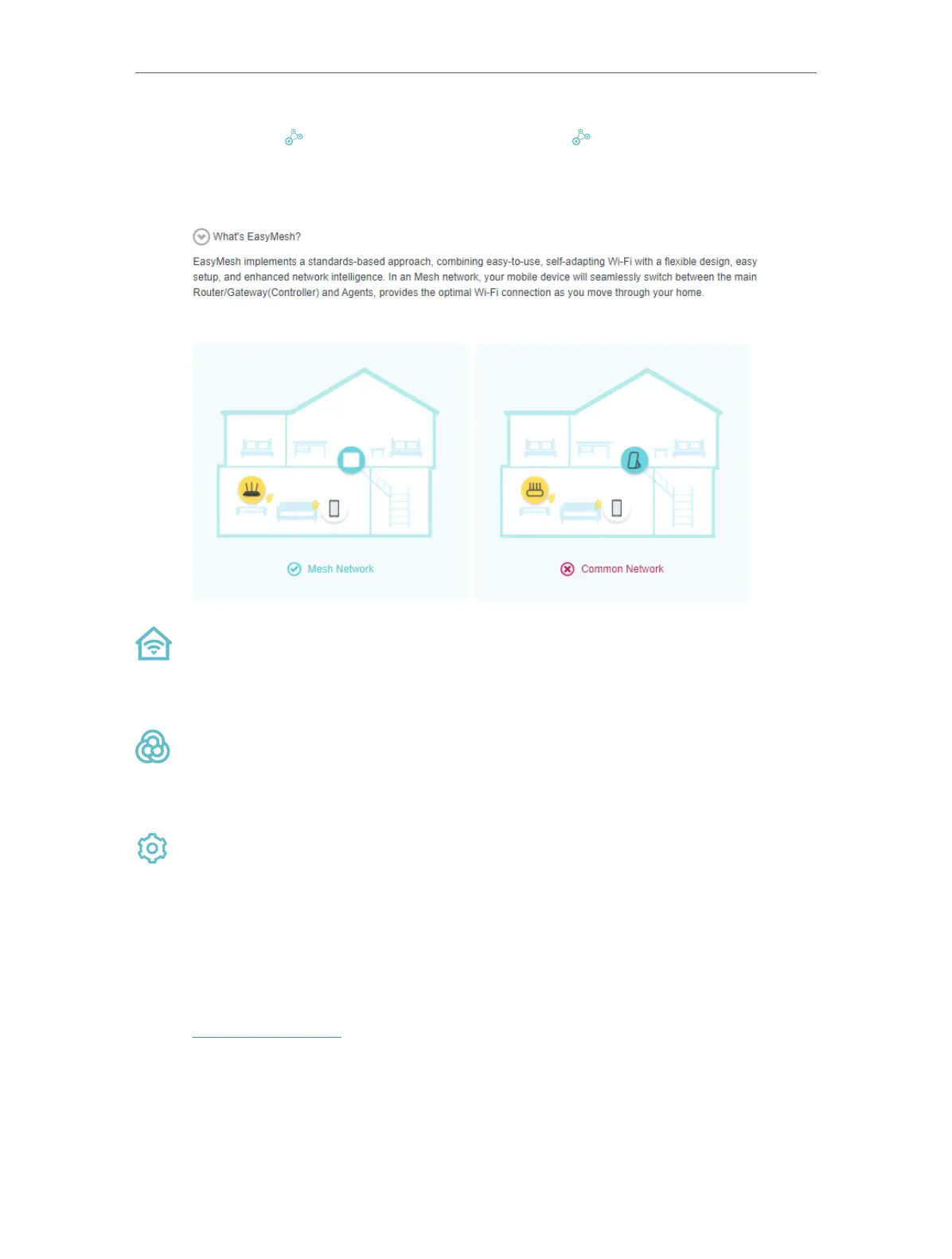
TP-Link EasyMesh Controller and TP-Link EasyMesh Agent work together to form
one unified Wi-Fi network. Walk through your home and stay connected with the fastest
possible speeds thanks to EasyMesh’s seamless coverage.
Unified Wi-Fi Network
Controller and agents share the same wireless settings, including network name,
password, access control settings and more.
Seamless Roaming
Devices automatically switch between your controller and agents as you move
through your home for the fastest possible speeds.
Easy Setup and Management
Set up a EasyMesh network with a push of WPS buttons. Manage all network devices
on the Aginet app or at your mesh device’s web management page.
9. 1. Set Up a EasyMesh Network
1. Visit http://tplinkwifi.net and log in with your TP-Link ID or the password you set for
the mesh device.
1. Go to Setting > Mesh (AP Mode) or Basic > Mesh (Router Mode).














 To Next Page