48
Chapter 5
Setup Your Network via TP-Link Aginet App
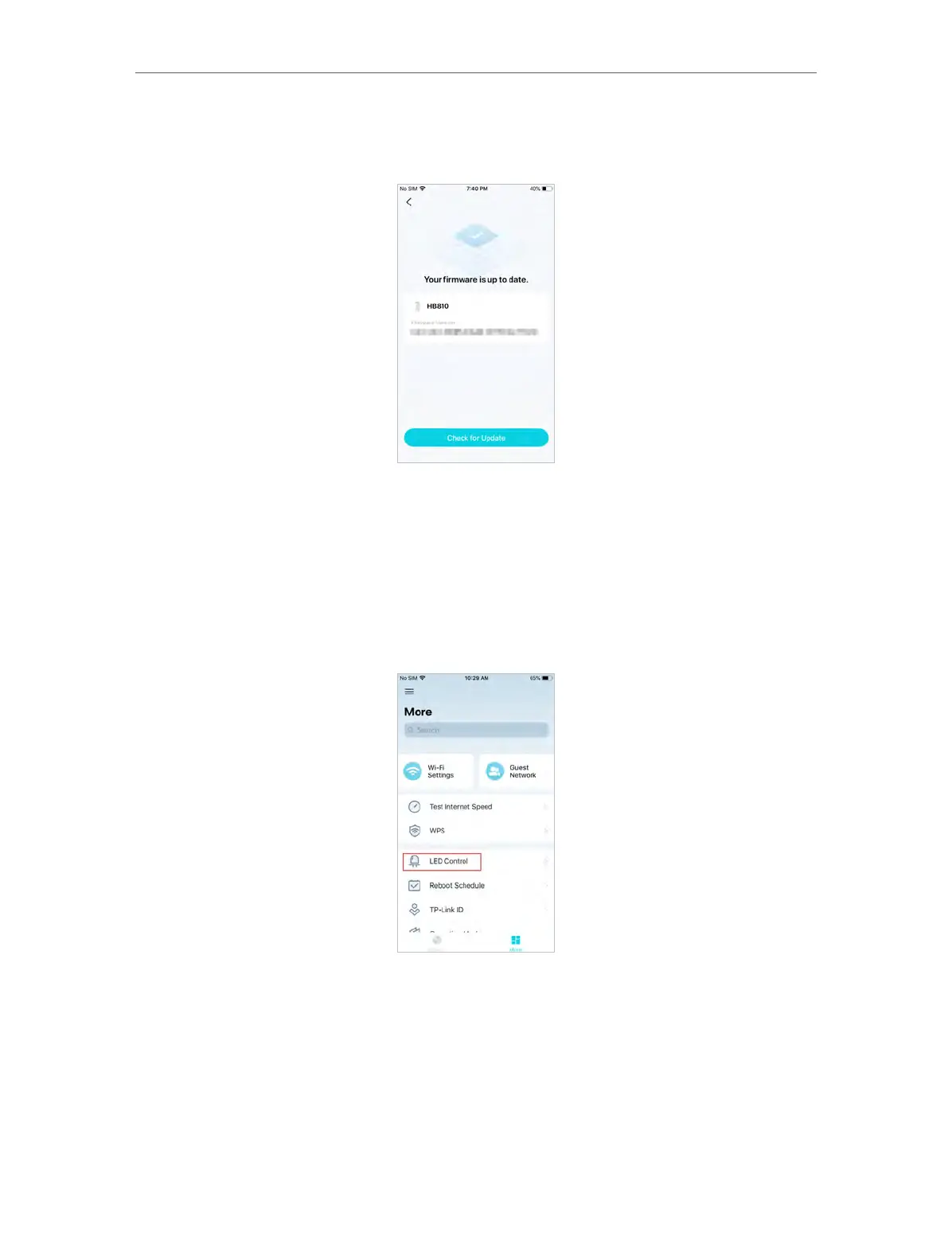
2. Download and install the firmware (if any) and follow app instructions to update
your mesh device to the latest version.
5. 17. Advanced Features
Additional features are available under the Advanced menu. You can control mesh
device’s LED, enable reboot schedule, bind your TP-Link ID, change the operation
mode, configure system settings.
1. In More, Tap LED Control.
2. Toggle off LED to turn off the light on mesh device. Configure the LED Off Time to
turn off the LED light at bedtime only.














 To Next Page