32
Chapter 5
Setup Your Network via TP-Link Aginet App
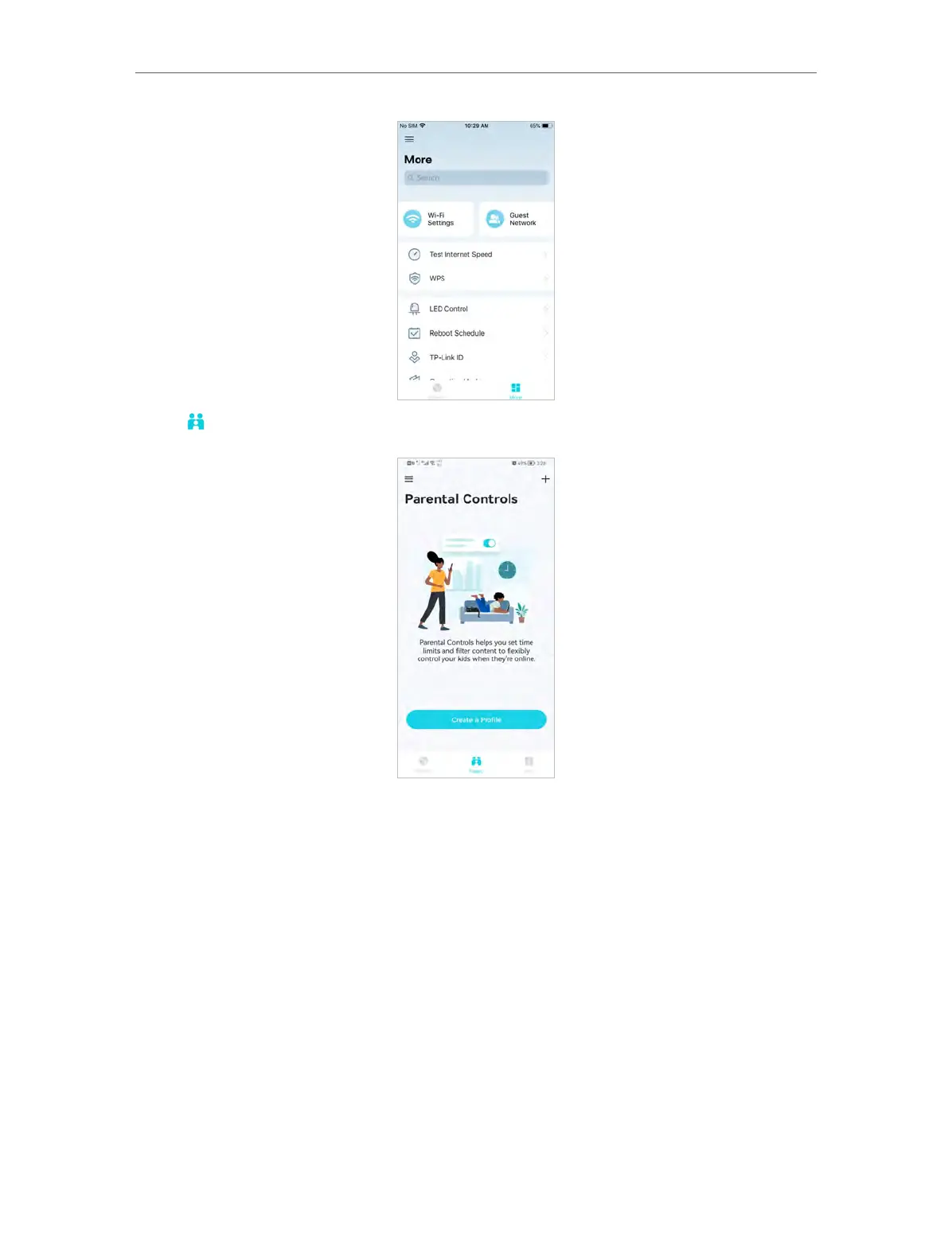
3. Tap to create family profiles (Router Mode).
5. 3. Add More Mesh Devices
After creating a mesh network, you can add more mesh devices to the network to
expand the Wi-Fi coverage and manage them easily on your Aginet app.
1. In Network, tap + > Add Agent. Then select the Mesh Device.














 To Next Page