79
Chapter 8
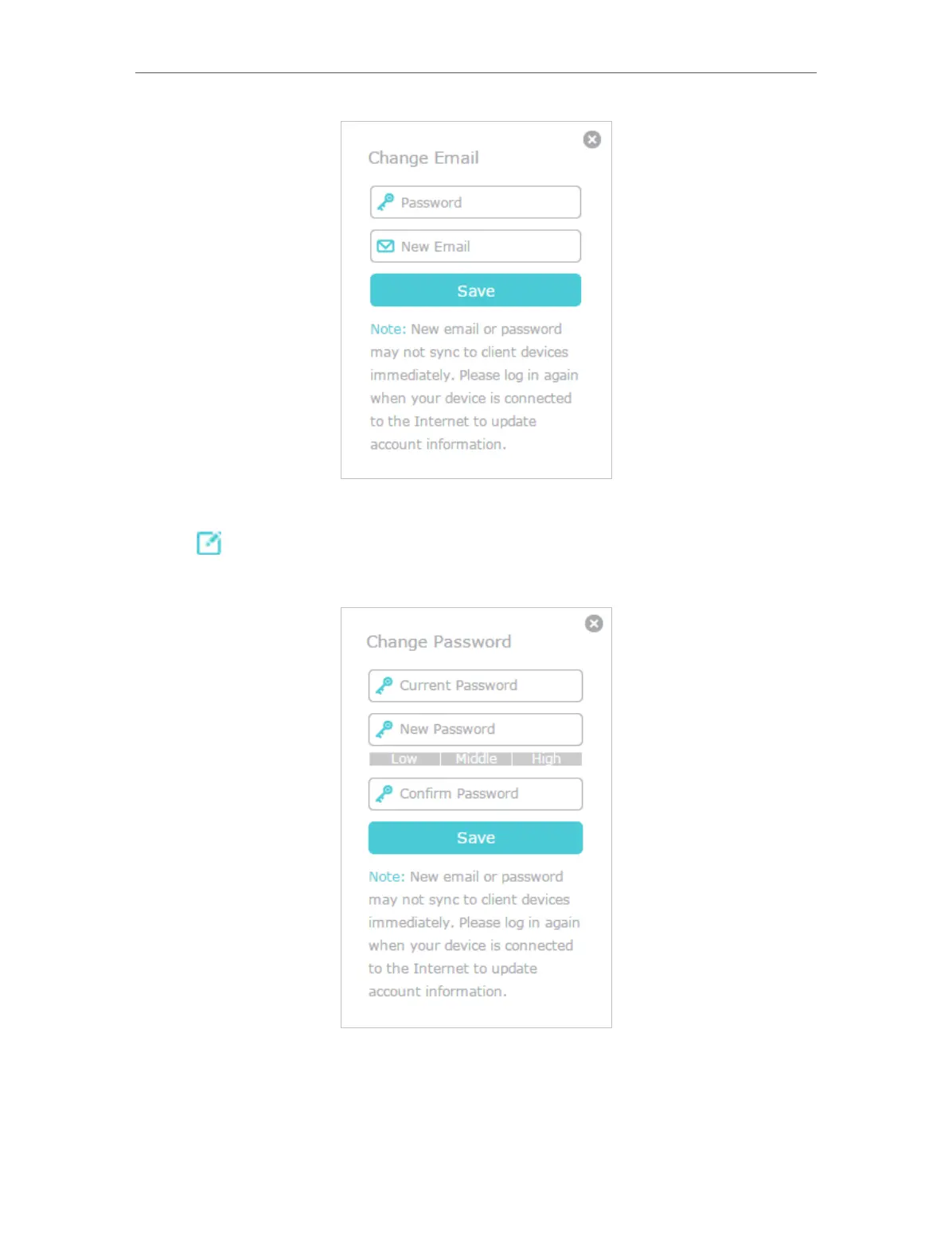
¾ To change your password:
1. Click
behind the Password.
2. Enter the current password, then a new password twice. And click Save.
8. 3. Manage the User TP-Link IDs
The TP-Link ID used to log in to the mesh device for the first time will be automatically
bound as the Admin account. An admin account can add or remove other TP-Link IDs














 To Next Page