153
Chapter 17
Manage Your Mesh Device
17. 8. System Log
System Log can help you know what happened to your mesh device, facilitating
you to locate the malfunctions. For example when your mesh device does not work
properly, you may need to save the system log and send it to the technical support for
troubleshooting.
1. Visit http://tplinkwifi.net and log in with the password you set for the mesh device.
2. Go to Setting > System Tools > System Log (AP Mode) or Advanced > System Tools
> System Log (Router Mode) page.
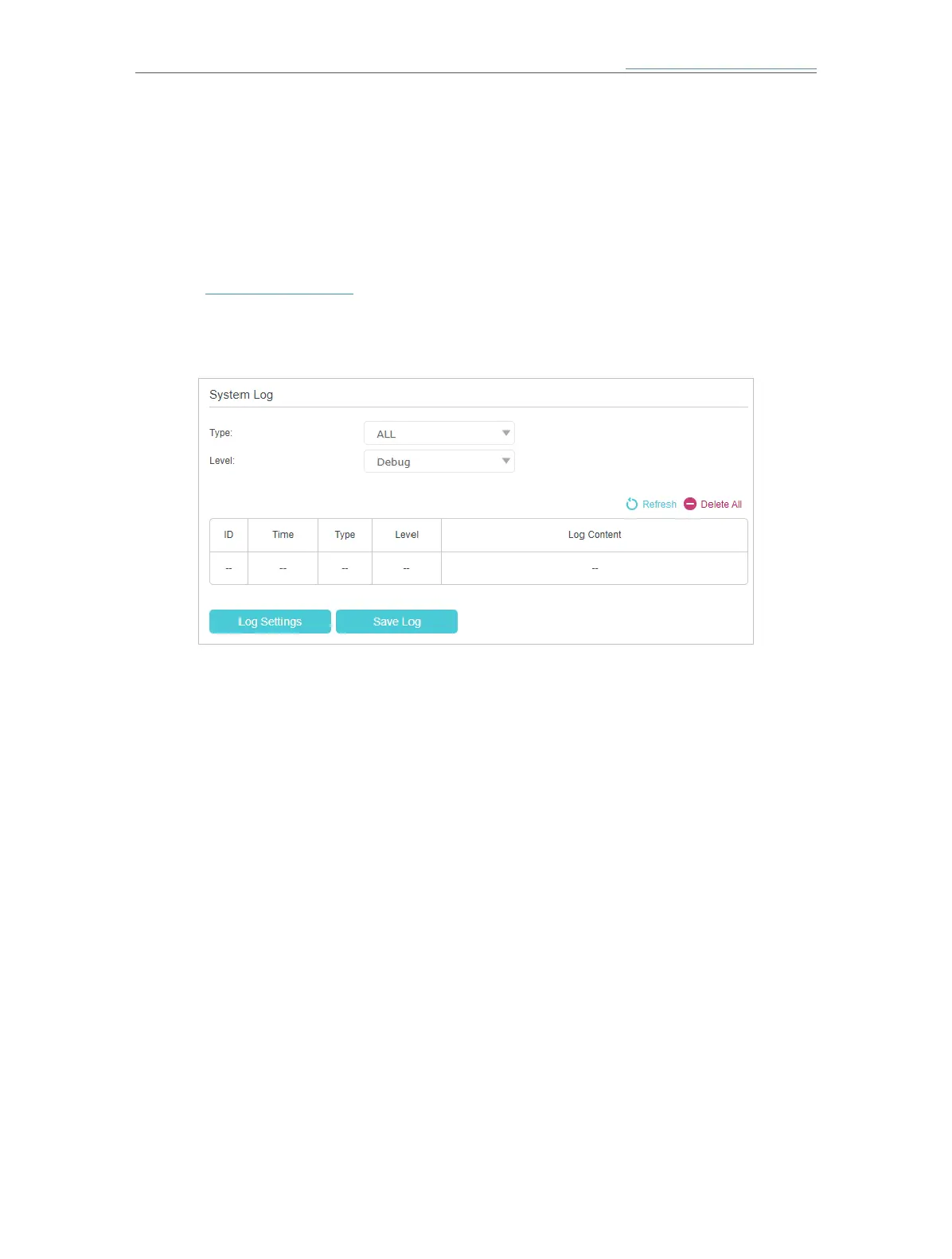
¾ To view the system logs:
You can view specific system logs by selecting the log type and level.
Click Refresh to refresh the log list.
¾ To save the system logs:
You can save the system logs to your local computer or a remote server.
Click Save Log to save the logs in a txt file to your computer.
Click Log Settings to set the storage path of logs.














 To Next Page