86
Chapter 9
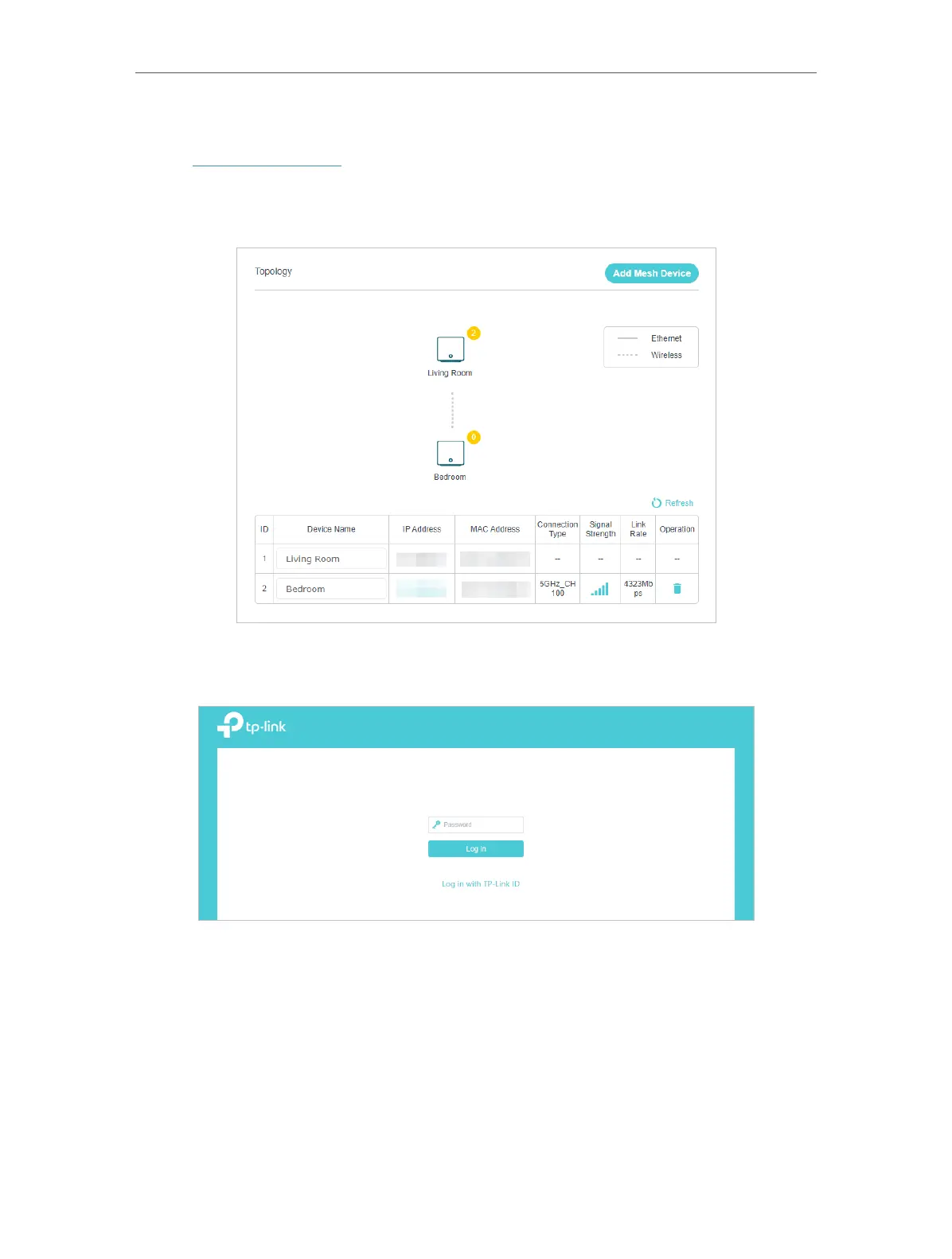
¾ To manage a EasyMesh device in the network:
1. Visit http://tplinkwifi.net and log in with your TP-Link ID or the password you set for
the mesh device.
2. Go to Setting > Network Map (AP Mode) or Basic > Network Map (Router Mode).
3. Click the Mesh device’s IP Address to redirect to the web management page of this
device and view detailed information.
4. Manage the EasyMesh device as needed. You can:
• Change device information.
• Delete this device from the EasyMesh network.














 To Next Page