109
Chapter 13
Parental Controls (Router Mode)
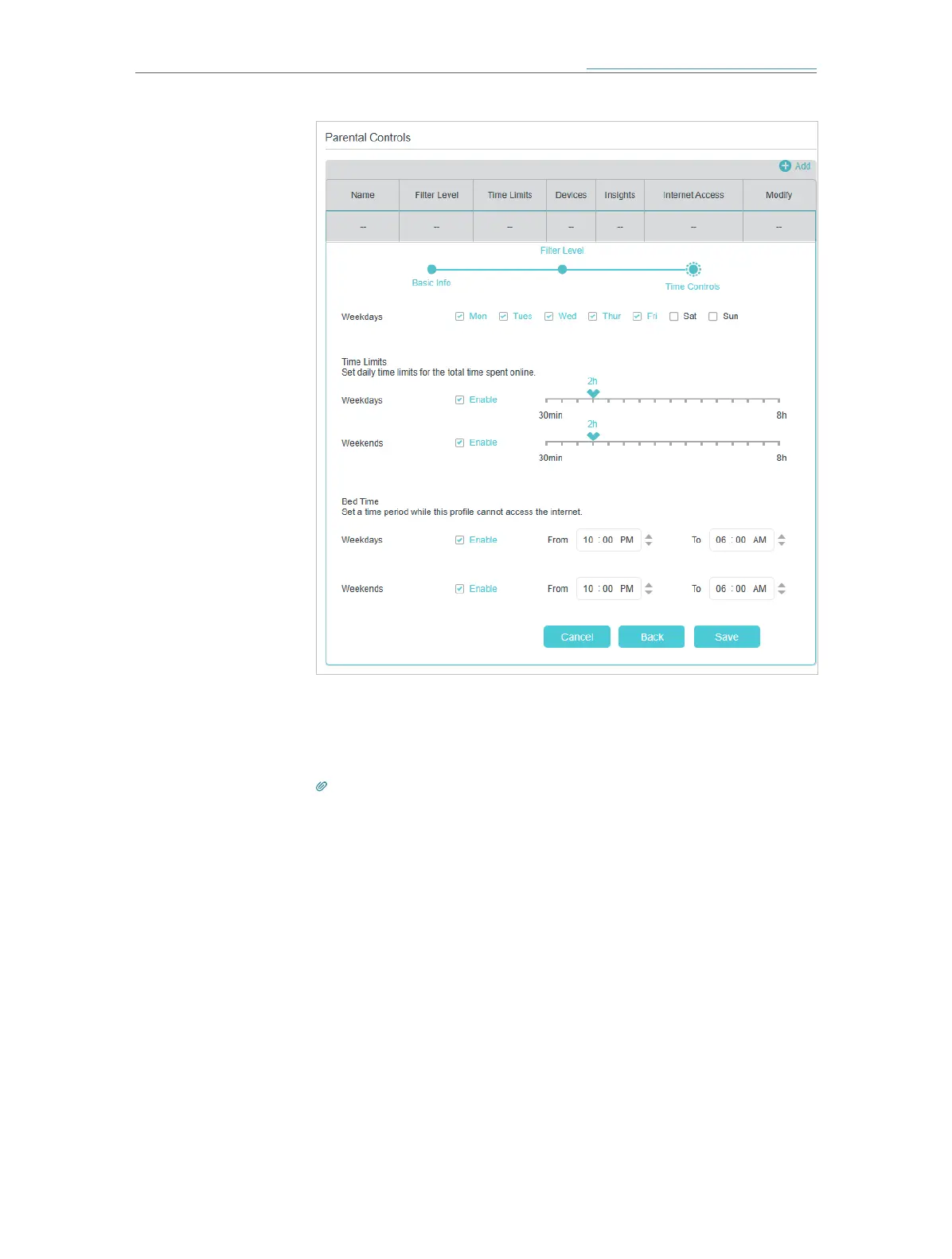
7. Click Save.
Now you can control your children’s internet access as needed.
Tips:
• To monitor internet usage of a family member:
1. Find the profile of the family member, then click the Insights icon.
2. On the Top 5 Visits page, select a day of the last 7 days to check the time
spent online and top visited websites. You can block the websites if needed.
3. On the Blocked History page, select a day of the last 7 days to check the
blocked website history. You can unblock websites if needed, and click
Unblocked Websites to view them.
Done!














 To Next Page