115
Chapter 14
Network Security (Router Mode)
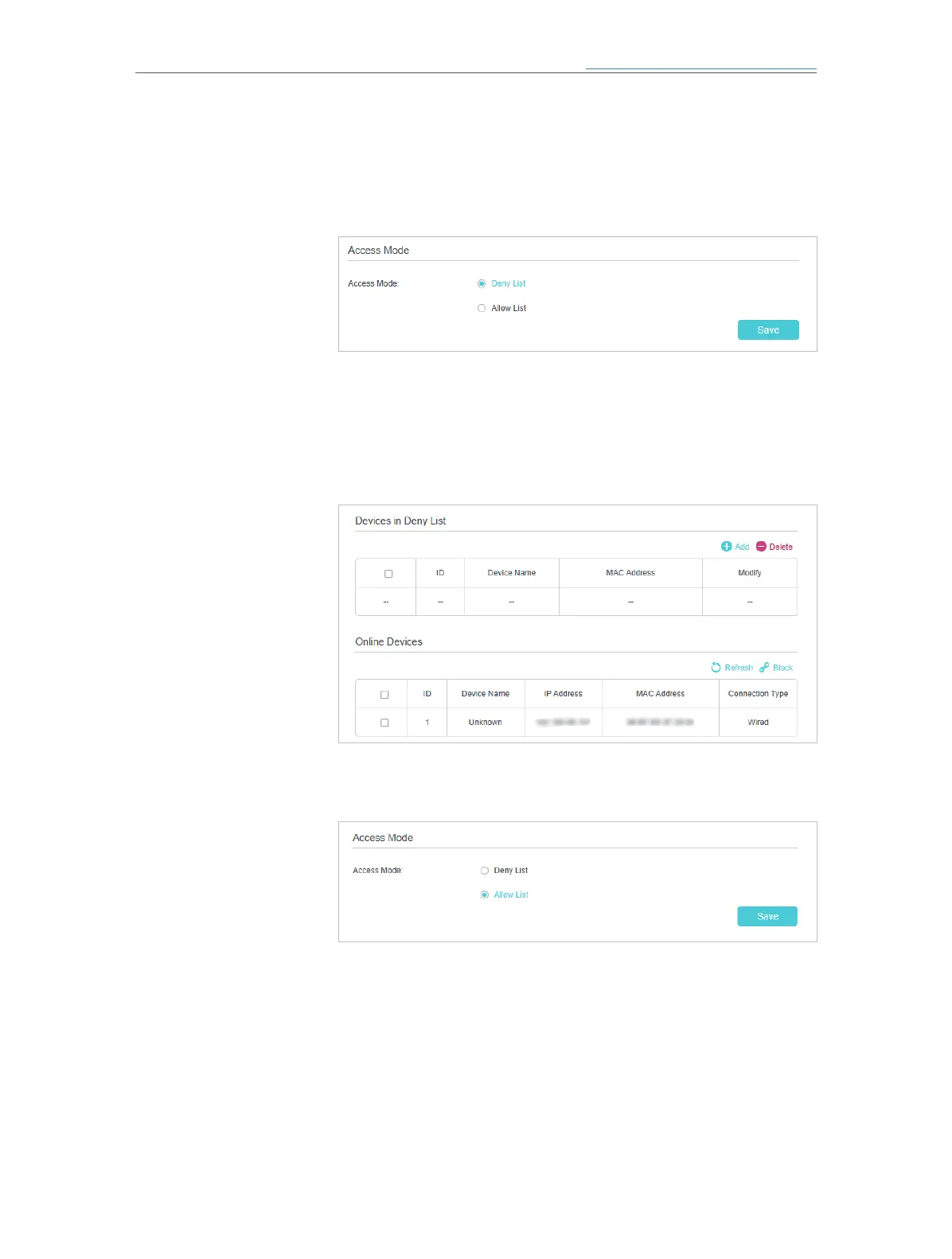
3. Select the access mode to either block (recommended) or
allow the device(s) to access your network.
To block specific device(s):
1 ) Select Deny List and click Save.
2 ) Select the device(s) to be blocked in the Online Devices
table (or click the Add under the Devices in Deny List and
enter the Device Name and MAC Address manually).
3 ) Click Block above the Online Devices table. The selected
devices will be added to Devices in Blacklist automatically.
To allow specific device(s):
1 ) Select Allow List and click Save.
2 ) Click Add in the Devices in Whitelist section.














 To Next Page