8
Chapter 2
Connect the Device
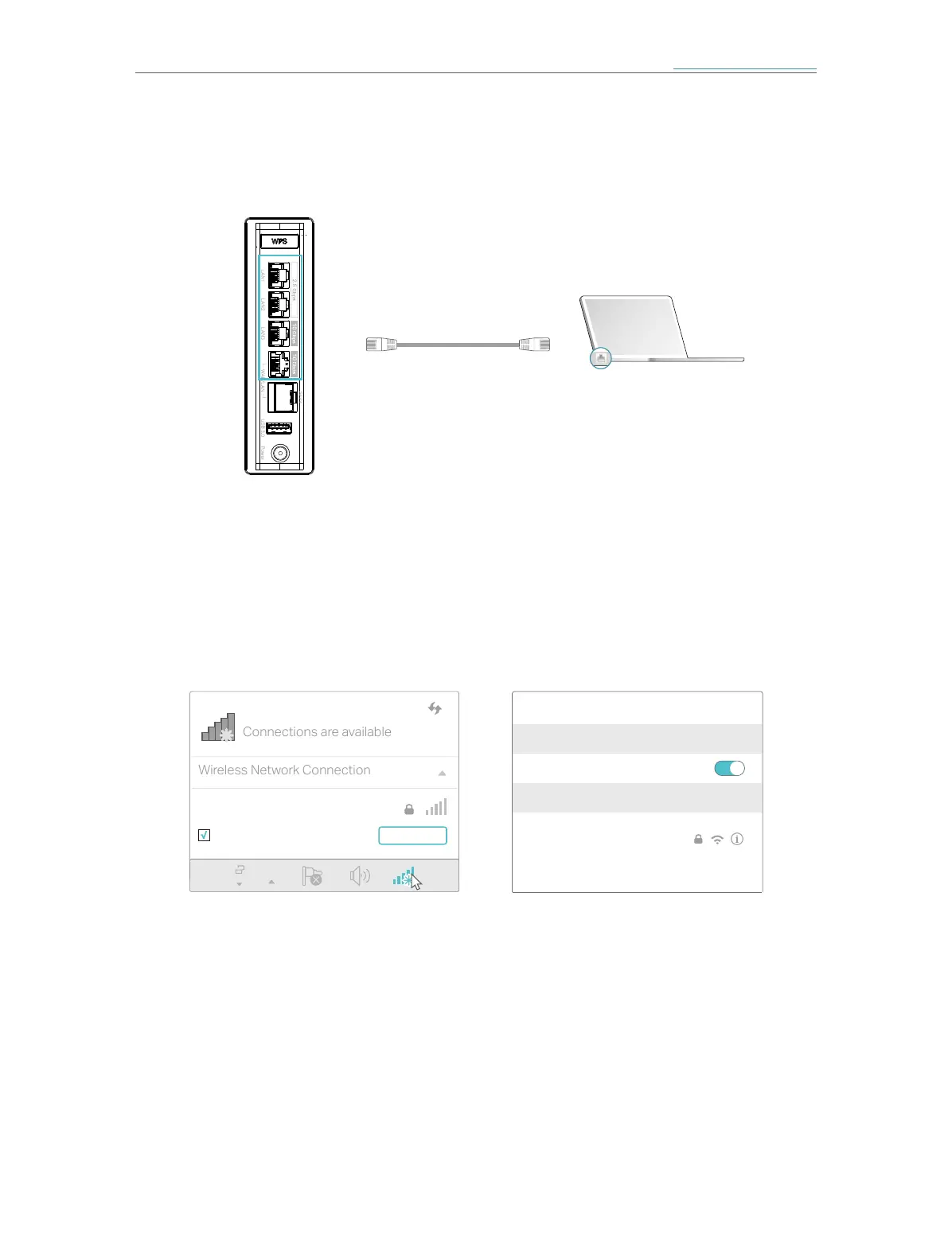
• Method 1: Wired
Turn off the Wi-Fi on your computer and connect the computer to the LAN port of
the AP using an Ethernet cable.
Ethernet cable
LAN
• Method 2: Wireless
1 ) Find the SSID (Network Name) and Wireless Password printed on the label at
the bottom of the AP.
2 ) Click the network icon of your computer or go to Wi-Fi Settings of your smart
device, and then select the SSID to join the network.
OR
Connections are available
Wireless Network Connection
TP-Link_XXXX
Connect automatically Connect
Wi-Fi
Wi-Fi
TP-Link_XXXX
CHOOSE A NETWORK...
Other...
< Settings
Smart DeviceComputer














 To Next Page