50
Chapter 5
Setup Your Network via TP-Link Aginet App
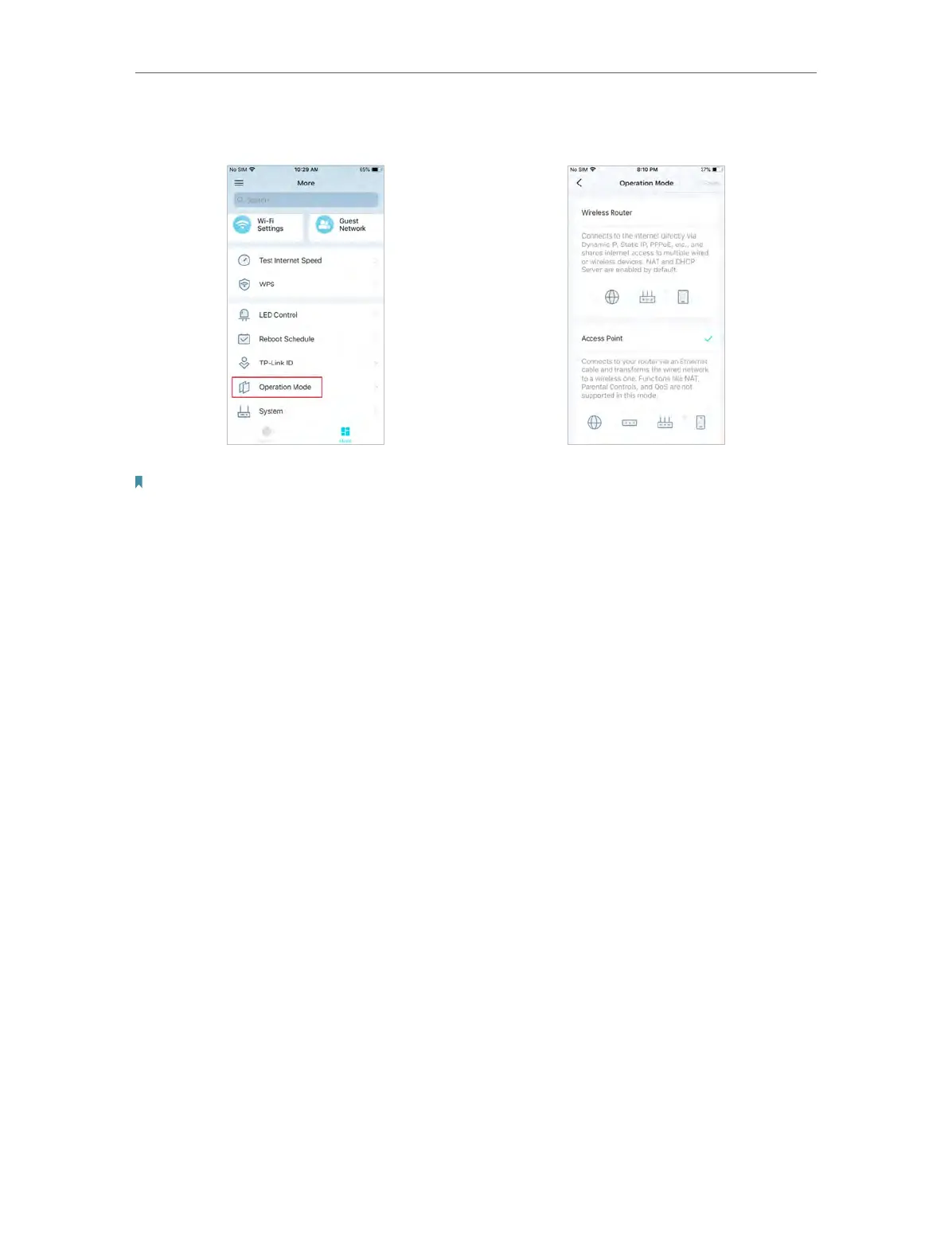
5. Change the Operation Mode as needed.
Note:
The device defaults to Access Point mode. After changing the operation mode to Wireless Router mode, the device will
work as a router and add functions such as Internet Connection, Parental Control, and Block List.














 To Next Page