60
Chapter 6
Customize Your Network Settings
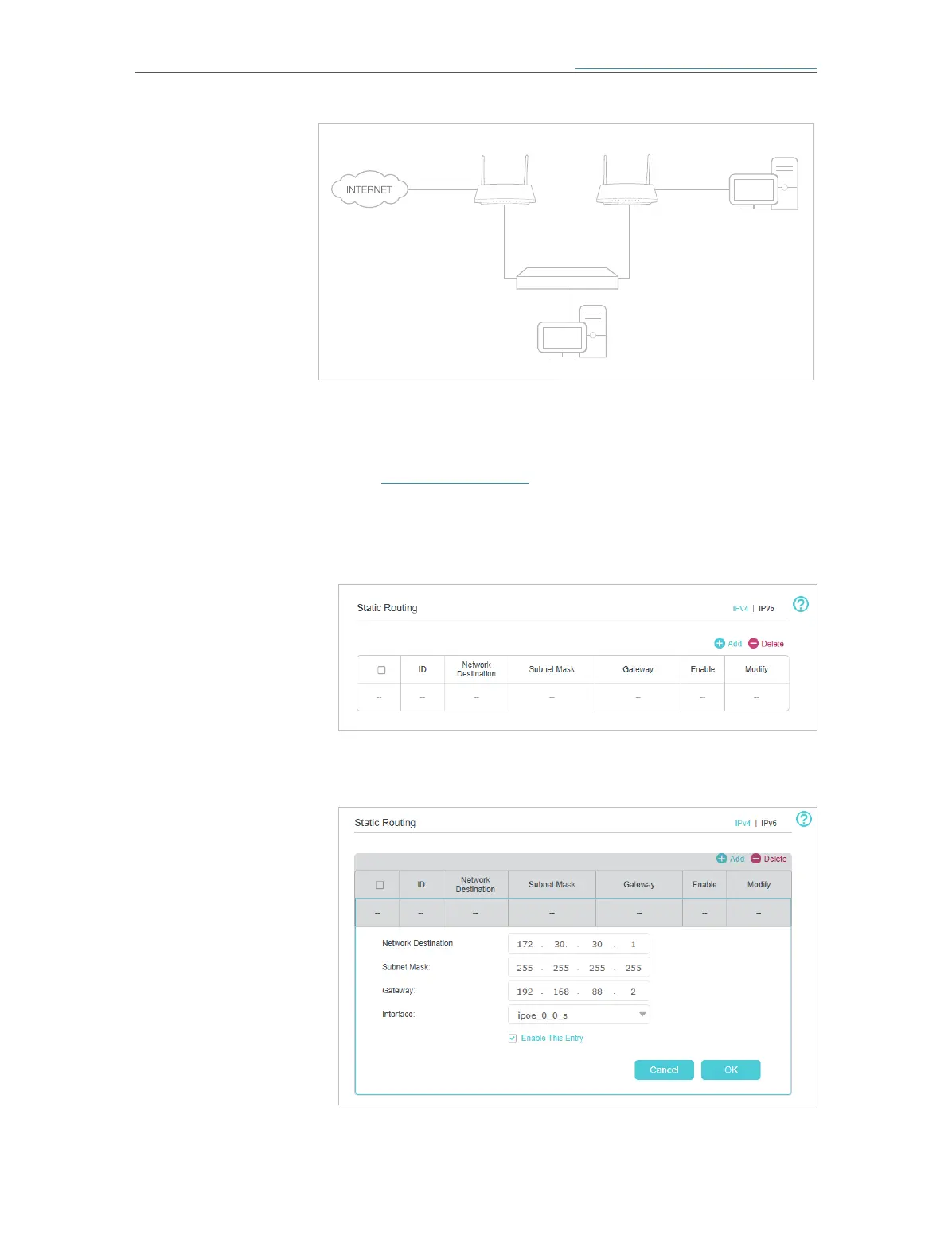
Company’s server
My PC
Router 2
router
Switch
LAN: 192.168.1.1
192.168.1.100
LAN: 192.168.1.2
WAN: 172.30.30.100
172.30.30.1
1. Make sure the mesh devices use different LAN IP addresses
on the same subnet. Disable Mesh Device B’s DHCP function.
2. Visit http://tplinkwifi.net and log in with the password you set
for the Mesh Device A.
3. Go to Advanced > Network > Static Routing. Select your
current WAN Interface and click Save.
4. Click Add to add a new static routing entry. Finish the settings
according to the following explanations:
• Network Destination: The destination IP address that you want
to assign to a static route. This IP address cannot be on the
How can I
do that?














 To Next Page