THE HORIZON MAIN MENU
23
THE HORIZON MAIN MENU
The Horizon interface contains many menus, sub-menus and menu
options. This chapter explains how to handle the menu structure and
how to get the most out of your Horizon media experience.
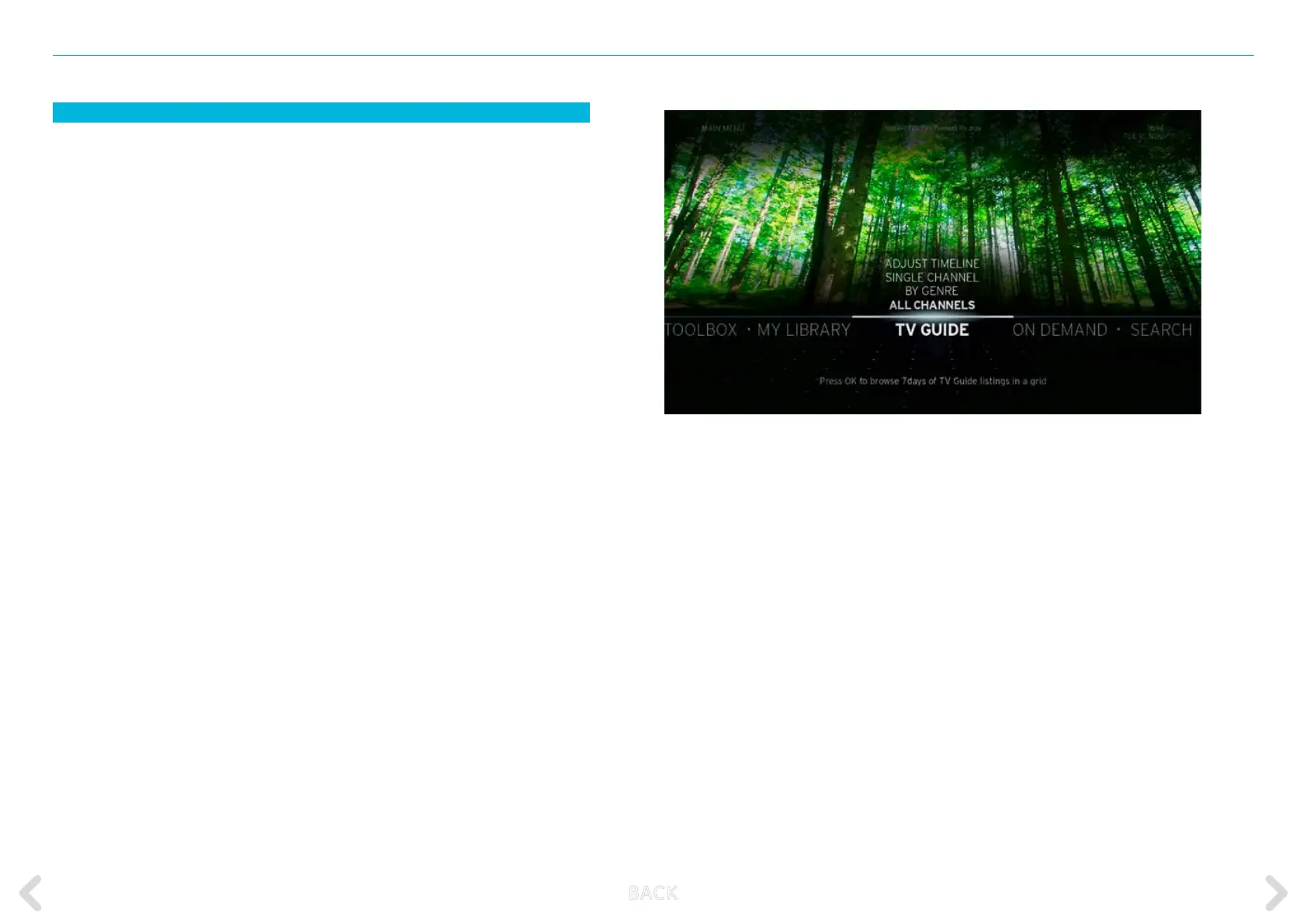
You will nd all functions of the Horizon box in the MAIN MENU. There
are seven MAIN MENU options in the MAIN MENU. These options are:
CHANNELS, TV GUIDE, SUGGESTED, SEARCH, TOOLBOX, ON DEMAND
and MY LIBRARY.
The MAIN MENU is always displayed when you turn the Horizon box
on from a standby mode, or after pressing the MENU key on the
remote control. In the MAIN MENU, the TV GUIDE menu option is
always highlighted.
When you turn the Horizon box on, the channel shown behind
the MAIN MENU will be the last channel you were viewing before the
Horizon box was turned o, or your favourite channel.
Pressing the MENU key on the remote control will return you to the
MAIN MENU screen from any screen. Pressing the BACK key on the
remote control switches from the MAIN MENU to the TV screen display.
The main menu is automatically faded out after 10 seconds.
B ACK



 To Next Page