THE HORIZON MAIN MENU
59
PERSONAL SETTINGS
The settings grouped under PERSONAL SETTINGS enable you to person-
alise your user experience with the Horizon box.
ORGANISE FAVOURITES
This option enables you to organise your favourites. The order you
choose is the order in which the channels will appear when switching
channels.
To reorganise the list of channels:
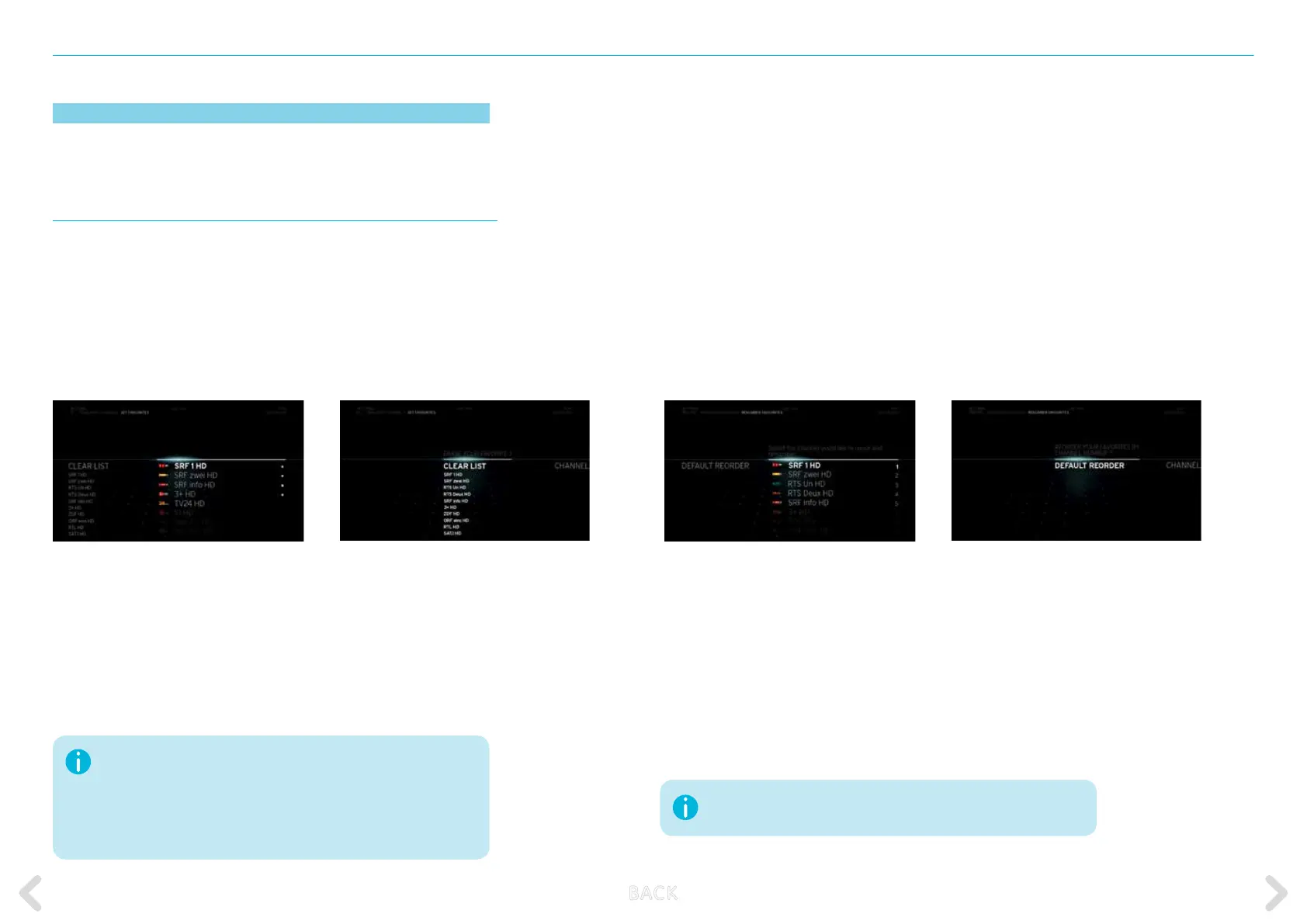
– Select FAVOURITES followed by ORGANISE FAVOURITES.
– Browse through the list and select the channel you want to move
using the OK key.
– Move the channel to another position using the UP or DOWN key.
Conrm by pressing the OK key.
– When you quit REORDER FAVOURITES, all changes
will automatically be saved.
– If you want to reset the order that you have just changed,
select RESET
FAVOURITES
These options enable you to create a list of your favourites.
SET FAVOURITES
This option enables you to set your list of favourites. These channels appear
at the top of the default channel list. You will recognise your favourites
when channel hopping by means of a star beside the channel logo.
To compile a list of favourites:
– Select FAVOURITES followed by SET FAVOURITES.
– Browse through the available channels and select any you want using
the OK key. Once a channel is selected, a ★ symbol appears beside
its name.
– When you quit SET FAVOURITES, all changes will automatically
be saved.
– You can remove your favourites list by selecting DELETE LIST.
The new “Favourites” mode can be activated in the action menu and only
displays the favourite channels in the channel list and the TV Guide. Only
the channels in the list of favourites can be watched.
The numbering of your favourite channels has been changed. In “Favouri-
tes” mode, channel numbers are now displayed as they appear in the list of
favourites.
If you change the order of your favourite channels,
the channel number therefore also changes in favourites mode.
B ACK



 To Next Page