THE HORIZON MAIN MENU
49
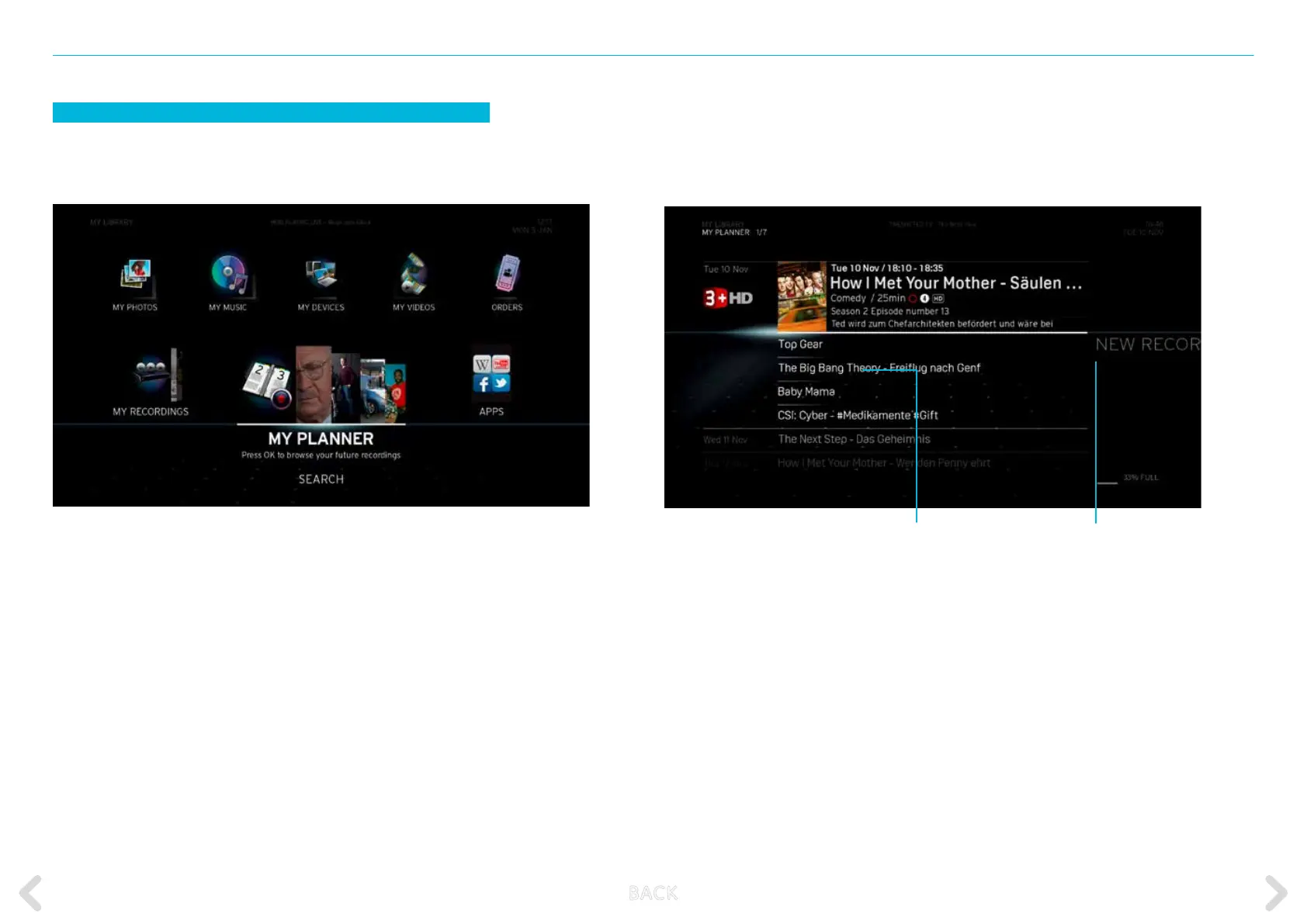
MY PLANNER
MY PLANNER contains a list of all programmed recordings. You can also
set up new manual recordings or modify and delete future events.
The MY PLANNER screen displays an overview of all programmed
recordings. In addition, it enables you to programme a new recording
manually by selecting the NEW option. The default order of the dis-
played items is by date (from earliest to latest). Within any single date,
the items are sorted by start time.
Set new recording manually
List of scheduled recordings
B ACK



 To Next Page