THE HORIZON MAIN MENU
36
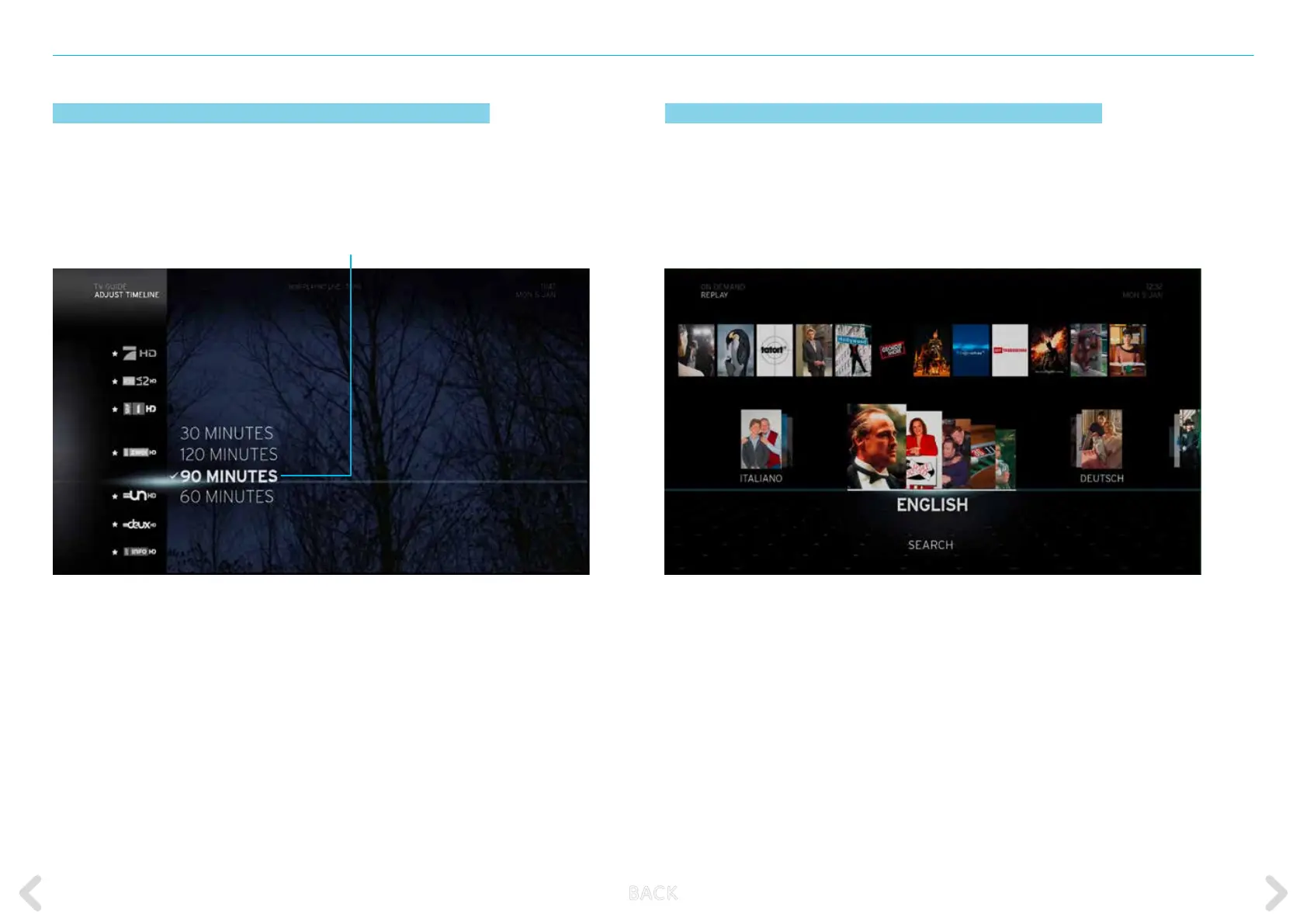
ADJUSTING THE TIMELINE
This option enables you to change the schedule timeline of the
ALL CHANNELS screen. The time window can be set to 30, 60, 90 and
120 minutes. Press OK on the remote control to access this item.
Select one of the time intervals and press OK on the remote control to activate.
The 30 min option will display 30 minutes in total with two intervals of 15 minutes each.
The 60 min option will display 60 minutes in total with two intervals of 30 minutes each.
The 90 min option will display 90 minutes in total with three intervals of 30 minutes each.
The 120 min option will display 120 minutes in total with four intervals of 30 minutes each.
Time window options
REPLAY
With Replay, you can enjoy time-shift television from the last 30 hours
on some 75 channels – free and in the very best quality.
Simply go back through the TV guide and play it again.
The function is available to all subscribers to our Comfort and Classic channel packages.
If you wish to subscribe to Replay, simply consult upc.ch.ch/myupc and log in
to your account. Alternatively, you can call 0800 66 88 66.
B ACK



 To Next Page