APPENDICES
76
ACCESSING THE WEB INTERFACE OF YOUR
HORIZON ROUTER
The integrated WLAN router in the Horizon box operates independently
and can be accessed from a computer. Follow these steps to access
the Web Admin interface of the Horizon router:
1. Connect your computer to the rear of the Horizon box using an
Ethernet cable
2. Open a web browser and type in the following address:
http://192.168.192.1
3. Enter “admin” as both the username and password
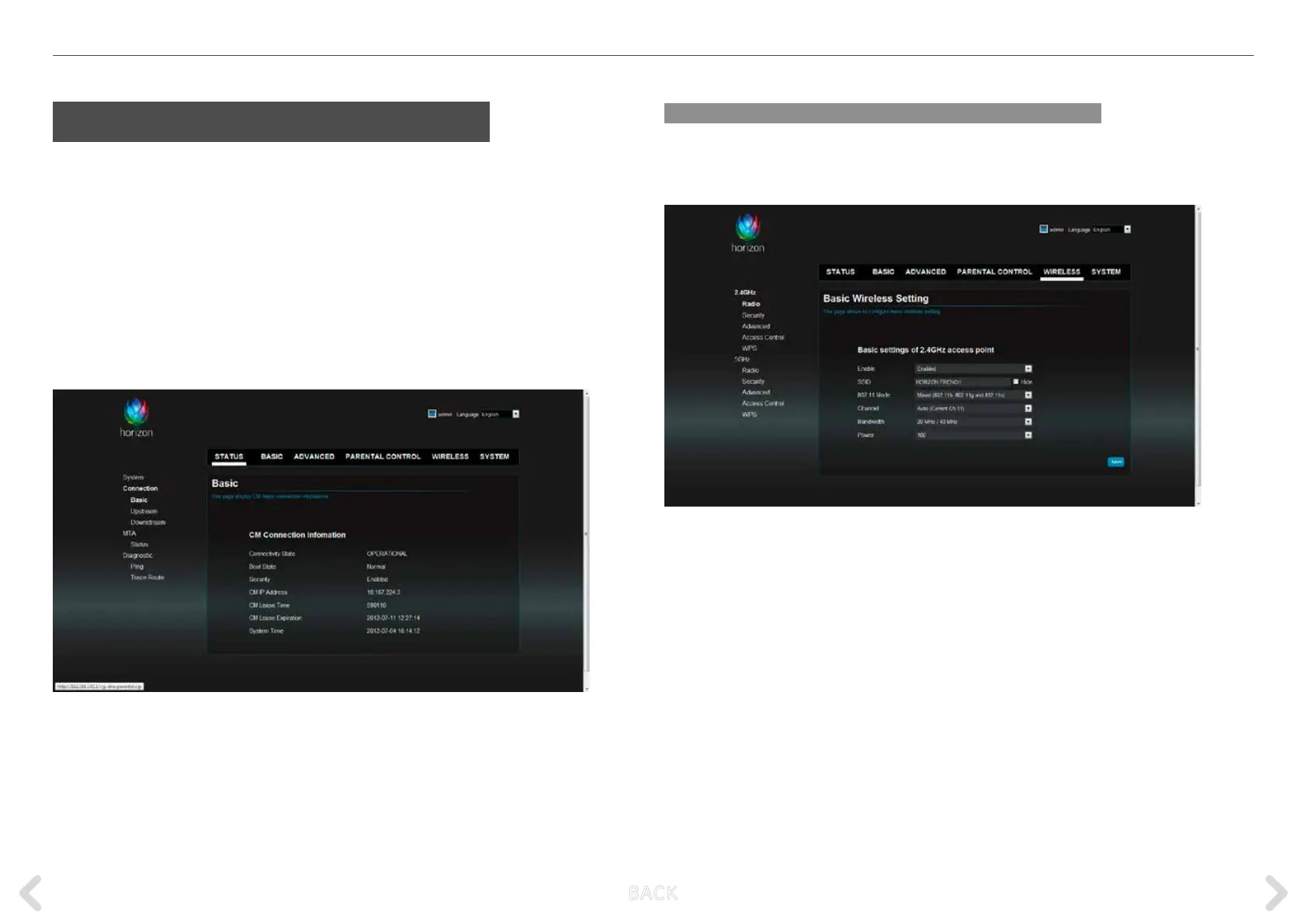
The Horizon Web Admin interface is displayed in your web browser.
Checking WLAN settings
To check the basic settings of the WLAN network select Wireless >
2.4GHz > Radio.
This screen shows the SSID and the channel in use.
B ACK



 To Next Page