MISCELLANEOUS
65
Disk space management conflicts
The disk space management conict screen is displayed when you have
started or programmed a recording of a programme and the Horizon
box determines that there is insucient disk space to complete the
recording. When this conict screen appears, it is displayed because of
the disk space management settings you have congured in TOOLBOX –
RECORDINGS AND REMINDERS
.
Conflicts while recording
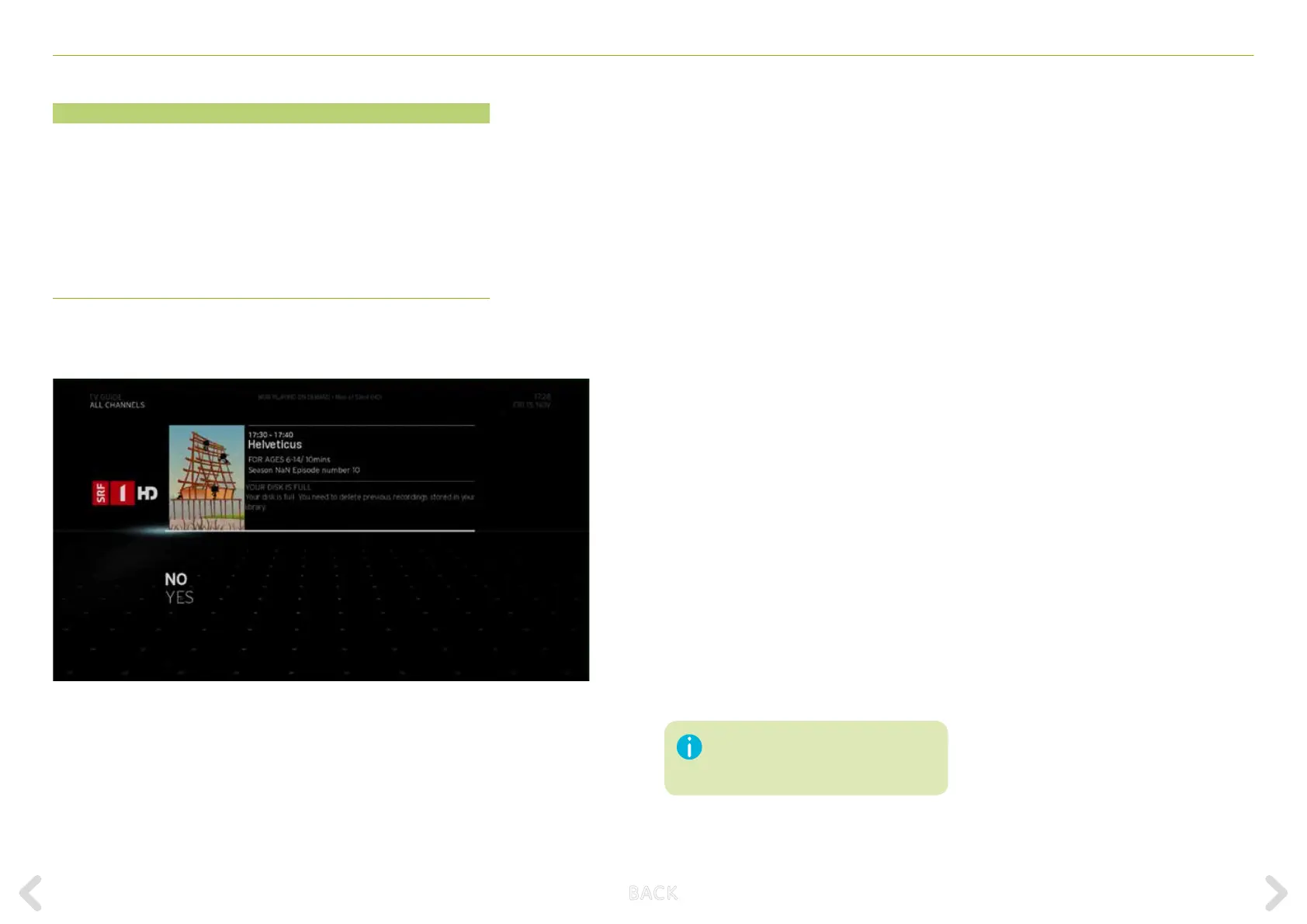
When there is a recording in progress and the disk is full, the following
screen appears:
Based on the priority of the recordings, the system displays two die-
rent messages. The following message is displayed if there are non-
protected (low priority) recordings on the disk:
Your disk is full. Would you like to automatically delete
previous recordings?
In this case, you are asked to accept or reject the deletion of low
priority recordings from the disk to continue the recording. You have
two choices:
– To keep the low priority recordings, select the NO option and press
OK. The Horizon box will not delete the recordings with low priority
and recording of the current current item is stopped.
– To delete low priority recordings, select the YES option and press OK.
The Horizon box will delete recordings with low priority and the
current programmed recording will continue.
The following message is displayed if protected (high priority) recordings
are on the disk:
Your disk is full. You need to delete previous recordings stored
in your library.
In this case, you are asked to accept or reject the deletion of high
priority recordings from the disk to continue the recording. You have
two choices:
– To keep the high priority recordings, select the NO option and press
OK. The Horizon box will not delete the recordings with high priority
and recording of the current item is stopped.
– To delete the high priority recordings, select the YES option and
press OK. The Horizon box will delete recordings with high priority
and the current programmed recording will continue.
This screen has a 180-second timeout for
your decision. If the timeout expires, the
default action (NO option) will be applied.
B ACK



 To Next Page