MISCELLANEOUS
64
MANUALLY
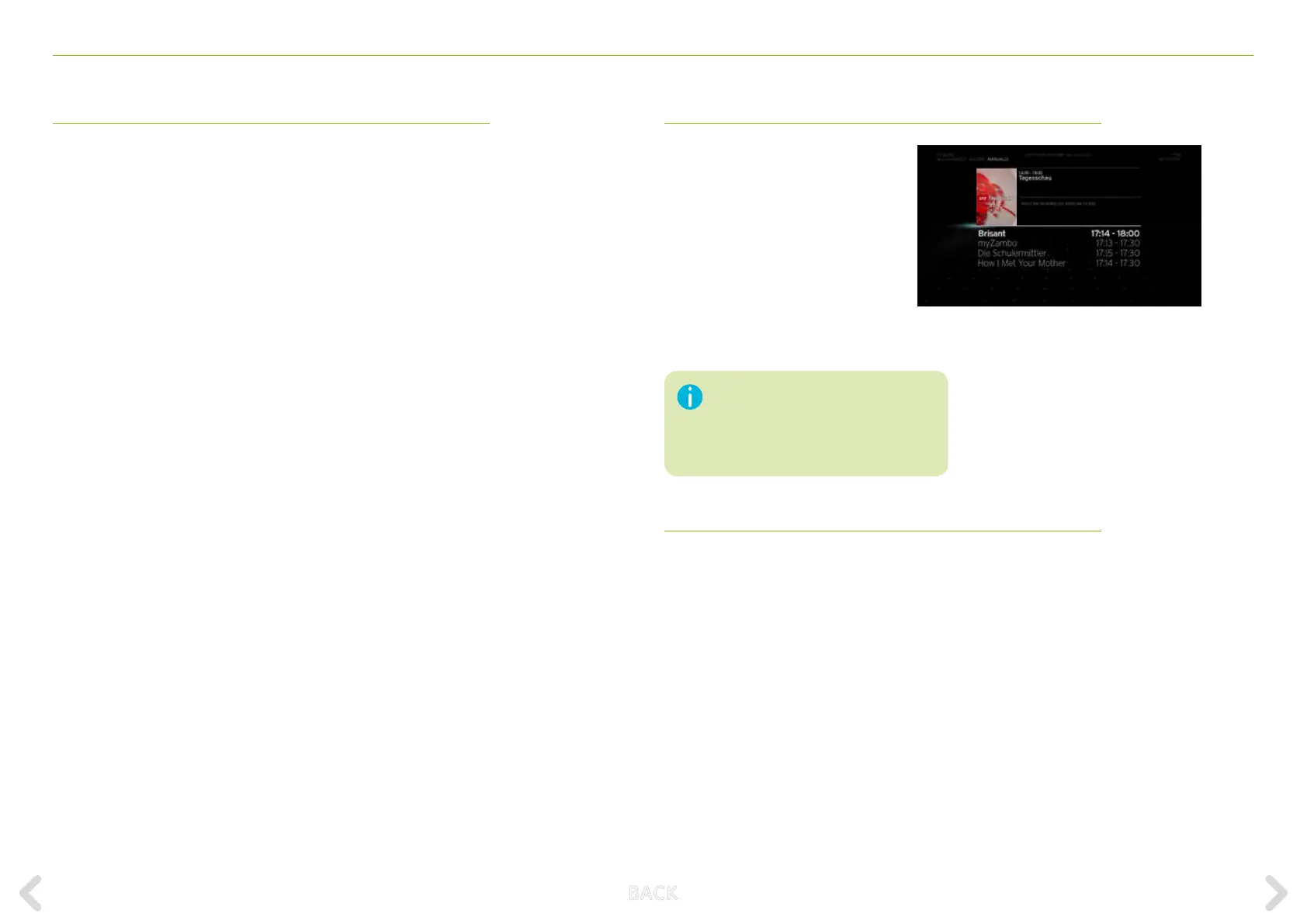
If you select the MANUALLY option
and press OK, a list of programmes to
be recorded appears (listed from the
earliest to the most recent).
You can now select the single/mul-
tiple programmes that you want to
cancel to resolve the conict. Until
the conict is resolved, the next item
to be cancelled remains highlighted.
If the conict is resolved, this screen
disappears automatically.
CANCEL RECORDING
The option CANCEL RECORDING cancels the newest item to be
programmed and returns to full screen TV.
There is a timeout of 120 seconds on
this screen. If the timeout elapses and
you have not selected how to solve the
conict, the new recording you set is
automatically cancelled.
AUTOMATICALLY
If you select the AUTOMATICALLY option, the Horizon box decides how
to resolve the conict at the actual time of the conict.
The Horizon box assigns each of the programmed recordings a priority
level, with protected recordings having the highest priority and record-
ings that were programmed earlier the lowest priority. Live TV has
priority over all programmed recordings.
When a conict is imminent, the Horizon box will stop recording the
item with the lowest priority and start recording the item with the
higher priority.
If the higher priority item is completed before the lower prioritised
programmed item time is over, the Horizon box will resume recording
the lower priority item.
B ACK



 To Next Page