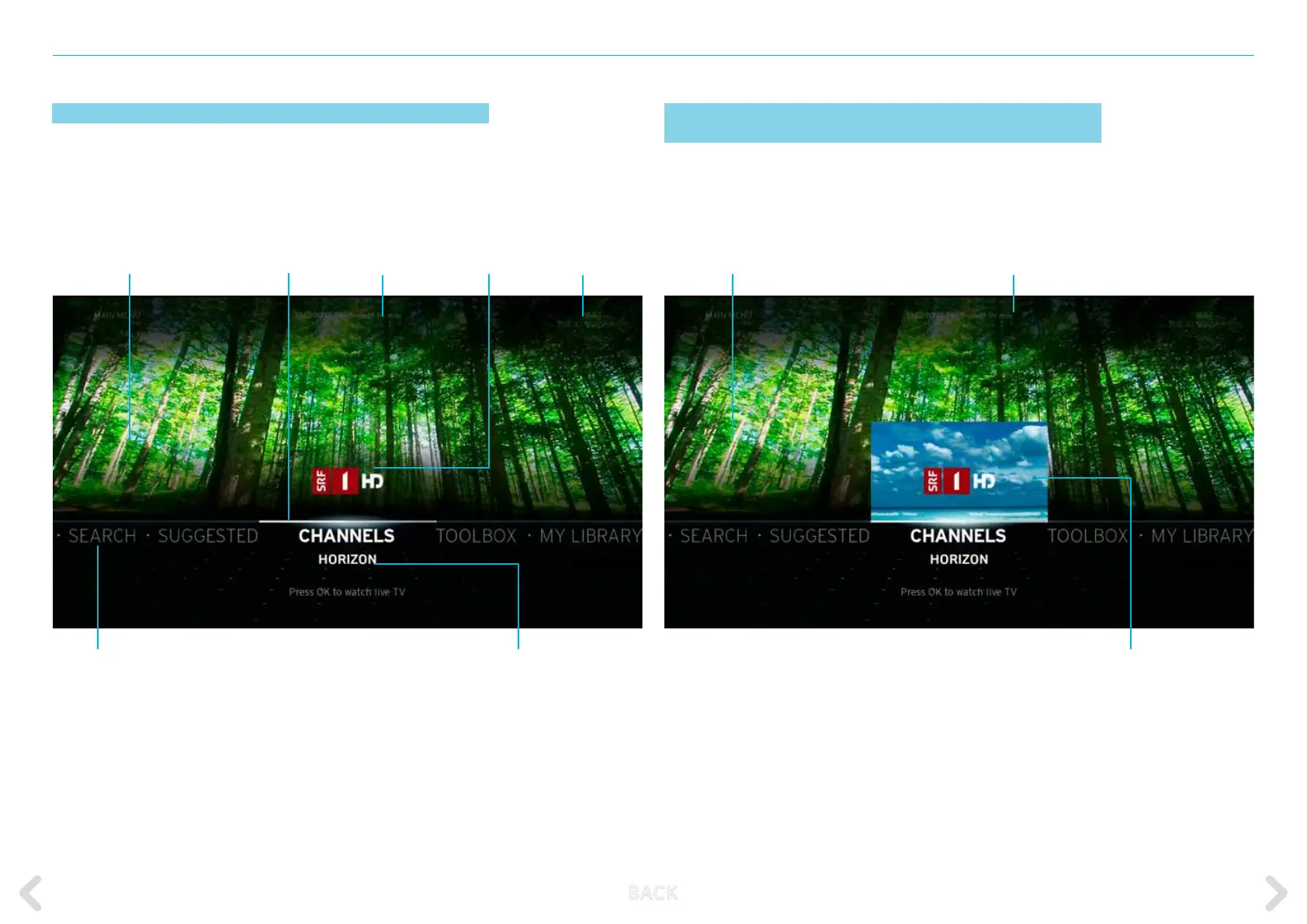
THE HORIZON MAIN MENU
25
MAIN MENU after switching on the Horizon box
While watching TV, a NOW PLAYING status message appears that
indicates if the broadcast is ON DEMAND, DVR, TIMESHIFTED TV or
LIVE TV. The status message includes the title of the broadcast that is
currently playing.
Channel logo
Programme title Current programme on last channel
watched (picture in picture)
Current time & dateCurrent channel
Current video or
recording playing
Programme
progress bar
Name of the
current programme
Main menu items
MAIN MENU after pressing the MENU KEY during video
playback or during timeshifted playback
You can browse the MAIN MENU options by using the LEFT and RIGHT
keys on the remote control. Press the OK key on CHANNELS in
the MAIN MENU to access the programme in the picture-in-picture
display. Pressing all other MAIN MENU options takes you to the
corresponding sub-menus.
Name of video or recording
playing (full screen)
B ACK



 To Next Page